Everything you need to wireframe, prototype, and decide what to build.
Trusted by top teams





From rough idea to validated design, without switching tools.
Most teams stitch together a whiteboard, a doc, a design tool, and a prototyping app. Balsamiq is all four steps in one place, fast enough to keep up with the conversation.
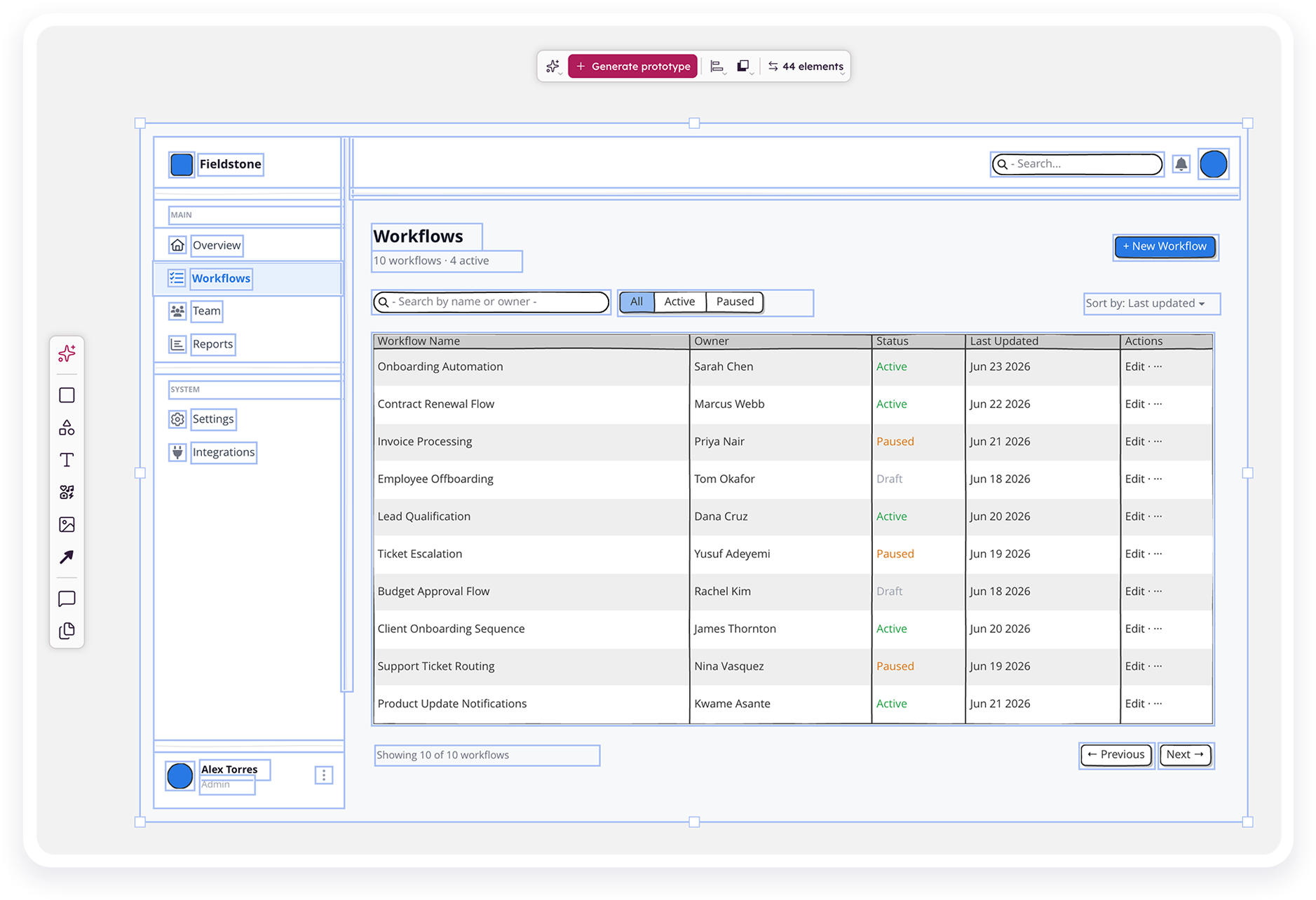
Wireframes
Drag from the component library or describe a screen to Balsamiq AI. You get an editable, intentionally low‑fi wireframe in seconds, so the team debates the idea, not the pixels.
Explore wireframing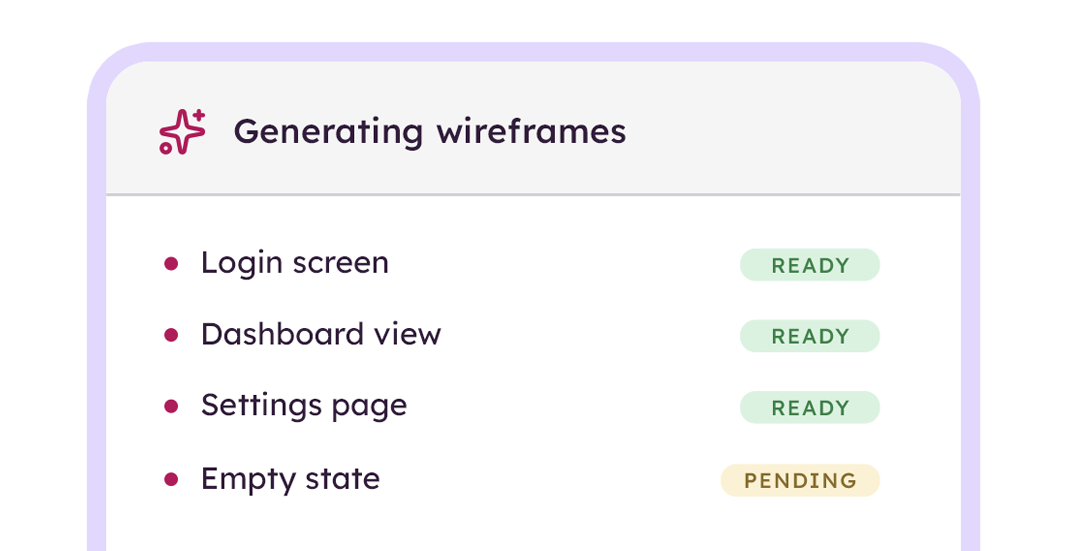
Prototypes
Select your screens and generate a clickable prototype in about a minute. Real enough to test with users, rough enough to change your mind without throwing away code.
Explore prototyping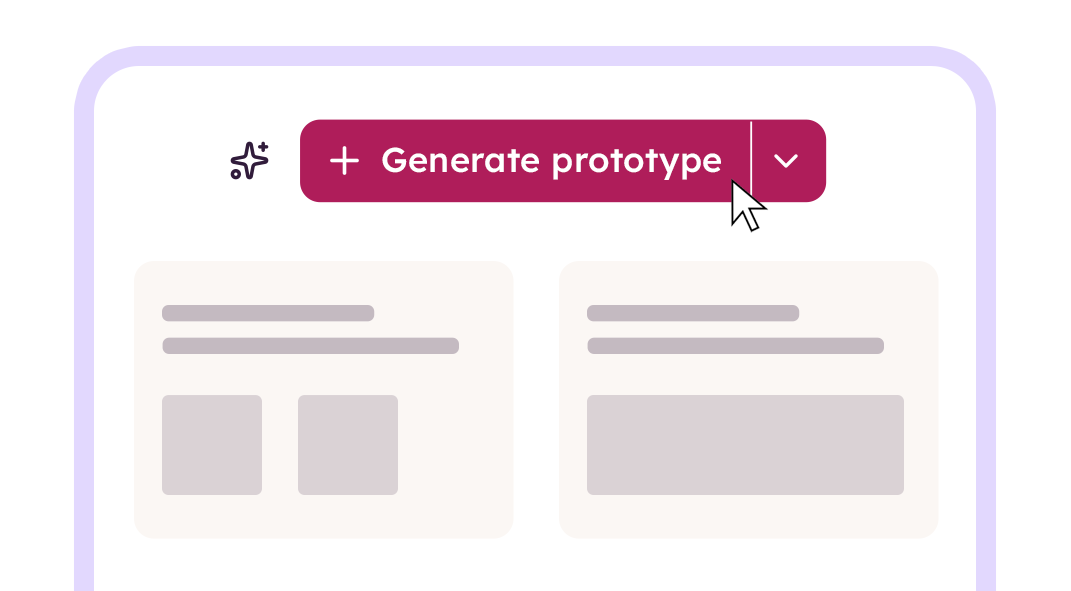
Balsamiq AI
Drop in a screenshot, a hand‑drawn sketch, or a sentence. Balsamiq AI drafts the wireframe and edits on command, so you skip the blank board and start reacting to something real.
Explore Balsamiq AI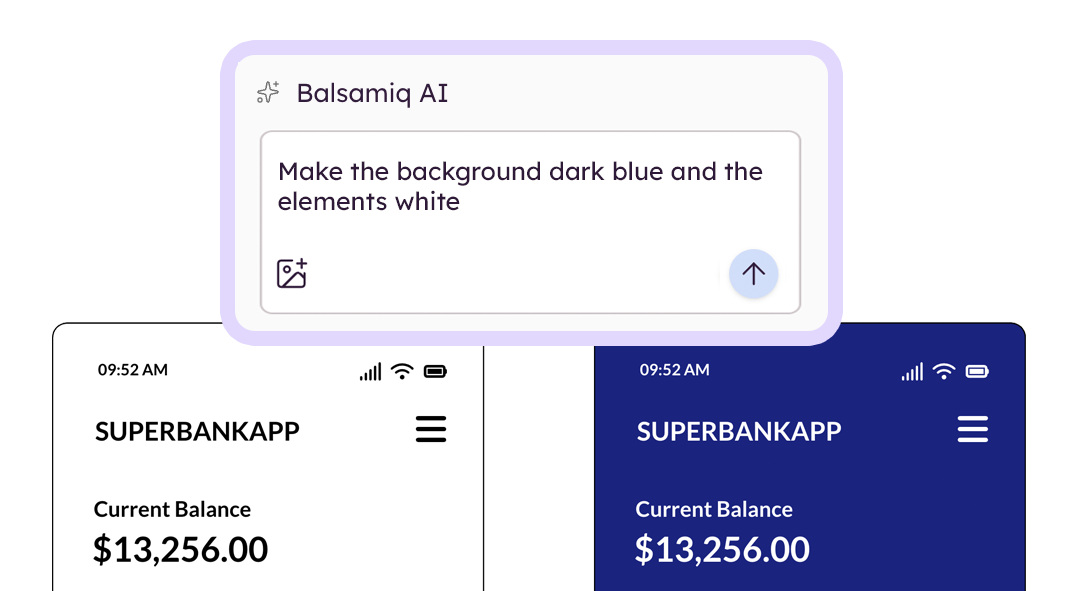
Align & hand off
Share a link, collect comments and reactions right on the board, then embed in Jira, Confluence, Notion, or pipe it to your AI coding tool through the MCP server.
See how handoff works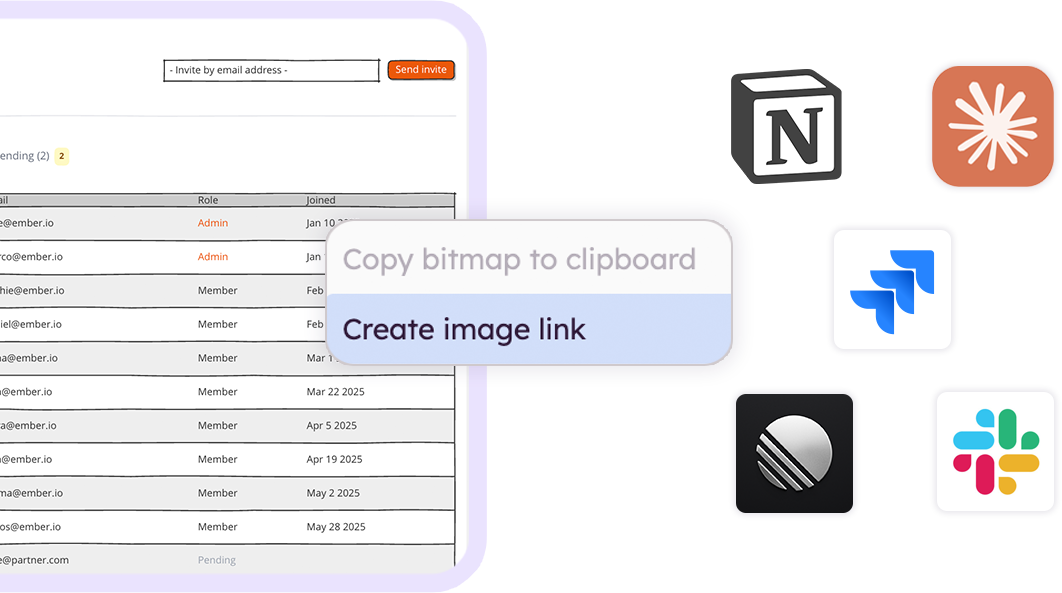
Also included
The smartest teams start with Balsamiq.
Anyone can wireframe in minutes. PMs, engineers, founders, even the big‑picture execs.
Misalignment surfaces in a wireframe review, not three sprints into the build.
Stakeholders get it at a glance. Faster sign‑off means less waiting and more shipping.
Start rough. Get aligned. Hand off clean.
This is the loop Balsamiq is built around. Three moves, one board, no tool‑switching tax.
Draft the screen.
Describe it to Balsamiq AI, drop in a screenshot, or pull from the component library. You're looking at an editable wireframe before the meeting ends.
Make it clickable.
Generate a prototype from the same board in one click. Share a link, watch people click through, and find out if the flow makes sense before anyone writes code.
Hand it off.
Drop the board link in your tool of choice, connect it to Claude, Codex, or Cursor, or export to PNG, PDF, or HTML. The design you validated is the design that gets built.
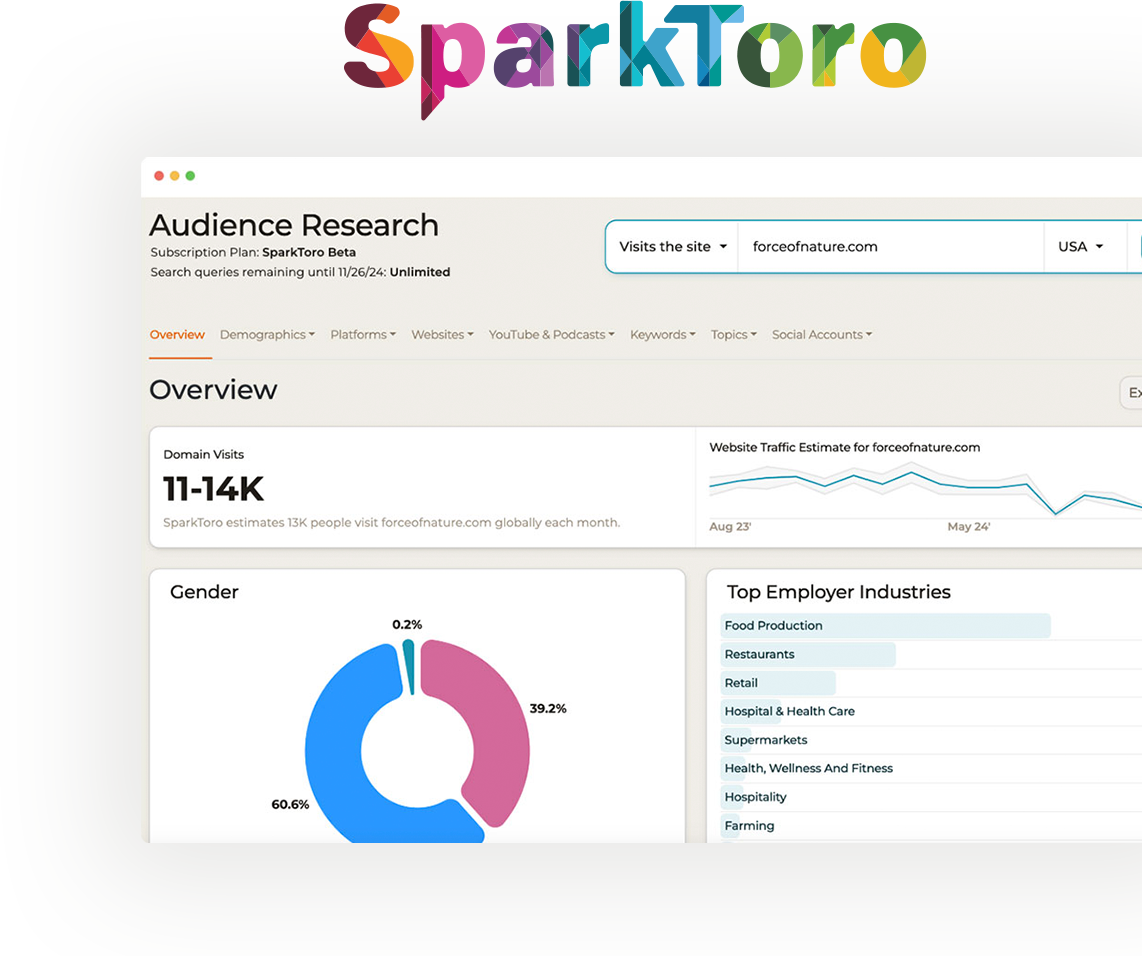
Whatever you're building, this is where it starts.
A brand-new idea or the next version of something live. Customer-facing or internal. If it has a screen, you can think it through in Balsamiq first.
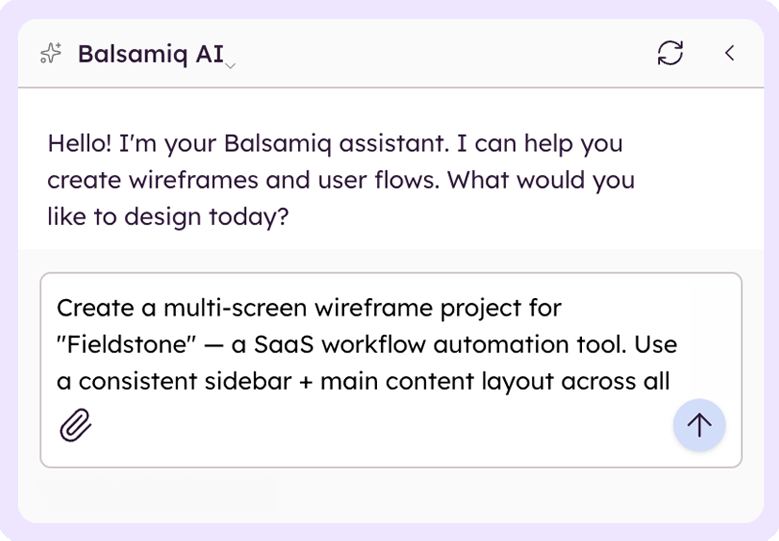
A new idea
Start from a blank board.
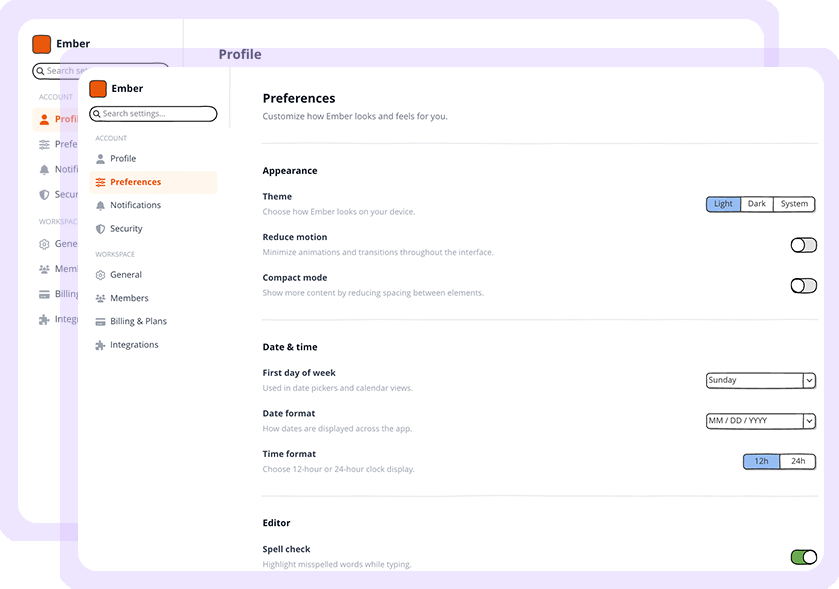
An existing product
Wireframe the next flow.
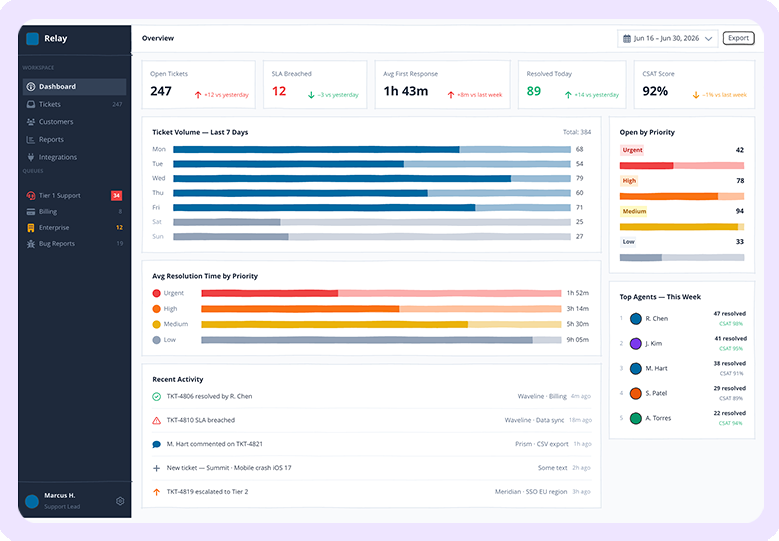
An internal tool
The dashboard your team relies on.
Your board becomes the prompt.
Balsamiq's MCP server connects your boards to Claude, ChatGPT, Cursor, and any tool that speaks MCP. Setup takes about 60 seconds.
Stop re-explaining your design to a chatbot.
Paste a board URL into your AI client and it reads your wireframes and prototypes directly. Generate user stories, write a QA plan, surface missing edge cases, or build a working version, all from the design you already thought through.
Set up the MCP serverYou: here's the flow → balsamiq.cloud/b/aX9...
Claude: Reading the board. 4 screens, 2 decision points. Want me to draft user stories and a working HTML build?
You: yes, and flag any missing states
Generating from your validated design...
PMs, engineers, and business leaders love Balsamiq.
I like Balsamiq because it allows me to give a shape to my ideas exactly as I imagine them. In this moment where the creative act is fast, easy and not fully controlled the simple fact of moving components, changing them directly is becoming some sort of artisanal work which helps me feeling the owner of my project.

I am a Business Analyst, and Balsamiq helps me to visualise business requirements and play those back to business stakeholders in a way that is really engaging. Balsamiq can easily show a user journey flow, process, or scenarios in a way that is simple to follow but also gets everyone's understanding aligned.
I use Balsamiq because, out of all the prototyping tools, it feels like the fastest one to me. I don’t need to spend time drawing everything in Figma or similar tools. I’ve tested more or less most of the tools in this segment, and I haven’t found anything better than Balsamiq.
Bring the rest of the org along.
The hardest part of a new tool is rarely the tool. We'll help you get buy-in and show the value, whoever you need to convince.
Get your boss on board
See how real teams pitched wireframing first internally, and what it saved them.
See customer storiesBuilt for how you work
See Balsamiq through your lens, whether you're shaping the roadmap, founding the company, or billing the hours.
For PMs, founders, IT & consultantsCompare the alternatives
How Balsamiq stacks up against Figma, Miro, Whimsical, and the vibe-coding crowd.
See comparisonsFAQs
Do I need design experience to use Balsamiq?
No. If you can describe an idea or sketch one on a napkin, you can wireframe it in Balsamiq and turn it into a clickable prototype. It's built for product people, not designers, and Balsamiq AI, the component library, and Balsamiq Academy handle the rest.
Can I wireframe a whole product, not just one feature?
Absolutely. Teams use Balsamiq to wireframe and prototype everything from a single screen to entire apps, internal tools, MVPs, and process maps. Anything that needs clarity moves faster once it's wireframed and clickable.
Where does AI fit in?
Balsamiq AI speeds up the slow parts. Describe a screen and it drafts the wireframe. Drop in a screenshot and it converts the layout. Then generate a clickable prototype from the same board in about a minute. You still make every decision. See how Balsamiq AI works.
Is this the same thing as Balsamiq Cloud?
Yes. Balsamiq Cloud is simply called Balsamiq now. Wireframing, prototyping, and everything else on this page runs in your browser, with nothing to install.
How does Balsamiq fit with the tools we already use?
Share to Slack, link from Notion, Linear, Jira, Confluence, and more. Balsamiq embeds in Jira and Confluence, exports your wireframes and prototypes to PNG and PDF, and connects to AI tools through the MCP server, so you don't have to change how your team works to add wireframing and prototyping in.
How is Balsamiq different from Figma, Miro, or Whimsical?
Figma is for polished UI. Miro is a blank canvas. Whimsical tries to be everything. Balsamiq is built for the part of the process where you're still figuring out what to build: fast, low‑fi wireframes and clickable prototypes, on purpose. Compare the tools.
