





No drawing skills? No problem.
Balsamiq was designed so that anyone — product managers, developers, founders, consultants — can wireframe without picking up a pen.
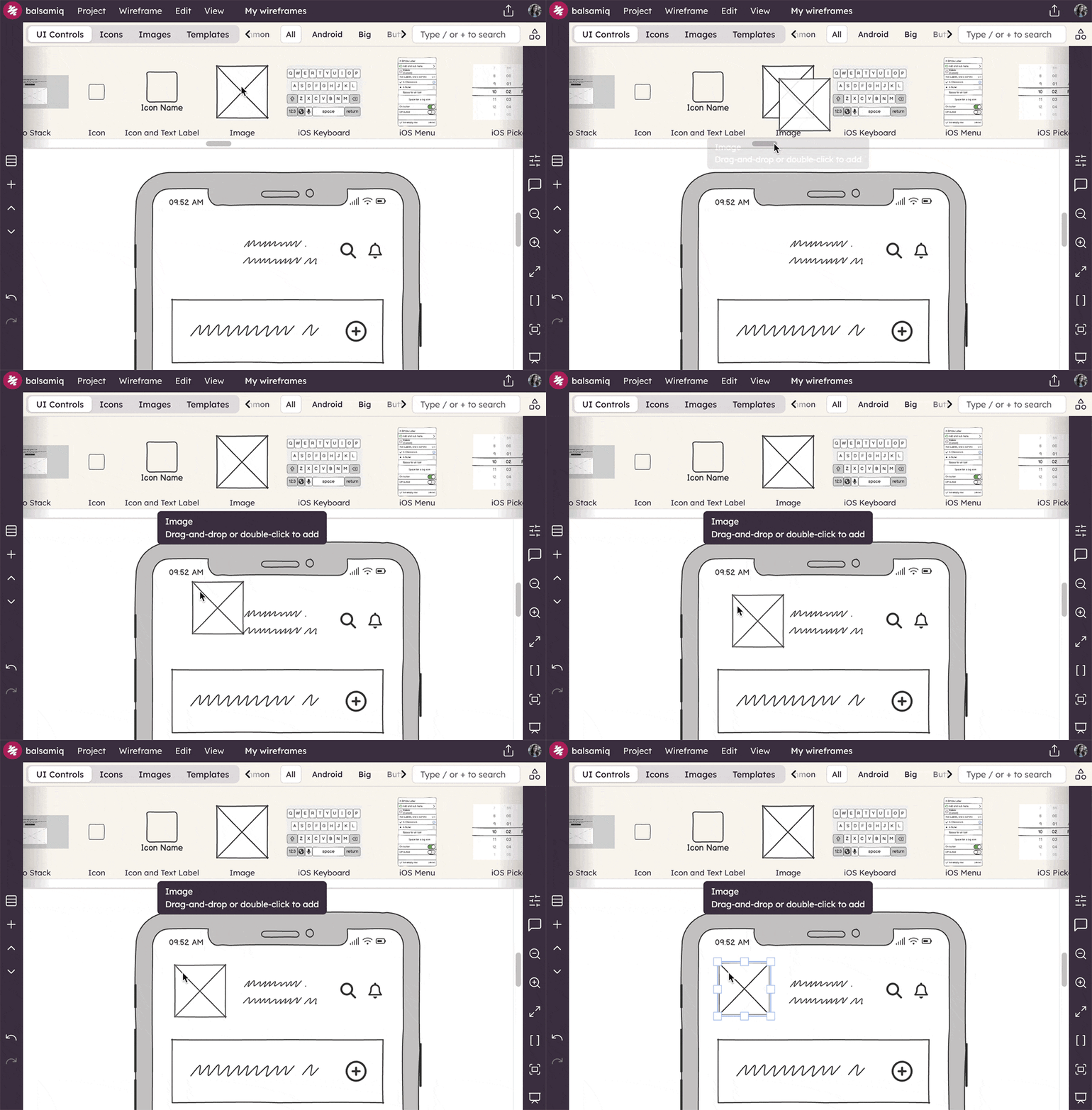
- Drag, drop, and resize pre-built UI components instead of drawing them freehand.
- Everything looks intentional, even if you can't draw a straight line.
- Start from a template or a blank browser frame — no intimidating blank page.
Sketching speed, digital precision
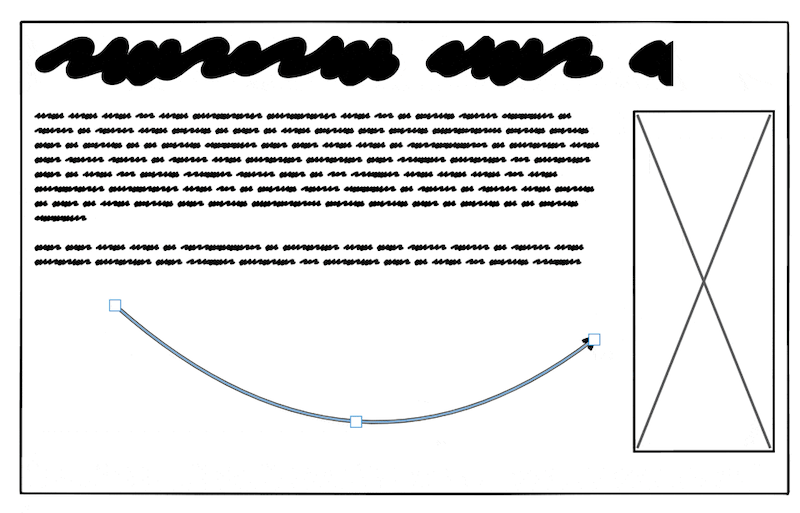
Balsamiq was built to feel like sketching on a notebook — but faster. Keyboard shortcuts let you draw boxes, text, images and more without touching the mouse.
- Hold R and drag to draw a rectangle. T for text, Y for a title, I for an image.
- Snapping keeps everything tidy automatically — no ruler required.
- Duplicate a screen as a starting point for the next variation in seconds.
Share instantly — no camera app needed
With pencil and paper, sharing means taking a photo, emailing it to yourself, uploading it somewhere, and hoping the other person can read your handwriting. With Balsamiq, it's a link.
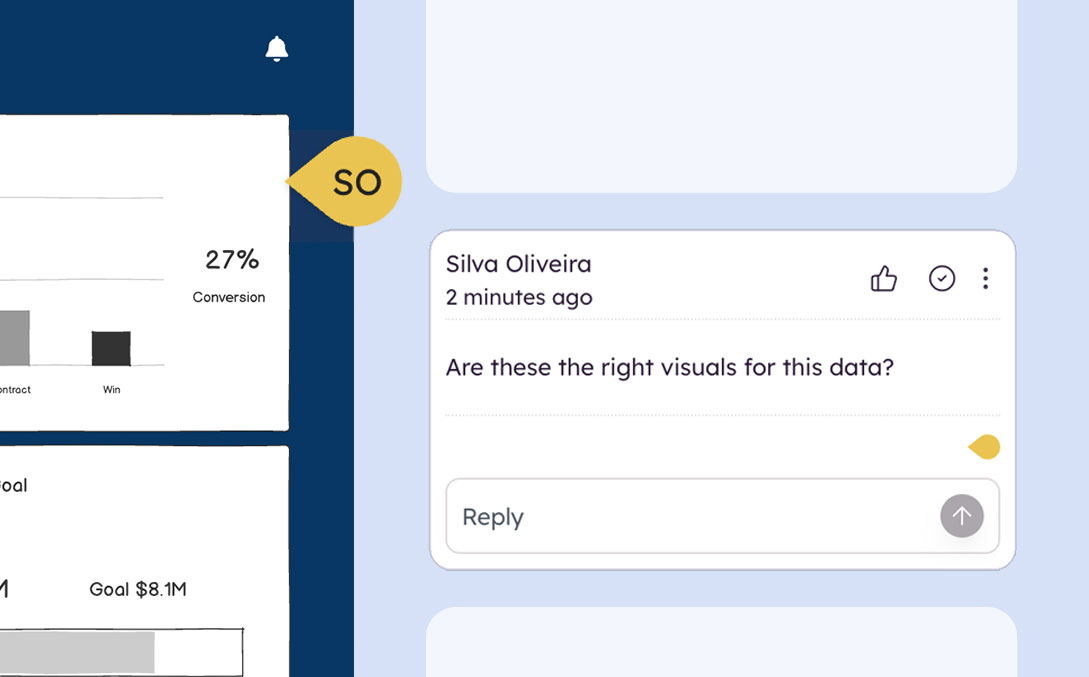
- Send a link for async review and commenting — no account needed for viewers.
- Collaborators can leave comments directly on the wireframe.
- Everyone's always looking at the latest version, not a blurry JPEG from last Tuesday.
Iterate without starting over
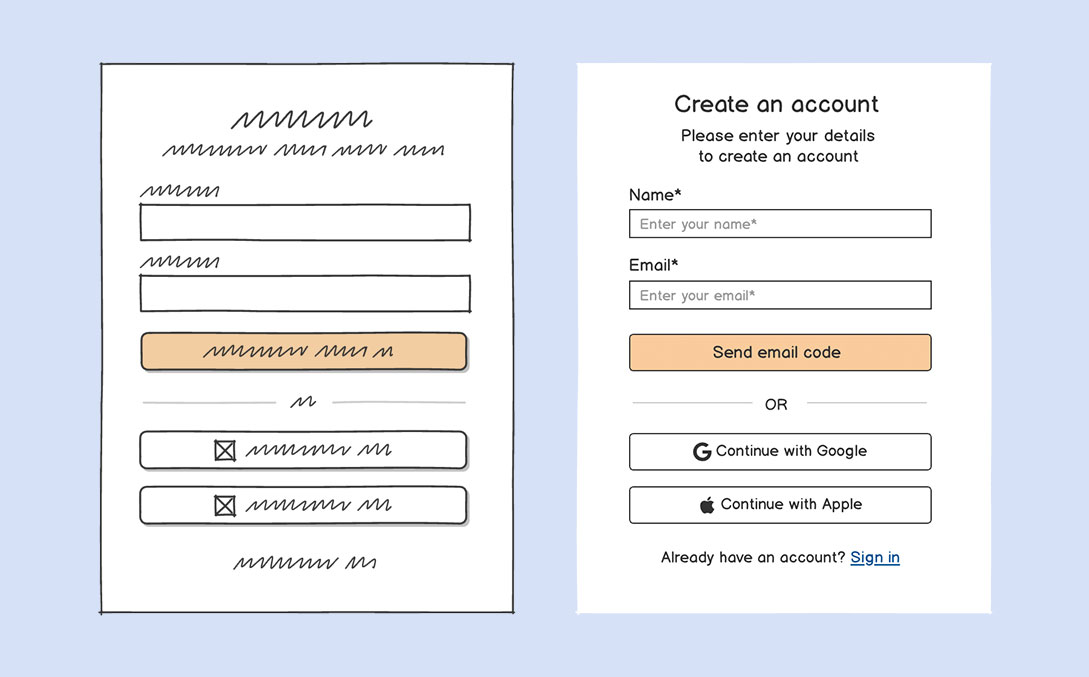
Paper is great for a first sketch. But when feedback comes in and things need to change, starting over isn't fun. Balsamiq makes iteration effortless.
- Move, resize, and rearrange elements in seconds.
- Duplicate screens and branch off in different directions without losing your original.
- Keep the full history of your thinking — not just the last page that survived.
Balsamiq was created to compete with paper — keeping everything great about sketching (speed, low-fidelity, flow) while making it infinitely easier to share, collaborate, and iterate.
See Balsamiq in action
Loved by people who used to reach for a notebook
I love Balsamiq. I don't even ever touch paper anymore.

Balsamiq has a low-barrier for people who may not feel as confident drawing UI concepts in front of others.

I'm also a great fan of Balsamiq for mockups. You get a similar feel as paper but don't have to screw up and throw away... just amend.

Even as a non-designer, using Balsamiq helps convey web design and testing ideas so easily and quickly for discussion. Worth every penny.

Balsamiq is like pen and paper — fast enough to not stop your ideas from flowing.

That moment when you realize you can make professional wireframes in minutes even though you have zero graphic design skills.

Let's compare Balsamiq vs. Pencil & Paper
| Feature | Balsamiq | Pencil & Paper |
|---|---|---|
| Cost | From $12/mo for unlimited users Try it free for 14 days |
Free (but your time isn't) |
| Drawing skills required | None — drag, drop, and done | Helps a lot |
| Sharing | Instant shareable link, no account needed for viewers | Take a photo, email it, hope for the best |
| Collaboration | Async comments and real-time co-editing | In-person only |
| Iteration | Move, resize, duplicate in seconds | Cross out and start over |
| Output readability | Always clean, legible, and consistent | Depends on your handwriting |
| UI components | Full library of pre-built, realistic UI elements | Draw everything from scratch |
| Speed | Faster than paper for most workflows | Fast for first sketches |
| Works offline | Yes, with Balsamiq for Desktop | Yes |
FAQs
Should I use Balsamiq instead of pencil and paper?
It depends on your workflow. Many UX designers use both: sketching rough ideas in a notebook first, then moving to Balsamiq to clean them up, share them, and iterate. If you're not a designer, most people find Balsamiq faster and less intimidating than paper from the start.
I'm not a designer. Is Balsamiq really easy to use?
That's exactly who Balsamiq was made for. Product managers, developers, founders, and consultants use it every day without any design background. You assemble wireframes from pre-built UI components instead of drawing them, so the results always look professional and readable.
How does Balsamiq compare in speed to sketching?
For simple first sketches, paper can be slightly faster. But as soon as you need to iterate, share, or scale to more screens, Balsamiq pulls ahead significantly. We even did an unedited side-by-side video test — two screens, real speed — and Balsamiq came out faster with a much more readable result.
Can I use Balsamiq offline, like paper?
Yes. Balsamiq for Desktop works fully offline on Mac and Windows, so you can wireframe on a plane, in a coffee shop, or anywhere else without an internet connection.
