Not sold on Lovable anymore? Maybe it was fun to play with at first. But then you realized there were user flow gaps you could have avoided with a bit of upfront planning.
Lovable is a solid AI app builder, especially for spinning up prototypes fast. But once you need more structure, run into limitations with AI prompts, or start managing anything beyond a simple MVP, things can get frustrating. Some teams find the UI confusing. Others feel boxed in by its templated outputs or realize it isn’t the best tool for actual product thinking and early decision-making.
If that’s the case for you, we’ve rounded up six Lovable alternatives—each offering a smarter, more efficient way to plan, build, or prototype your next project. Ready to see how they stack up? We break down each tool by its:
- Use cases
- Key features
- Pros and cons
- Pricing
A deeper dive into Lovable
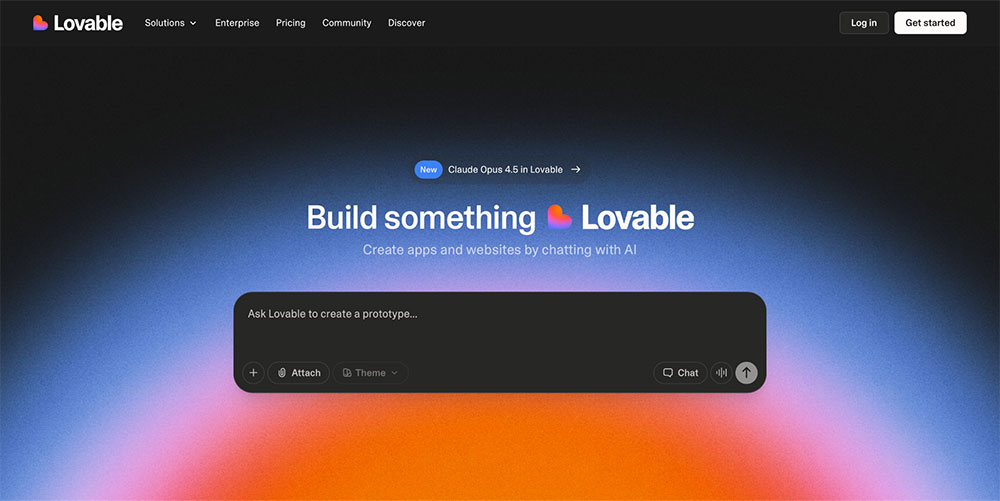
Lovable is an AI-powered app builder that helps you turn ideas into high-fidelity mockups and functional app prototypes through natural language prompts.
At its core, Lovable blends prompt-based building with visual editing. You can pull in context from tools like Jira, Notion, or Confluence, and Lovable will generate a functional interface based on your tickets, documents, or product specs. From there, users can:
- Refine visuals with built-in themes
- Generate custom assets with AI
- Edit flows through a visual interface
The tool has grown in popularity quickly, attracting startup teams, solo founders, and product managers who want to move fast and reduce reliance on design or engineering in the early stages. The big promise: you can go from idea to interactive prototype in just a few minutes.
Why do people love Lovable?
Among AI app builders, Lovable stands out for one clear reason: it gets you to a functional product faster than most tools on the market. Where other platforms focus on early planning, design systems, or developer handoff, Lovable skips ahead—generating polished, interactive apps from a simple description.
For fast-moving teams, that's the tool’s biggest appeal. You literally describe what you want to build in a simple chatbox, and watch Lovable do its magic.
Users also appreciate how flexible it is for different skill levels. Beginners can use the visual editor to make changes without needing technical knowledge. More advanced users can pick frameworks like React or Next.js, edit code directly, and control how everything works under the hood.
Some of the most loved features include:
- Fast, full-stack generation of real apps, including frontend, backend, auth, and database
- Context-aware building by importing docs and tickets from popular project management tools
- Polished outputs, with AI-generated images and branded themes ready to present
- Visual editing tools that let you tweak layouts and flows without writing code
Why users switch from Lovable
Lovable does a lot of things well, and it often feels like the perfect solution for building simple apps without much development experience. But there’s an element of frustration when it comes to working on more complex apps or client-facing projects.
Quite a few users report running into broken logic, unpredictable AI behavior, and costly code fixes. In fact, a lot of the frustration stems from Lovable’s credit-based pricing. Users note that even for small code changes, the tool deducts a significant number of credits, which becomes very costly, very fast.
Common reasons people walk away from Lovable include:
- Projects that become difficult to manage as they grow
- AI-generated code that’s hard to troubleshoot or fix
- Credit costs that stack up during rework or trial-and-error
- Lack of transparency in how the app is structured
The best Lovable alternatives: A quick overview
| Tool | Best for | Standout feature |
|---|---|---|
| Balsamiq | Getting clarity on product decisions | Low-fidelity wireframes that enable important product thinking work |
| Bolt | Shipping production-ready apps | Autonomous debugging |
| Replit | Developer-driven AI coding and deployment | Fast AI coding with real-time collaboration |
| Cursor | AI pair programming in your own codebase | In-editor coding with context and memory |
| Claude AI | Devs who prefer command-line precision | Long context window—ideal for structured product input |
| UI Bakery | Building internal tools and dashboards | Visual UI builder with strong database integrations |
1. Balsamiq: Best Lovable alternative for getting clarity on product decisions
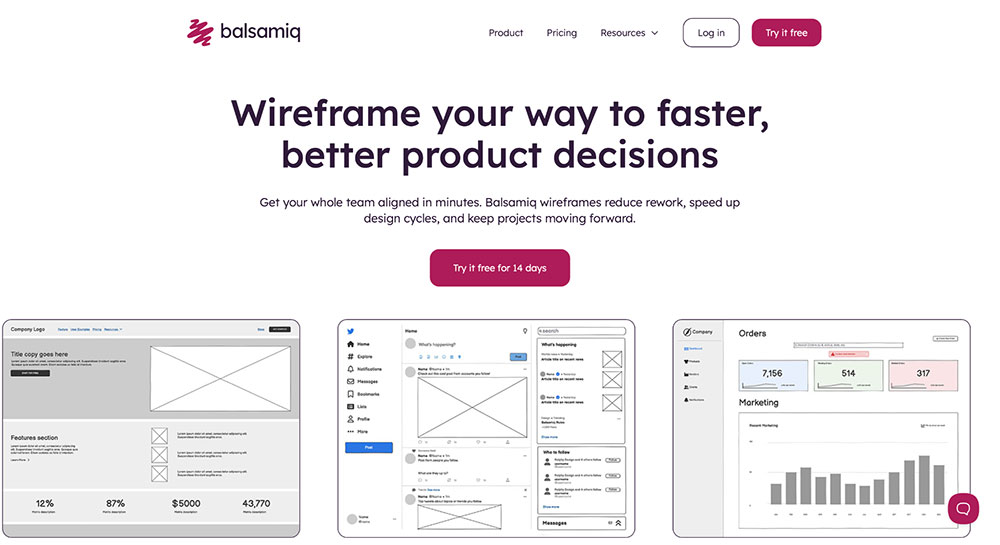
If you’re turning to Lovable to move fast but keep finding that your team isn’t aligned or that you're building the wrong thing altogether, Balsamiq solves a much earlier and more fundamental problem. Instead of diving straight into polished prototypes, Balsamiq helps you slow down just enough to think, explore options, and get everyone aligned before you commit to a direction.
And yes, we’re Balsamiq. So, why should you care what we have to say? Fair question.
We’re not trying to be Lovable or any of the other UX/UI tools. We don’t promise full-stack apps in minutes. What we do offer is a way to figure out what’s worth building in the first place. Our low-fidelity wireframes help you visualize your thinking, spot gaps early, and align your team before time and budget get spent chasing the wrong idea.
Balsamiq is where solid product thinking begins. Before AI can help, before code is written, before pixel‑perfect prototypes take shape, we help you answer the essential questions that prevent costly rework later.
Core features:
- Rapid low-fidelity wireframing with drag-and-drop UI components for web, mobile, and apps
- Interactive prototyping with linked screens to show user flows
- Commenting, reactions, and live edits
- Export and share wireframes via link, PDF, or PNG
- Pre-built UI libraries and reusable components for speed and consistency
- Integrations with Confluence, Jira, Trello, and Slack
Pros and cons:
| Pros ✅ | Cons ❌ |
|---|---|
| Ideal for early-stage product thinking when you need to clarify ideas before jumping into prototyping | It isn’t an app builder (yet) |
| Great for stakeholder communication—easy to share, comment, and get feedback on flows | |
| Zero-to-low learning curve |
Balsamiq pricing
Balsamiq charges by project, not by user—so your whole team can collaborate without worrying about per-seat fees. The Business plan starts at $12/month (or $144/year) for up to 2 active projects, with unlimited wireframes and users included. The Enterprise plan is $18/month, billed annually at $216/year, and adds features like SSO, enhanced support, and regional data storage. A free 14-day trial is available, and Balsamiq also offers free plans for educators and students.

2. Bolt: Best Lovable alternative for shipping production-ready apps with built-in backend
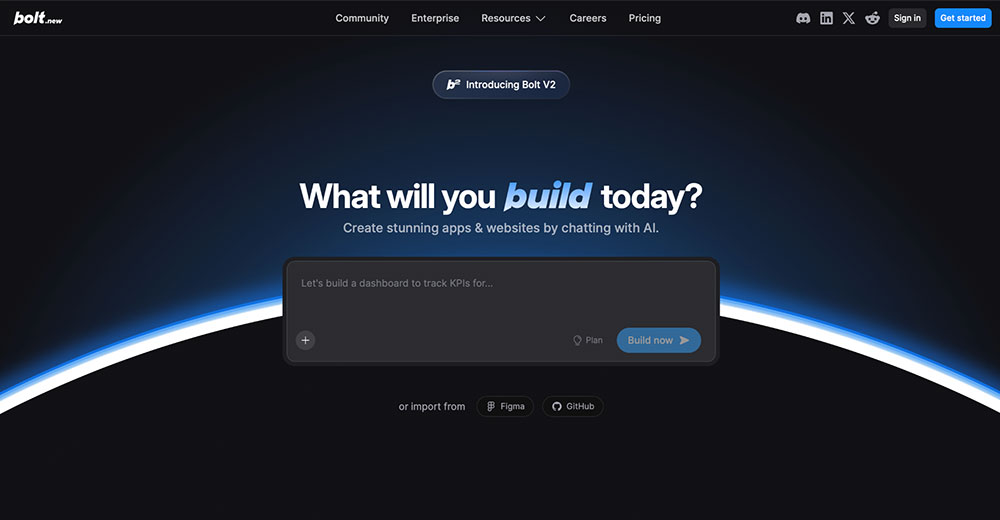
If you’ve played around with Lovable but found yourself needing more structure (or more than just a flashy prototype), Bolt offers a more complete path to launch. It still uses AI to accelerate your work, but focuses on helping you build something solid: full-stack apps, working features, and a backend that holds up.
You’ll appreciate it if you’ve outgrown Lovable’s visual-first flow and want a tool that is more code-aware than Lovable, with better handling of logic, data, and structure.
Core features:
- AI agents that fix code and reduce build errors automatically
- Built-in hosting, auth, database, and backend logic
- Imports from Figma or GitHub to jumpstart projects
- Scales easily for complex apps and larger teams
| Pros ✅ | Cons ❌ |
|---|---|
| Easy to get started and fast for spinning up ideas | Context window can get bloated, leading to higher token usage |
| Generates full frontends and backends with solid code | Struggles with advanced test suites |
| Smooth import from GitHub or Figma |
Bolt pricing
Bolt offers a generous free plan with 1M tokens per month and basic hosting. The Pro plan starts at $18/month (billed annually), removing Bolt branding and unlocking custom domains and SEO tools. For collaboration, the Teams plan is $27/month per member, adding admin controls and organization-wide sharing. Bolt also offers custom Enterprise plans for larger teams.
3. Replit: Best Lovable alternative for developer-driven AI coding and deployment
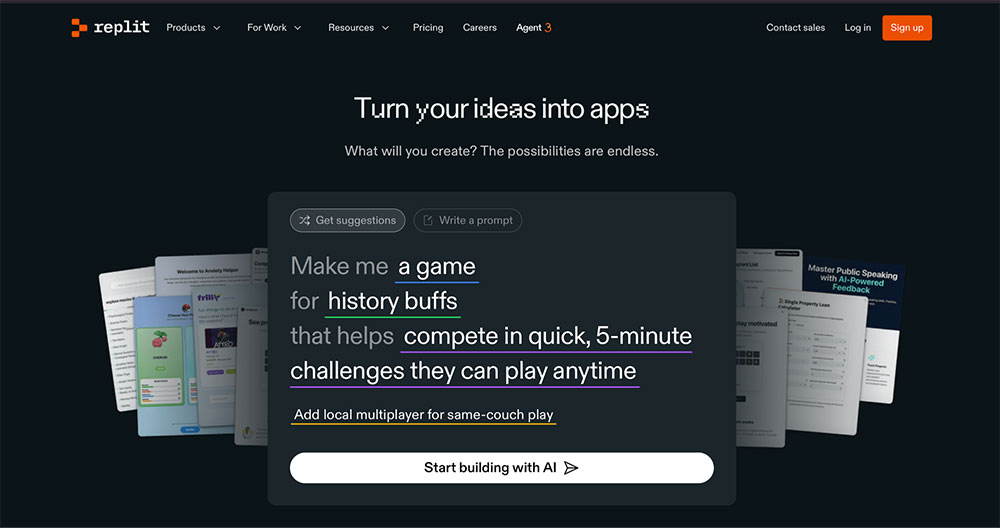
Next up, we have Replit—a powerful AI development environment that gives you more direct control over code while still offering AI support to build, test, and ship fast. Unlike Lovable, which prioritizes visual flow and simplicity, Replit puts a real coding experience front and center, complete with a cloud IDE, AI coding assistant, and built-in deployment tools.
What’s also really cool is that Replit allows real-time collaboration with live cursors. You can run and troubleshoot code with your teammates, and chat with them directly inside the editor.
Core features:
- An AI Agent that builds, tests, and refactors your app through multi-step prompts
- Full cloud IDE with support for 50+ programming languages
- Visual editing from Figma imports and natural-language UI changes
Pros and cons:
| Pros ✅ | Cons ❌ |
|---|---|
| Clean, intuitive IDE that’s easy for non-devs to start with | GitHub sync sometimes unreliable |
| AI Agent 3.0 is responsive and produces high-quality code | Team plan pricing can feel steep for small groups |
| Combines the best of coding, no-code, and AI in one place |
Replit pricing
Replit’s free Starter plan lets you build public apps with limited autonomy and short-term hosting. The Core plan is $20/month (billed annually) and includes full Replit Agent access, private apps, and $25 in monthly usage credits. The Teams plan is $35/month per user, adding $40 in credits. Enterprise plans offer custom pricing with enhanced privacy, SSO, and support.
4. Cursor: Best Lovable alternative for AI pair programming in your own codebase
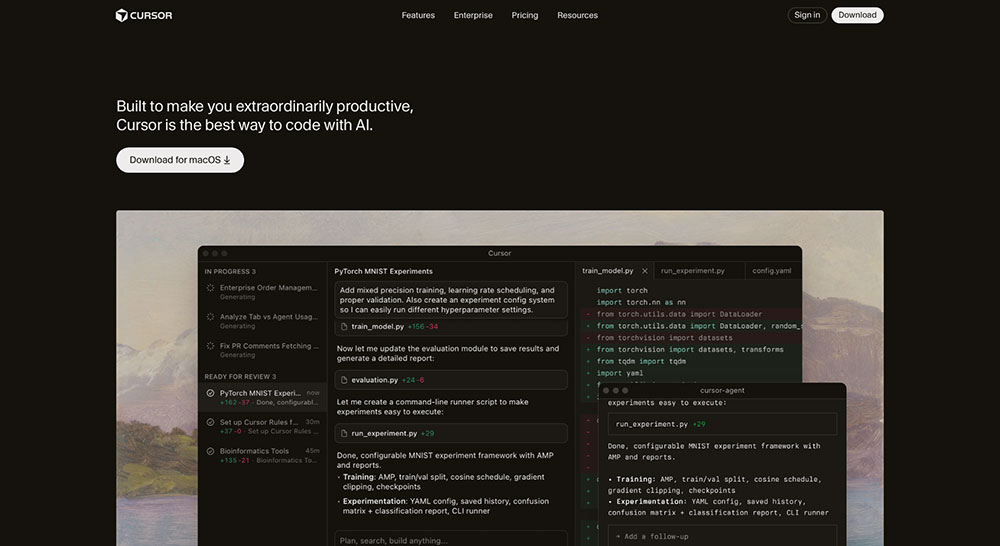
Cursor is another Lovable alternative that you should look into, especially if you're a professional developer who wants to stay inside your flow. It offers intelligent autocompletion, multi-agent orchestration, and in-editor code generation that feels like working with a highly capable AI teammate.
Unlike tools that abstract away the code, Cursor leans in, giving you full control, real-time AI debugging, and advanced model selection, all within a familiar editor experience.
Core features:
- AI agents that can refactor, explain, or generate entire code sections
- Tab autocompletion powered by Cursor’s custom model
- Full multi-agent support (GPT-5, Claude, Gemini, Grok, and more)
- Works like VS Code—hotkeys, files, and terminal all in one
Pros and cons:
| Pros ✅ | Cons ❌ |
|---|---|
| Great for deep work—feels like pair programming with AI | Can generate incorrect or overly complex code if unchecked |
| Handles large codebases and keeps context well | Opaque pricing and usage limits can be confusing |
| Supports multiple models with bring-your-own-API flexibility |
Cursor pricing
Cursor has a free Hobby plan with limited AI usage. The Pro plan ($16/month) unlocks unlimited Tab completions and background agents. Pro+ ($60/month) and Ultra ($200/month) offer higher usage limits. For teams, Teams costs $32/user/month with admin controls, analytics, and SSO. Enterprise plans are also available.
5. Claude: Best Lovable alternative for devs who prefer command-line precision
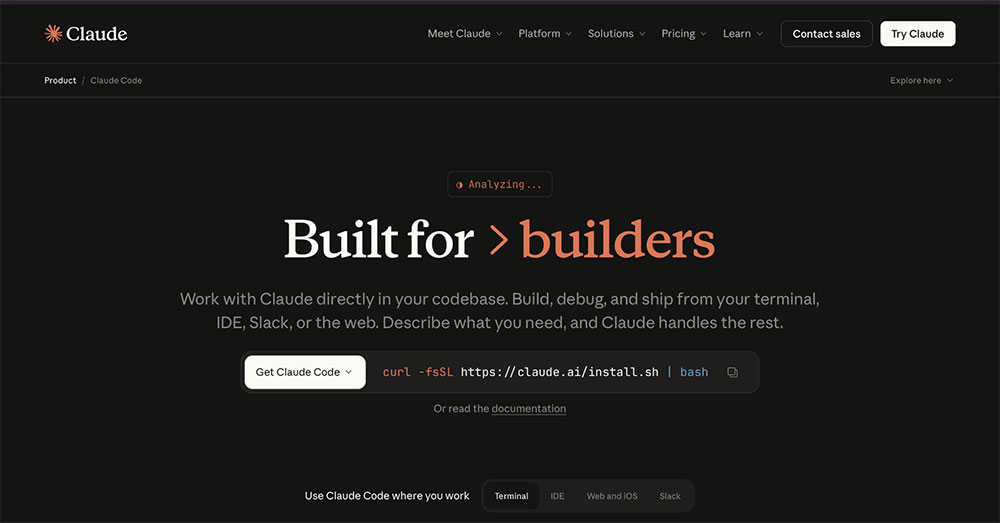
If you're looking to work closer to your codebase, you might want to check out Claude Code. It focuses on command-line precision, letting you debug, refactor, and ship directly from your terminal, IDE, or even Slack. With Claude, you can reason through architecture, navigate large codebases, and automate entire workflows.
Core features:
- Terminal-native AI agent with code understanding and editing
- Works across CLI, IDE, web, and Slack
- Supports Claude Sonnet 4.5 and Opus 4.5
- Powerful multi-file edits, refactors, and onboarding walkthroughs
Pros and cons:
| Pros ✅ | Cons ❌ |
|---|---|
| Generates readable, accurate code with minimal hallucinations | Pricing can get steep, especially compared to other tools |
| Lets you automate coding tasks and explore large codebases | Struggles with complex multi-file projects or niche frameworks |
| Supports advanced Claude models |
Claude Code pricing
Claude Code starts at $17/month (billed annually) for individuals, with access to Sonnet 4.5 and Opus 4.5. Power users can upgrade to Max plans at $100 or $200/month for increased usage. Team plans start at $150/user/month (min. 5 seats) with admin controls and premium seat access. Enterprise plans are available upon request.
6. UI Bakery: Best Lovable alternative for building internal apps
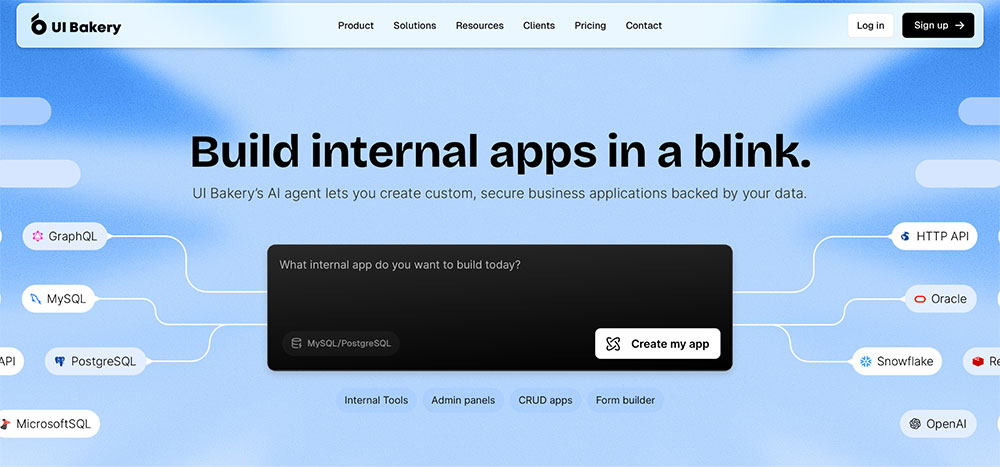
If you're looking to build secure, data-driven internal tools your team will actually use, UI Bakery is one of the best Lovable alternatives out there. It’s tailored for building admin panels, dashboards, and business systems that connect to real data sources like Postgres, MongoDB, or REST APIs.
You get a powerful AI agent, one-click deployment, enterprise-grade security, and the ability to export clean React code, which makes it perfect for long-term internal use at startups and enterprises alike.
Core features:
- AI Agent to generate production-ready internal tools from natural language
- 45+ built-in data connectors (SQL, MongoDB, APIs, Supabase, OpenAI, etc.)
- Clean code export to React, with full customization access
- One-click deployment, RBAC, audit logs, and SOC2 compliance
Pros and cons:
| Pros ✅ | Cons ❌ |
|---|---|
| Includes enterprise features like RBAC, audit logs, and self-hosting | More enterprise-focused; may feel heavy for early product thinking or prototyping |
| Fast deployment with self-hosting and secure data handling | Customer support can be slow on lower-tier plans |
| Intuitive visual editor with strong API and SQL integration |
UI Bakery pricing
UI Bakery offers both cloud and self-hosted options, each with a free plan available. The entry-level paid Cloud plan starts at $20/month per developer, with the Team plan at $35/month. Self-hosted plans begin at $25/month per developer, with the Team tier at $40/month. Enterprise pricing available upon request.
Which tool are you going for?
There’s no shortage of Lovable alternatives to choose from. Tools like Bolt and Replit help you build fast, while Cursor and Claude cater more to developers. But if you're still figuring out what you're building (and alignment and clarity are your biggest challenges), Balsamiq is the tool you’re looking for.
Try Balsamiq free for 14 days and see how much smoother app development work gets when you wireframe first.
FAQs
How would the top Lovable alternatives compare by pricing and plans?
Pricing varies widely depending on your goals—whether you're exploring early product ideas, building production-ready apps, or working deeply with code. Here's a quick breakdown:
- Balsamiq: Project‑based pricing starting at $12/month for 2 projects (unlimited users)
- Bolt: Free plan with 1M tokens; paid plans start at $18/month
- Replit: Free Starter plan available; paid plans start at $20/month
- Cursor: Free plan available; Pro is $16/month
- Claude Code: Starts at $17/month
- UI Bakery: Limited free plan available. Cloud plans start at $20/developer/month; self‑hosted starts at $25/developer/month.
Which Lovable alternatives are best for building mobile apps?
Bolt is a top choice for building mobile apps, with support for React Native, built-in backend, and seamless Figma imports. Replit is another strong option, supporting mobile app frameworks and letting developers code with real-time AI assistance in a full IDE environment. If you're still figuring out what mobile app to build, Balsamiq is ideal for early exploration. Its low-fidelity wireframes help you map out flows, align stakeholders, and avoid wasted dev time before jumping into mobile builds.