March maintenance
An exciting string of releases sometimes requires a little extra work under the hood. Today's release is all enhancements and bug fixes. :)
⚙️ Enhancements:
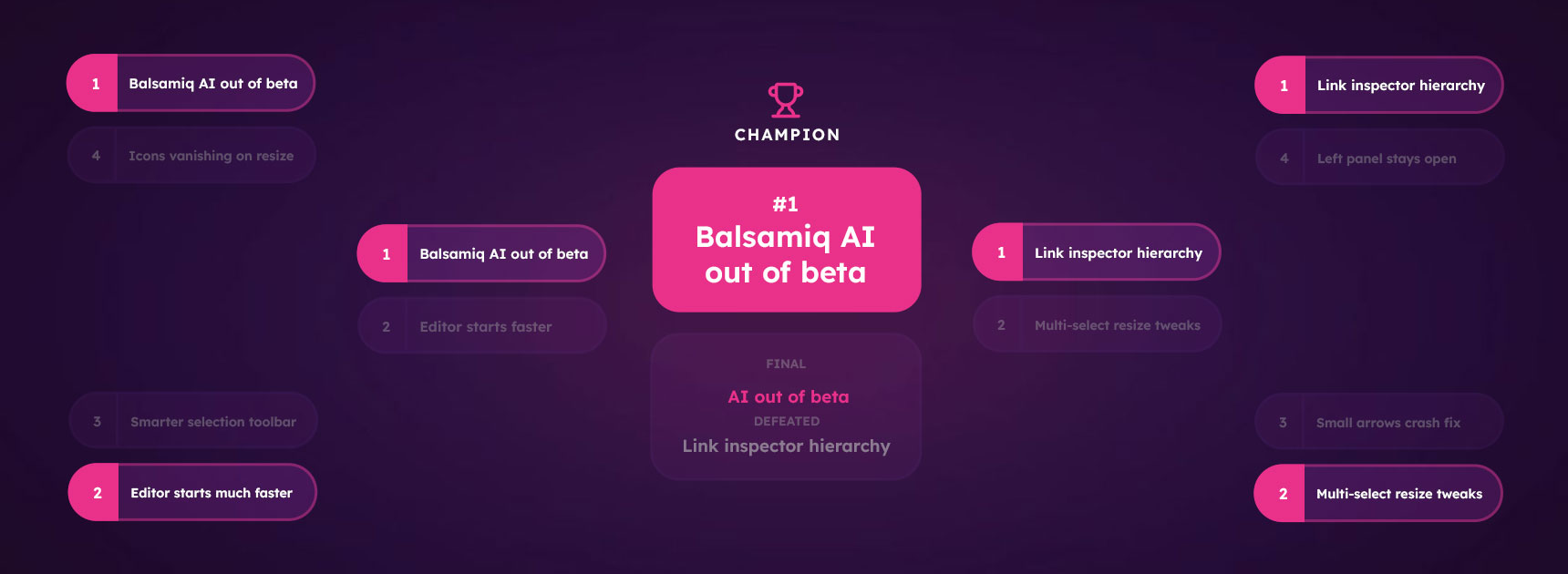
- The selection toolbar will do a better job of not getting in the way
- The link inpector list will show board hierarchy
- The link inspector will scroll to the currently selected board if no link is currently set
- The header row on converted tables will now convert to the minimum height to help ensure a 1:1 conversion
- The editor should start much faster
- We tweaked the resize algorithm when you have multiple elements selected
- Balsamiq AI is out of beta
🐛 Bug fixes:
- Fixed icons disappearing when resizing multiple icons
- Fixed the cursor going wonky on table corners
- Fixed a crash involving tables and quickdraw
- Left panel now stays open between sessions
- Fixed several animation issues
- We now prevent very small arrows from crashing the app. You know what they always say "the smaller the arrow, the more poisonous."
Basamiq AI-powered prototyping arrives!
The question we kept coming over the last year to is "AI is helping us build a lot of stuff, but are folks building the right thing?" That is the question that drove the design of our prototyping engine and, ultimately, what brought us here today.
Introducing prototyping by Balsamiq.
✨ Features:
- Prototyping! Powered by Balsamiq AI, you can now turn your wireframes into clickable prototypes, allowing you to take the design conversation further, and making sure that you're building the right thing
- This is the first major step forward for how to think about turning ideas into products with Balsamiq. We hope you love it, and want to hear from you about your experience with it. It's still very new, and we want to make sure it's working as well for you as it is working for us.
- Watch Virgin's video for the complete breakdown, and then take a look at hour help center to get started!
- Balsamiq's MCP Server is now live. Combine your Balsamiq project with your favorite LLM and build real, usable code.
- Fun fact about Stefano's video for the MCP server, this was the video he used to demo the feature to us internally. We liked it so much that we thought it would make a great introduction for you too.
- Once you watch it, you can read more about how to get set up in our help center.
⚙️ Enhancements:
- Tables
- Added ability to distribute columns evenly (effectly resetting the cells)
- Added ability to clip or wrap test in a cell
- Added ability to cut/copy/paste/duplicate columns and rows
- Tables can (again) be pasted into Excel or other spreadsheet applications
- Improved board reorder UI
- Added ability to add a board by double-clicking on empty space in the navigator
- Added a "Remove unused images" button to the images panel
🐛 Bug fixes:
- There were some edge-case data grid to table conversions that are now fixed (those fixes were already live)
- Fixed the rounded button icon on the shape element
- Improved the experience of reordering multiple boards at once.
- Fixed icon in text rendering for the link and selection inspector
- Fixed a crash around image elements with broken references
- Fixed the board ordering undo stack
- Fixed UI elements panel from adding the incorrect element when the vertical or horizontal splitter was selected
Tables and toolbars
✨ Features:
- Data grids are now tables, a smarter, easier to edit grid element.
- Your old data grids should convert cleanly, but please reach out if you see any issues.
- The property inspector has been replaced by the selection toolbar, which will appear above a UI element when you click on it. This keeps things out of the way, while putting them exactly where you need them.
⚙️ Enhancements:
- Select all now works on the navigator board
- Improved wireframing experience on mobile devices
- Improved icon search
🐛 Bug fixes:
- Fixed the image assets' thumbnail preview
- Fixed a regression in the arrow quickdraw command (straight lines are back!)
UI elements, now right under your finger tips.

Thanks to Balsamiq AI, folks are spending more time with the left toolbar, and we wanted to really optimize for that. Today is a big step in that direction as we re-imagine the UL library, and put it where you're spending the most time - the left toolbar.
We have split the UI library up into several component groups, but you can browse the whole thing from the UI Elements button.
Here is a quick video from Virgin that will give you an overview of the changes
✨ Features:
- The UI Library has been moved into the left panel (and removed it from the top of the canvas).
- You'll find all the UI elements cleanly catogorized in the following sections: Containers, UI Elements, Icons, and Images.
⚙️ Enhancements:
- Improved the experience of managing alternative boards from the navigator
- Add a new zoom option Zoom to Selection
- Resizing some elements (like the iPhone and iPad) will maintain the aspect ratio
🐛 Bug fixes:
- iPhone background is now correctly sized
- Text rendering in the shape element has been improved
- Dragging and dropping an image onto a board will now add it below the mouse cursor
- Fixed a weird bug where the loading screen wouldn't go away until you refreshed
- Fixed the uploaded project count in Safari
- CMD + E no longer sets the font to monospace when editing text
Expanding into boards
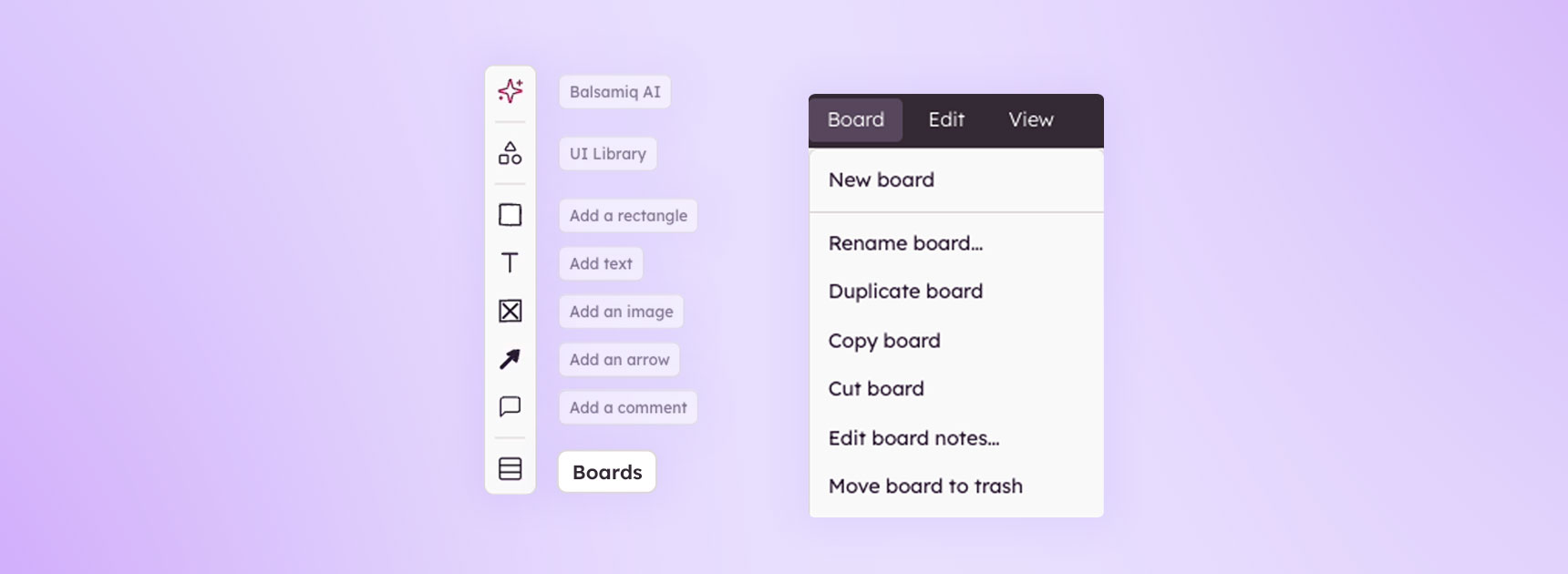
Normally, this release would have just been a maintenance release, but we made a small change that will better shape how we think and approach wireframing.
Your wireframes are now "boards".
Functionally, this changes nothing. It's more of a mindset thing. The canvas in our app has been home to multiple different types of content for a while now (wireframes, images, etc), and we thought the name should better reflect that. So we are updating that today - that's it :).
⚙️ Enhancements:
- Boards replace Wireframes in the UI
- Nothing beyond the name has changed, everything will function as it did previous to this update. This is just a rethinking of how we approach wireframing.
- The Inspector can now be minimized (so it doesn't pop up every time you click on a new element).
- Improved the delete comment dialog on small screens.
- The programmatic now uses black when black is the selected color (was dark grey).
- Improved icon search.
- Improved iPad commenting experience.
- Sticky notes, icon and label, and curly brace elements now use the modern text editor.
🐛 Bug fixes:
- Text size is now respected during various operations (copy/past, etc).
- The undo stack for copying text and commenting has been fixed.
- Shapes now retain bullet points in the modern text editor.
Group work
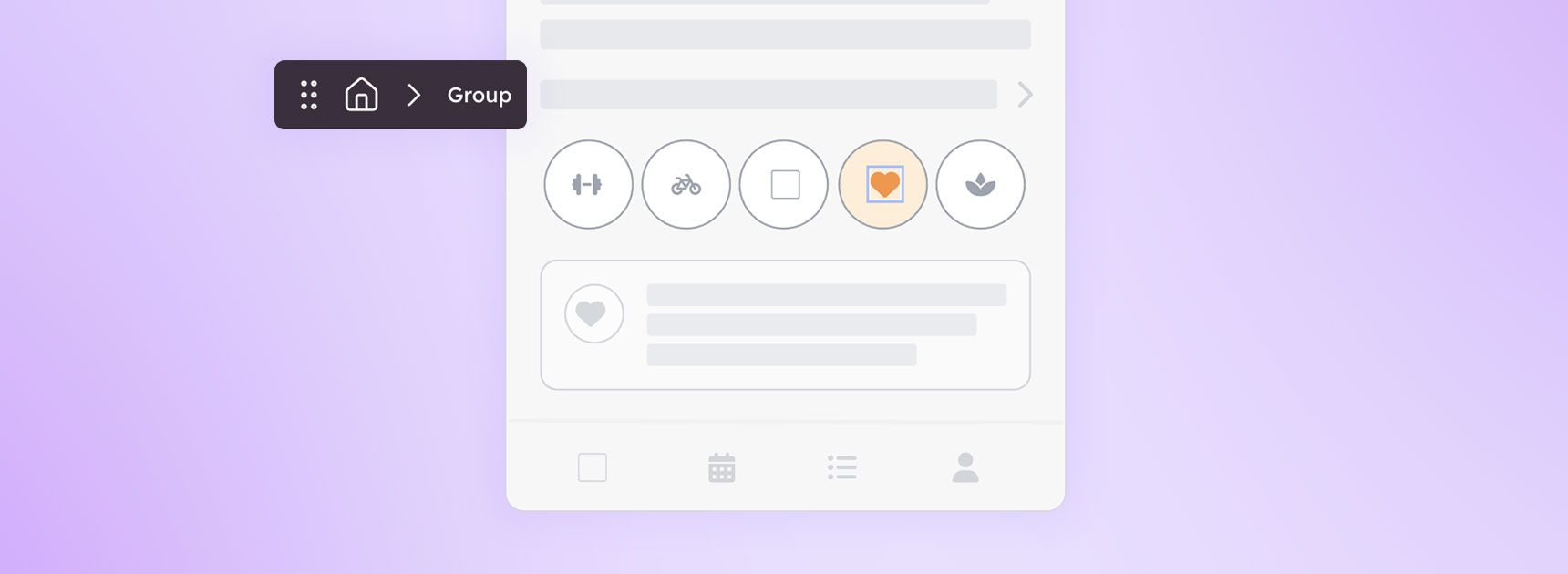
Happy February! The first release of the month brings some much needed love to groups. These changes all make grouping, ungrouping, and selection faster.
⚙️ Enhancements:
- Grouping and selecting keyboard shortcuts have been updated
- CTRL/⌘+ click on a UI element in a group will immediately select it
- Multi select with CTRL/⌘ has been removed, but you can still use SHIFT+ click
- Selecting a locked element (or selecting while in review mode) is now CTRL/⌘+SHIFT+ click
- The same set of UI elements can now only be grouped once (to prevent over-grouping).
- Removing all the UI elements in a group now removes the group
- Changed the color of snap columns for container elements to light grey
- The empty icon element can have a size now (this includes Icon + Label as well)
- You can now export a wireframe to image from the navigator (Chrome Only)
- You can now export an image based on a selection of wireframes from the canvas (Chrome Only)
🐛 Bug fixes:
- Accents on letters no longer get clipped in text elements
- UI elements with corrupted IDs now are healed automatically when something is changed
- Fixed adding an image via the image inspector
- Dragging a duplicated group no longer leaves a ghost copy on the canvas 👻
Bulk actions and bug fixes
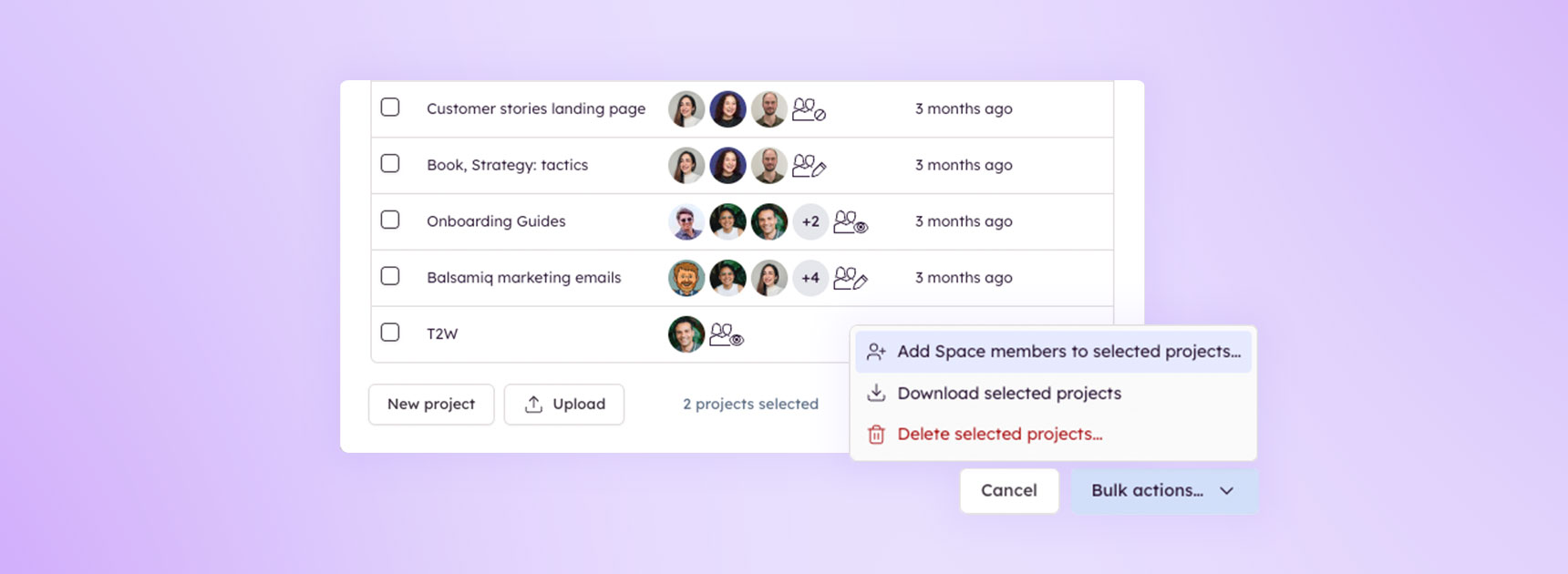
The march of progress via quality-of-life updates continues. Today, in addition to some bug fixes, we bring bulk actions to the All Projects dialog. Beyond that, we made some tweaks to streamline adding comments, and added a fun little loading screen as a treat.
⚙️ Enhancements:
- The All Projects dialog now allows bulk actions for deleting or downloading projects as well as user management options.
- The comments panel was simplified to a single dialog
- The loading screen is now animated
- Added the ability to export a wireframe as a bitmap (BMP) image (Chrome and Chromium-based browsers only for now)
- We have a new keyboard shortcut for Zoom all to fit on Windows: CTRL + ALT + 0
- Note for our German users: some keyboard confgurations will block this. We are looking into solutions.
🐛 Bug fixes:
- Wireframe Notes' width is now calculated correctly in PDF exports
- Generating an image from within an image no longer causes a
paradoxcrash - A myriad of less interesting things like code clean up, window focus fixes, and review mode optimizations.
Moving day for Balsamiq AI. Boxing day for text elements.
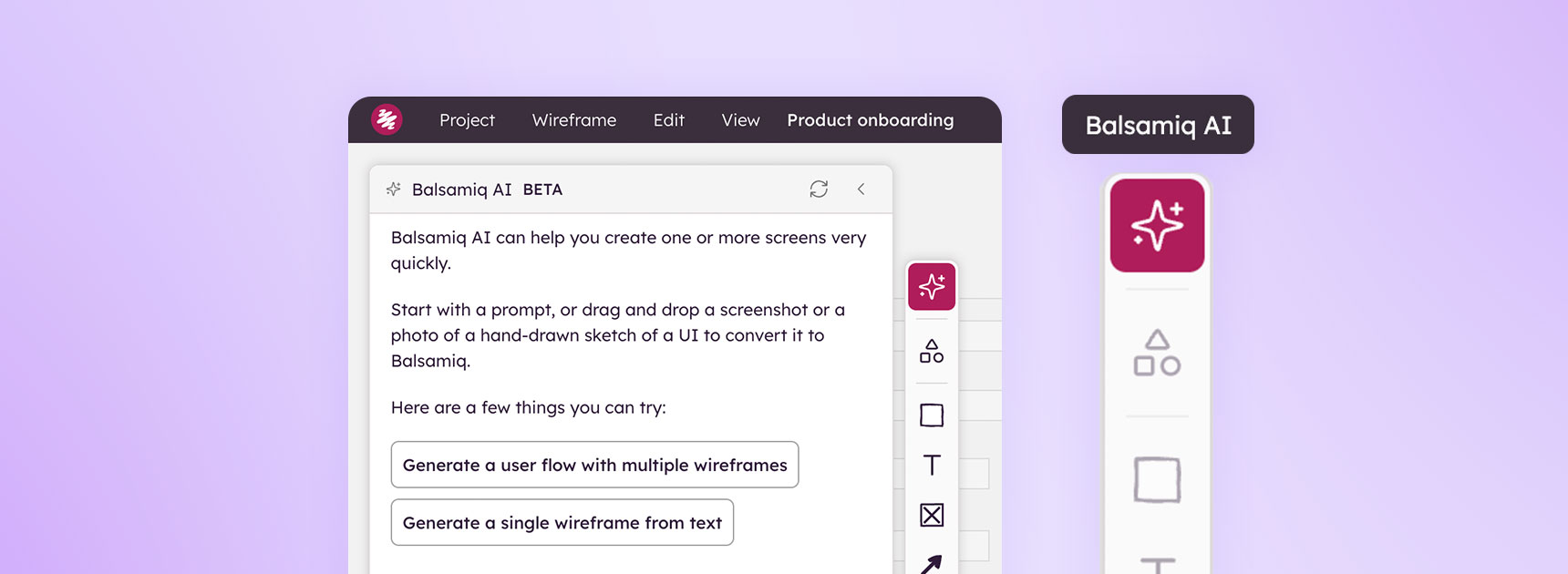
Balsamiq AI has a new home in the toolbar, right where it belongs. Clicking the ✨ Balsamiq AI button will open the same chat you’ve become accustom to. We also combined label, subtitle, title, and paragraph of text into one UI element, which means you don’t have to search for a specific text element any longer - just add the text element and make it whichever you want. Full notes below.
✨ Features:
- Balsamiq AI moved to the left toolbar
- Label, subtitle, title, and paragraph of text combined into a single “text” element
- The Balsamiq Support Chatbot is now in the app
⚙️ Enhancements:
- The mini-map only appears when you do not see any elements on the canvas
- Zoom all to actual size places the UI elements closer to the left and top panels
- When moving a UI element, the selection rectangle stays visible
- While adding a comment, clicking anywhere outside the comment dialog will commit the comment (as long as there is text in the comment)
- Comments filters are now accessible in the View menu
🐛 Bug fixes:
- Zoom commands in the bottom right panel correctly target either the current wireframe or all wireframes
- Presentation mode no longer disables links when the comments panel is open
- Double clicking on one of your comments that is above a text element will edit the comment and not the text
- The comments panel scroll has been fixed
- The navigator takes emojis into account for shortening wireframe names
January Maintenance Release
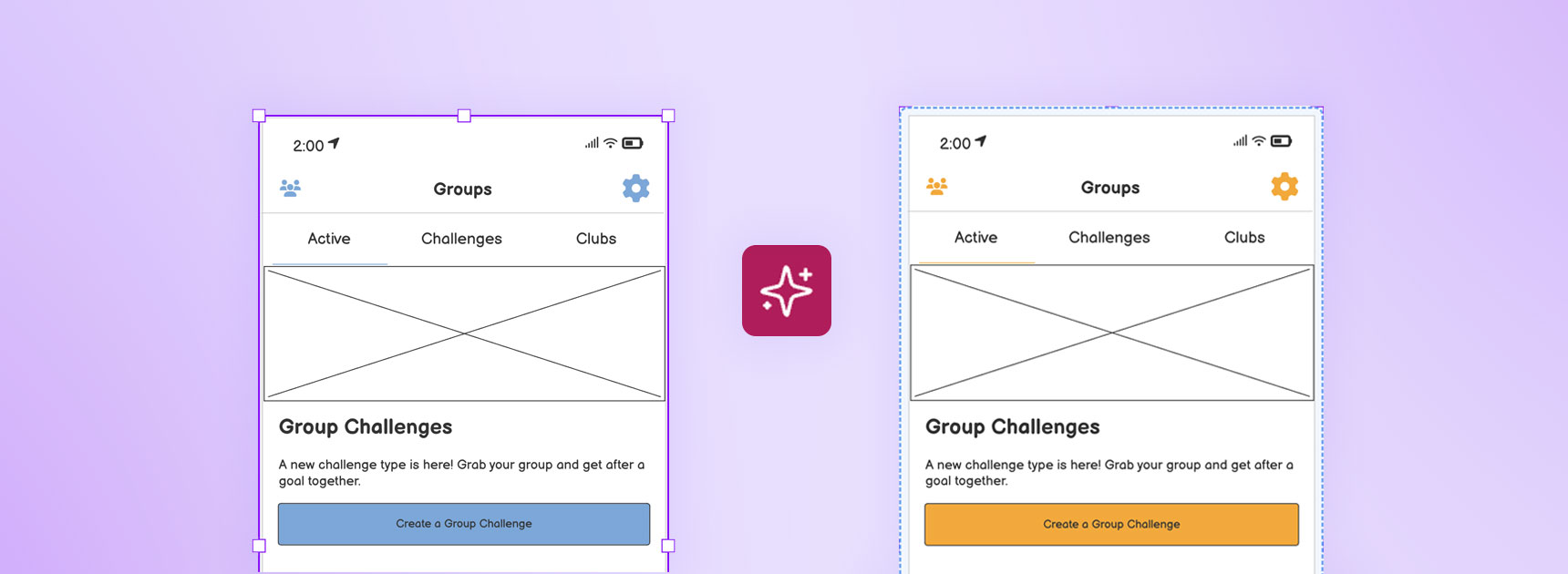
This is where we make the “Bug Fixes and Enhancements” joke, but put the full changelog below. 😊 Happy Wireframing!
⚙️ Enhancements:
- Vibe Editing is now available to all Balsamiq Cloud accounts!
- Added Delete Project to the All Projects dialog
- Added the ability to dismiss the Transform menu with ESC or clicking away
- AI edits are now part of the undo stack
🐛 Bug fixes:
- Zoom All to Actual Size now takes the state of the floating navigator panel into account for calculating the scrollbar position
- Fixed text links with varying font styles
- The Transform menu no longer gets clipped by the inspector
- Export Wireframe Notes returns to the PDF export options
- We fixed the undo stack when dealing with resizing
- Fixed dragging element selections in Safari
December Maintenance Release
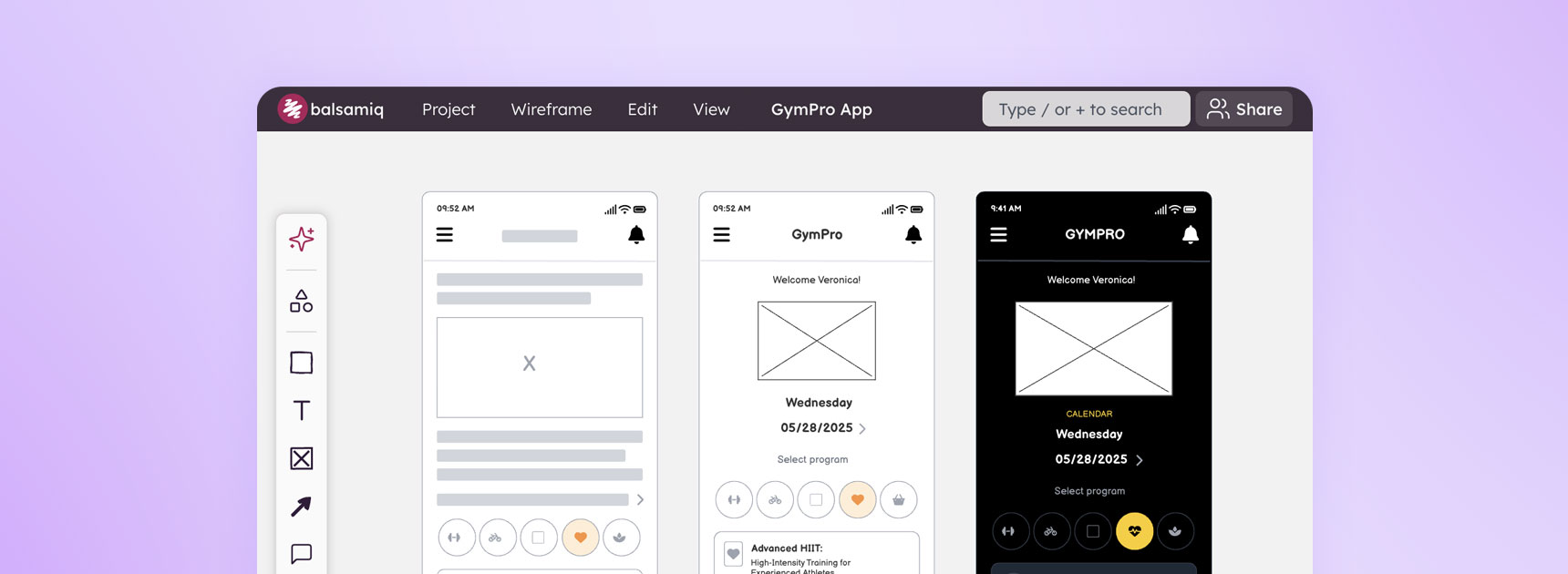
What’s a better gift than “bug fixes and enhancements”?
⚙️ Enhancements:
- CMD/CTRL+SHIFT+DRAG added for containers (so you can move the encompassing container without moving the contents)
- Balsamiq AI has improved text manipulation
- Balsamiq AI can now see selected UI elements inside containers
- The link inspector now responds to keyboard shortcuts
🐛 Bug fixes:
- Zoom to fit and zoom to width take the open panels into account
- Fixed a Balsamiq AI error that occurred when the model returns an incorrect icon size
- Fixed the ability to search the link inspector dropdown by pressing the first letter
A New Look for a New Year
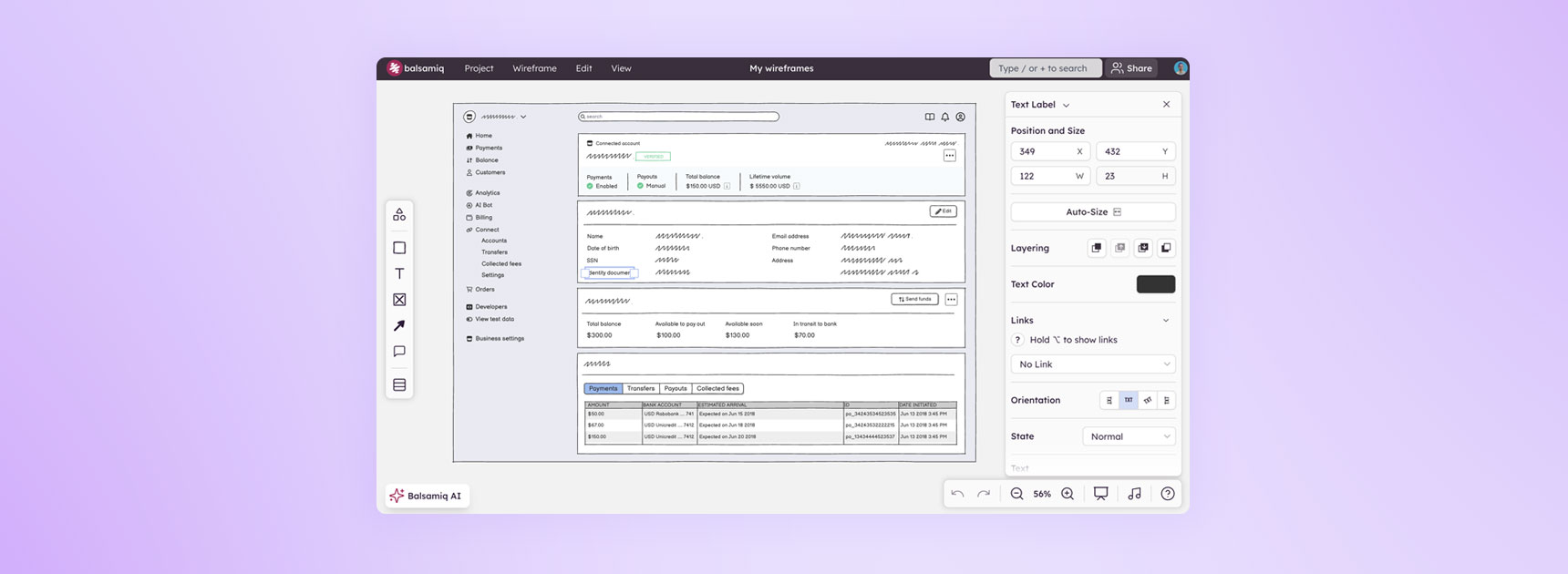
It’s early, but we couldn’t wait to show you what Balsamiq Cloud will look like in 2026. The UI has been overhauled to provide a better experience, pulling back everything distracting, and allowing you to focus on what’s important: your wireframes. Check out the full changelog below, and please let us know what you think.
✨ Features:
- Inspector and Navigator are now floating panels on the right and left sides of the canvas
- The canvas is now grey to help with wireframe legibility (and make them “pop”)
- Floating panel on the bottom with zoom, undo/redo, trash, background music and the help menu
- Introducing Containers: place UI elements inside of a larger element, and them move them all by moving the larger one
⚙️ Enhancements:
- Open the All Projects window by clicking on the Balsamiq logo
- Wireframe notes moved to the Wireframe Menu
🐛 Bug fixes:
- Inspector names are now properly shortened
- Wireframe notes are now in the wireframe menu
- Markdown characters no longer trigger inside words