Adding images from the left bar
Note: In Balsamiq for Desktop, you'll need to open the Assets view, accessible from the view menu.
You can add images from the Images panel on the left bar and add a file from your hard disk or from the Web.
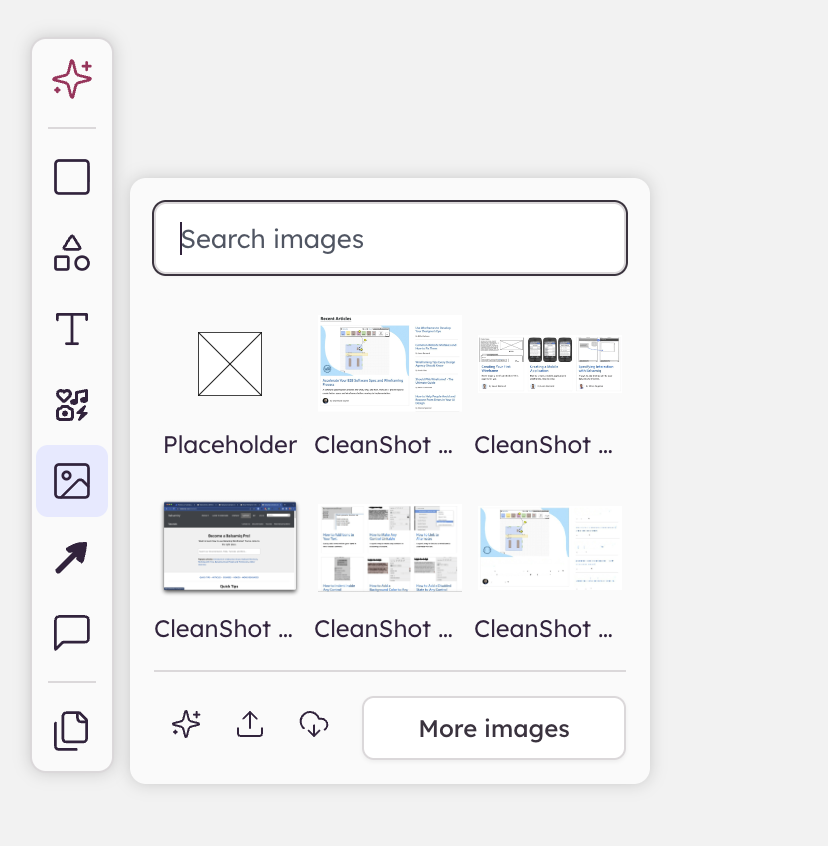
The "Upload from Disk" option allows you to select one or more images from your computer while the "Import from Web" icon brings up a dialog to enter an image URL.