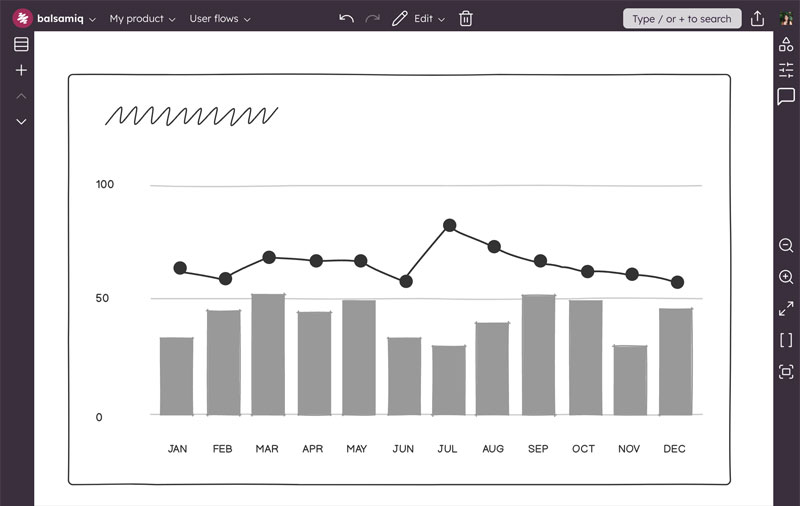





Wireframing is just the beginning
The lines between product, design, and engineering are blurring. You're expected to wear more hats while resources shrink. Balsamiq helps you keep up—AI wireframing, clickable prototypes, and code handoff, all in one place.
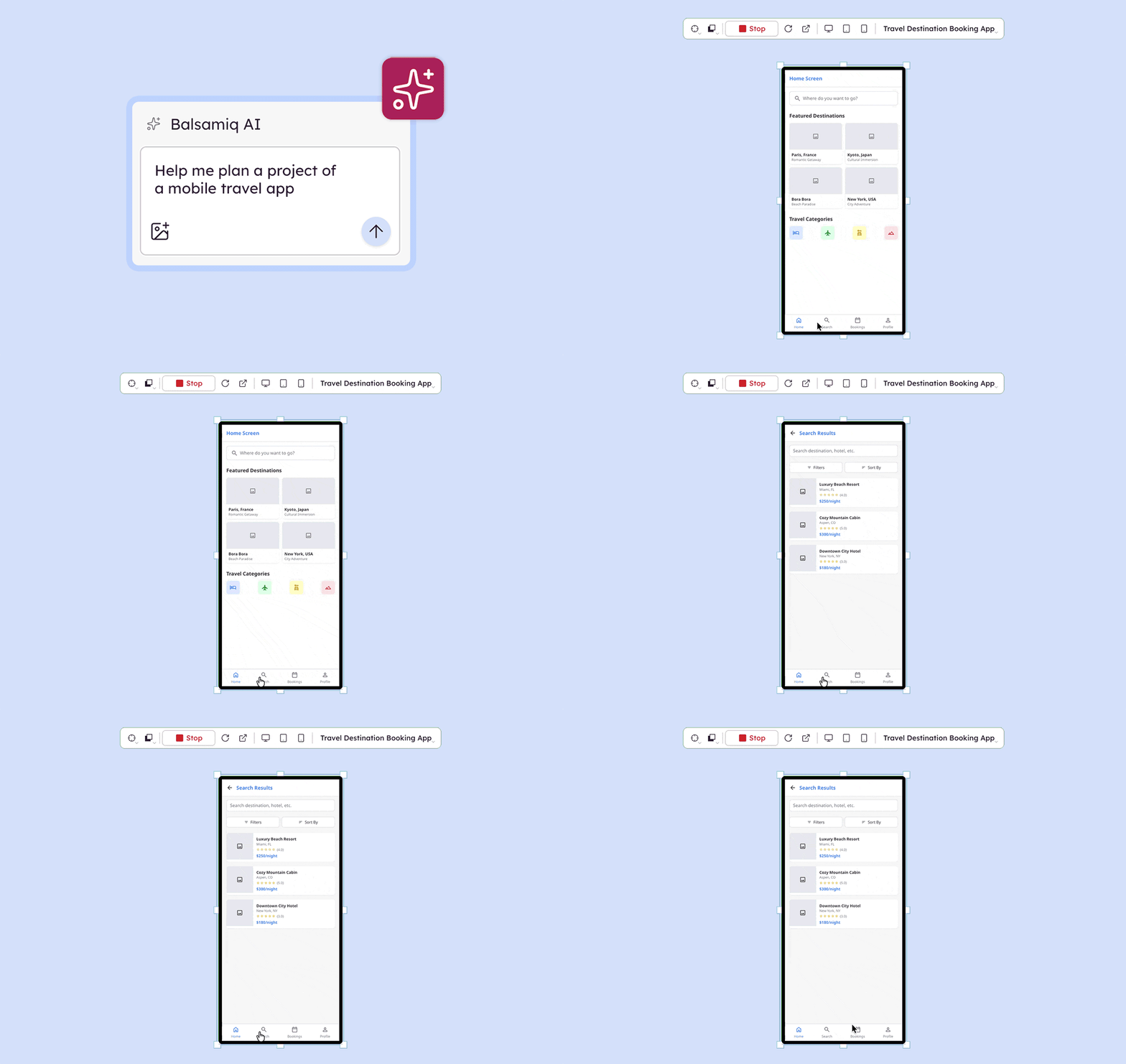
- Prompt Balsamiq AI to generate editable wireframes in seconds—from a prompt, screenshot, or sketch.
- Generate a clickable interactive prototype directly from your wireframes when the structure is right.
- Share it with stakeholders for sign-off or test it with users before a single line of code is written.
Define real interfaces, not just ideas
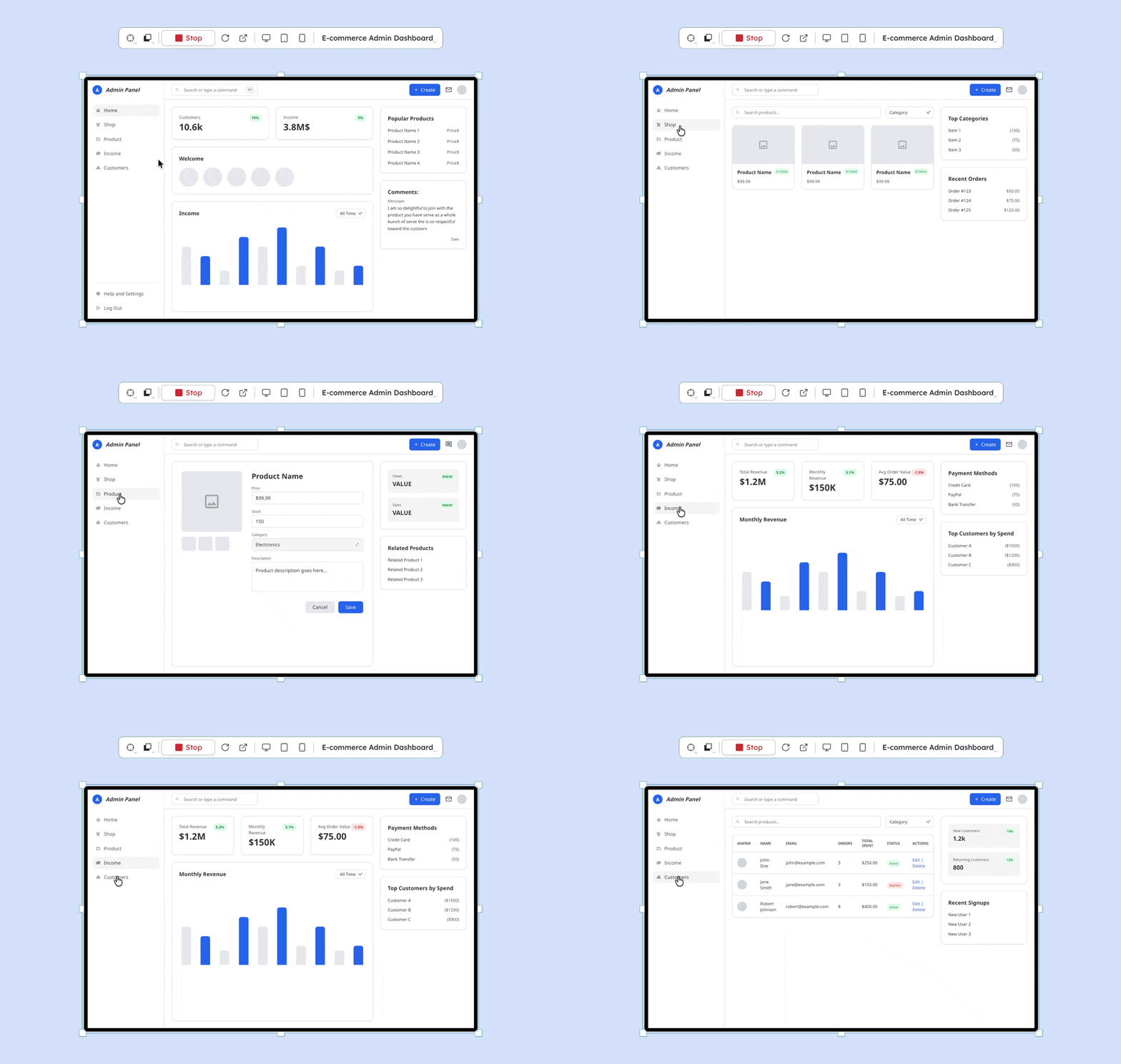
Whimsical is great for idea exploration. Balsamiq is built for turning those ideas into screens, flows, and clickable prototypes your team can actually build from.
- Sketch wireframes that reflect actual UI patterns, not just loose concepts.
- Clarify layout and structure quickly, without getting distracted by polish.
- Generate a real interactive prototype when you're ready—no extra tools needed.
Real products have edge cases. Plan for them early.
The happy path is the easy part, but they’re not the reality. Balsamiq helps your team define the rest—error states, edge cases, and branching flows—before they become expensive to fix.
- Map out branching logic and catch gaps early with wireflows.
- Bring every screen into the conversation—error states, empty states, edge cases.
- Generate a prototype that covers the whole product, not just the three screens that go right.
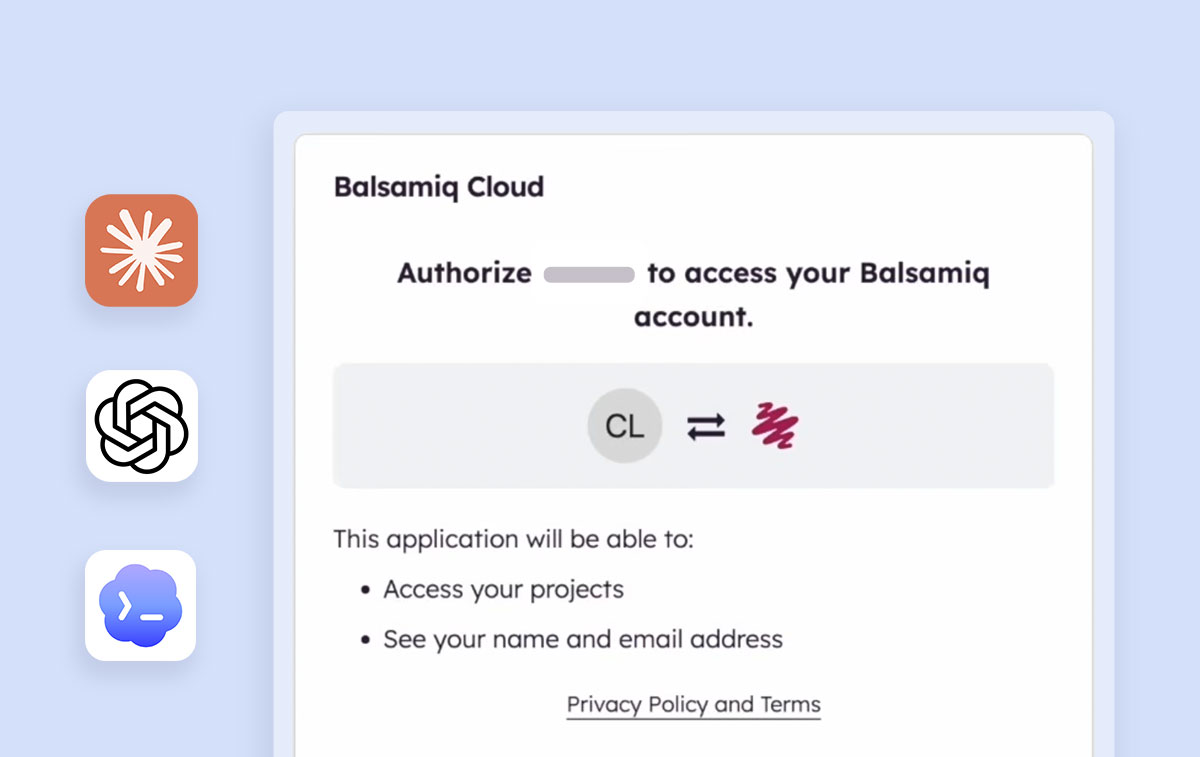
Hand off with context
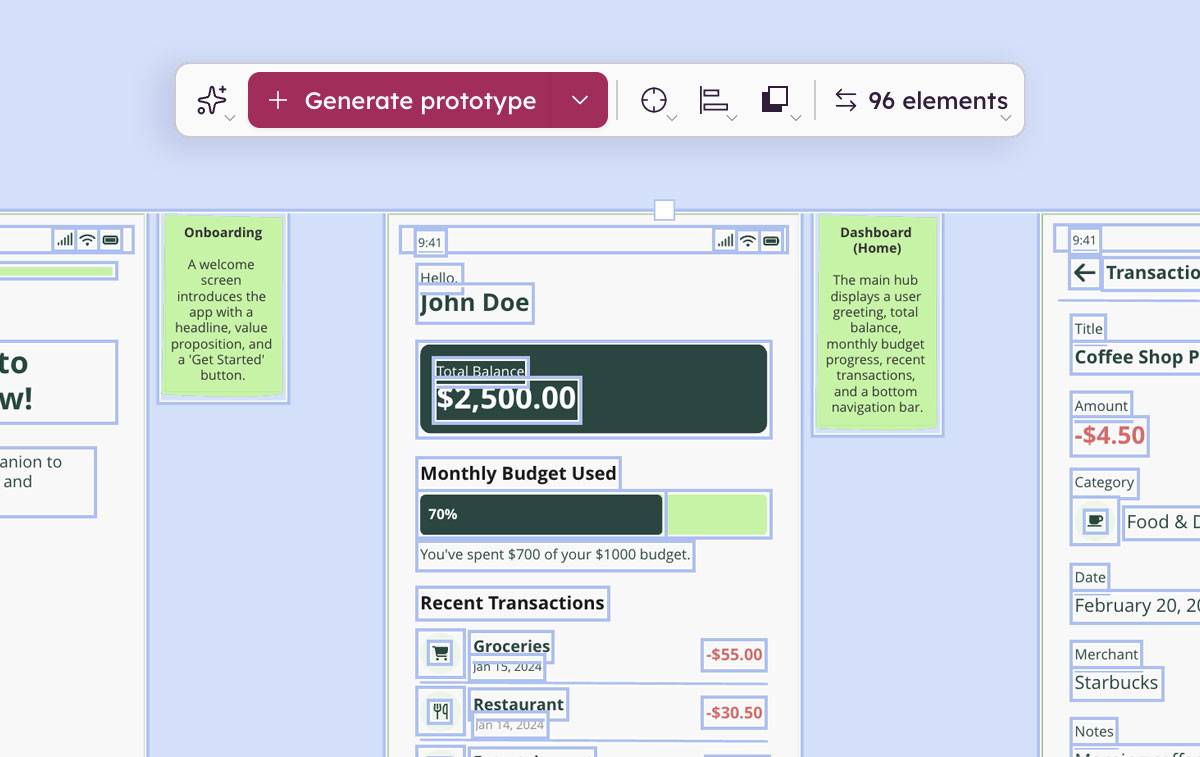
A wireframe without a prototype is half the story. Hand off validated wireframes and prototypes your developers and AI coding tools can actually build from.
- Connect to Claude, ChatGPT, Cursor, or VS Code through the Balsamiq MCP server for faster, more accurate output.
- Embed wireframes in Jira tickets and Confluence pages.
- Share in Slack or export to PNG and PDF.
Let's compare Balsamiq vs. Whimsical
| Feature | Balsamiq | Whimsical |
|---|---|---|
| Best for | Product decisions, validation, and handoff to code | Diagramming, idea exploration, and team planning |
| AI Wireframing | Prompt, screenshot, or sketch to editable wireframe | X |
| Prototyping | Purpose-built—included in every plan | X |
| Fidelity approach | Low-fi first, then interactive—by design | Low-fi wireframes and diagrams, no prototype output |
| MCP server | Connects validated wireframes and prototypes to AI coding tools | Connects diagrams and board content to AI coding tools |
| Pricing model | Per editor seat, unlimited reviewers | Per member (seat-based) |
| Starting at | $16/editor/mo (billed annually). Prototyping included | Free (3 boards, limited); $10/editor/mo for teams. |
| Enterprise | $35/editor/mo, billed annually. Prototyping included | $20/editor/mo, starting at 200 users. |
| Collaboration | Unlimited users, every plan | Per seat |
See how Balsamiq works
Loved by product people who like to move fast
-
Still love Balsamiq for initial, lo-fi user interface designs. Any other app with more bells & whistles would distract me. Happy user since Oct 2008 (yes, just looked it up).
 Erik van EykelenFounder
 -
The customer support team at Balsamiq is one of the most helpful I've ever encountered.
 Nakul VermaCo-founder
 -
When prototyping a web or mobile application with Balsamiq, my productivity skyrockets. More focus on the core business idea and less focus on margins, colors, fonts, etc.
 Njogu AmosFull-stack Developer
 -
I worked on some design assignments last weekend and discovered an application called Balsamiq. In just a few hours, I whipped up low-fidelity wireframes that made me look like a design ninja. 🥷
 Anshita DeshmukhProduct Designer
 -
I use Balsamiq to sketch out initial concepts and the team loves my "hand-drawn mockups" :D
 Tosh AnandProduct Designer
 -
Happy to confirm my hunch: Balsamiq is still the best (and better than all the well-funded competitors).
 Brian CaselWeb Designer
 -
Balsamiq rocks! Best money I've ever spent.
 Gareth StephensonSoftware Engineer
 -
One tool I use a lot and have been using for at least 10 years is Balsamiq. There are much more full-featured and prettier wireframing tools available, but for quickly turning an idea into a shareable vision with other people it's been hard to beat.
 Pete SergeantSoftware Engineer
 -
I'd never made a wireframe before but I learned Balsamiq at 10 pm last night and now I'm kind of a groupie.
 Laura McKieranExecutive Director
FAQs
Do I need Whimsical if I use Balsamiq?
For wireframing, prototyping, and getting your team to "yes, build exactly this"—no. Balsamiq handles that end to end. If your team relies heavily on mind maps or collaborative docs, Whimsical has a place for that. But for product decision-making, Balsamiq takes you further.
How is Balsamiq different from Whimsical for wireframing?
Both tools let you wireframe. But, unlike Whimsical, Balsamiq also lets you get there faster—describe your idea, upload a screenshot, or sketch it out and Balsamiq AI generates an editable wireframe in seconds.
And once your wireframe is done, Balsamiq keeps going. Generate a real interactive prototype, get stakeholder sign-off, and hand off to developers or AI coding tools, all without leaving the tool.
Can Balsamiq generate interactive prototypes?
Yes. Balsamiq AI generates clickable prototypes directly from your wireframes. You can adjust the layout, open them in a viewer, or download them as HTML.
Does Balsamiq work with AI coding tools?
Yes. The Balsamiq MCP server connects your projects to Claude, ChatGPT, Codex, Cursor, VS Code, and other MCP-compatible tools. Generate code, user stories, QA plans, or edge case analysis straight from your wireframes.
Who should use Balsamiq?
Anyone shaping what gets built: PMs, founders, engineers, IT managers, consultants. Balsamiq is designed so everyone on the product team can contribute without needing design expertise—or limiting collaboration through a per-seat license.
What's the best workflow with Balsamiq?
Start with a rough wireframe—build it yourself or with AI. Work through the flows with your team, catch the edge cases, and get everyone aligned on structure. Then generate a real-looking interactive prototype with Balsamiq AI and use it to get sign-off from stakeholders or test with users. Hand off to your developers or AI coding tools via MCP when you're ready to build.
The fastest way to go from "what if?" to "yes, build exactly this"
Wireframe, prototype, and validate with Balsamiq. Then hand it off to code.
No credit card required