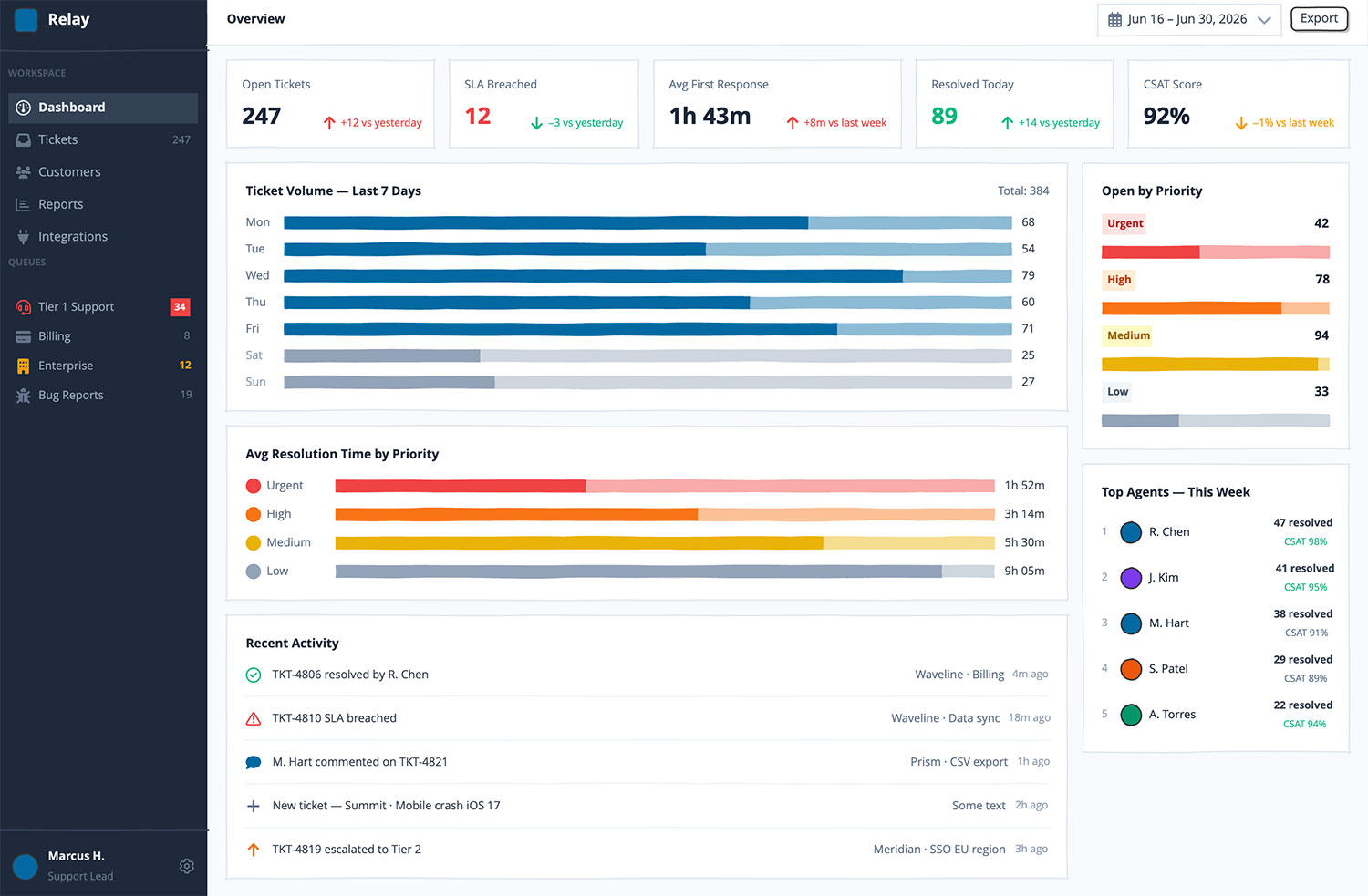


Most internal tools fail in the requirements, not the code
A finance lead asks for a "simple dashboard." Six weeks later it's built, and it's wrong. Balsamiq turns vague asks into something everyone can see, click through, and approve, first.
Gather requirements people can actually react to
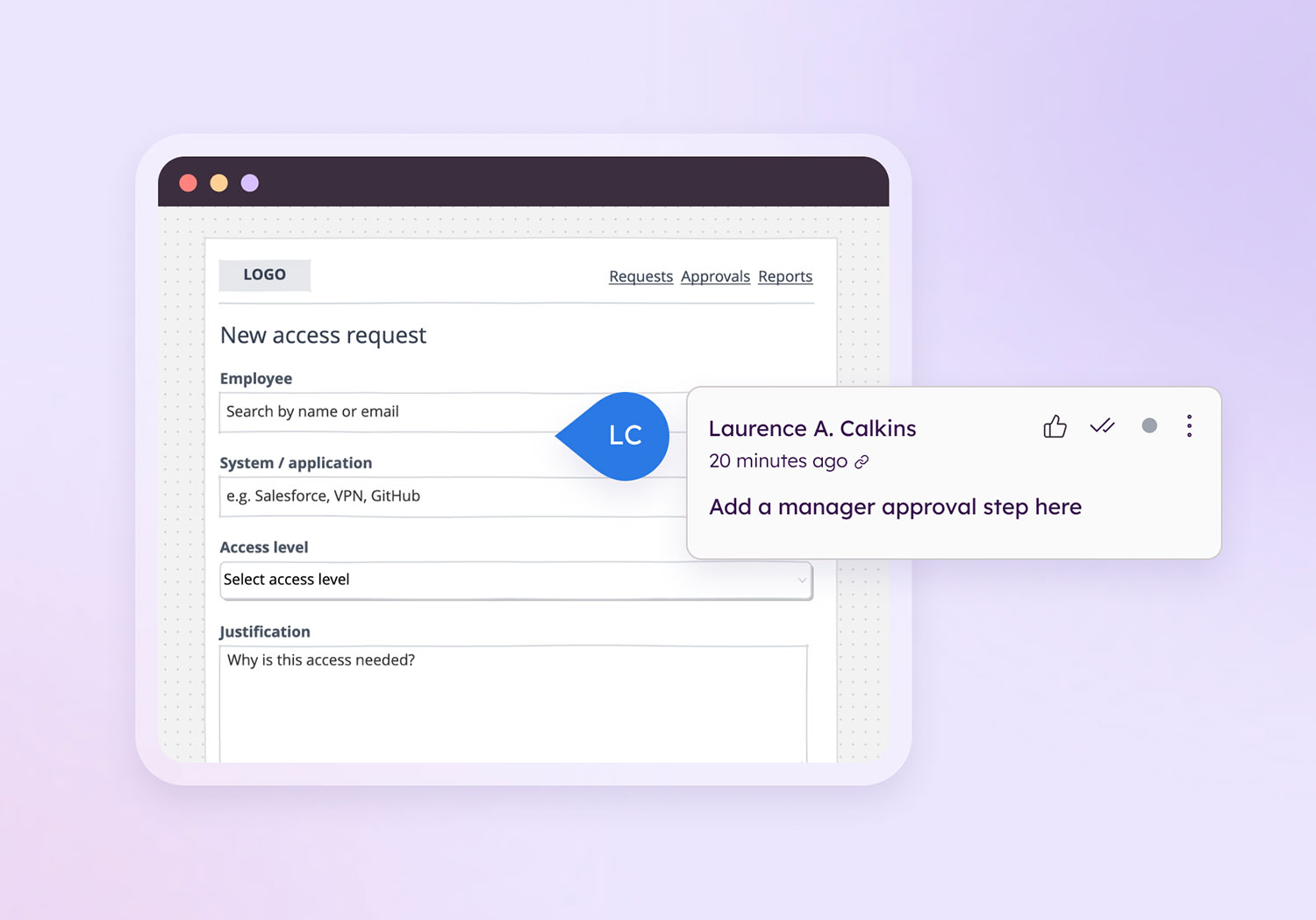
Stakeholders can't read a spec, but they'll tell you what's wrong with a wireframe in five seconds. Sketch it live, or let Balsamiq AI draft it from your notes.
Map the current state and the future state
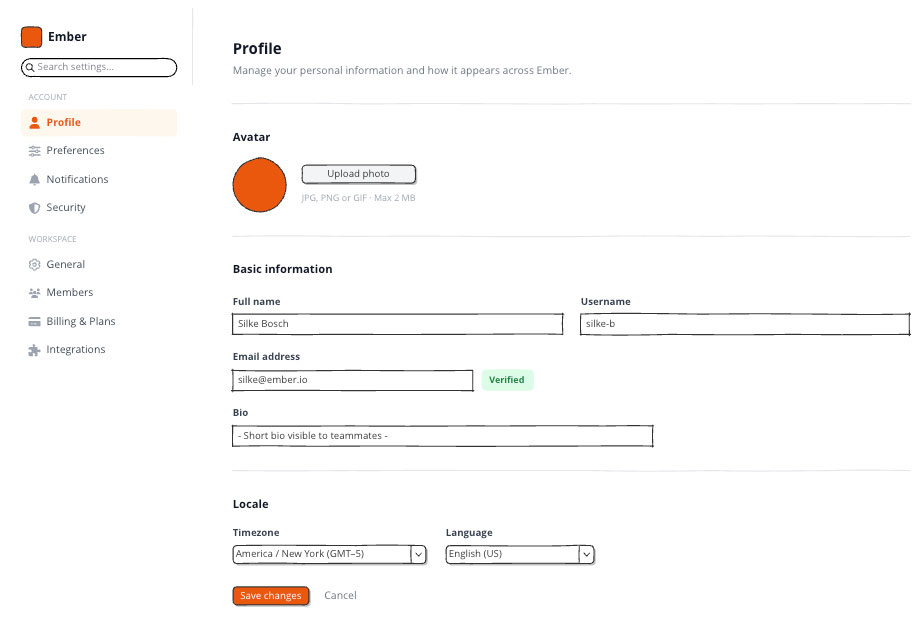
Drop in a screenshot of the system you're replacing and turn it into an editable wireframe instantly. Map where it's going right beside it, no rebuilding by hand.

Own the internal tools no one else will
Admin panels, intake forms, approval flows, dashboards. The back‑office software that never gets a designer, so IT owns the interface. Get it right, fast.
Turn it into a prototype and prove it works
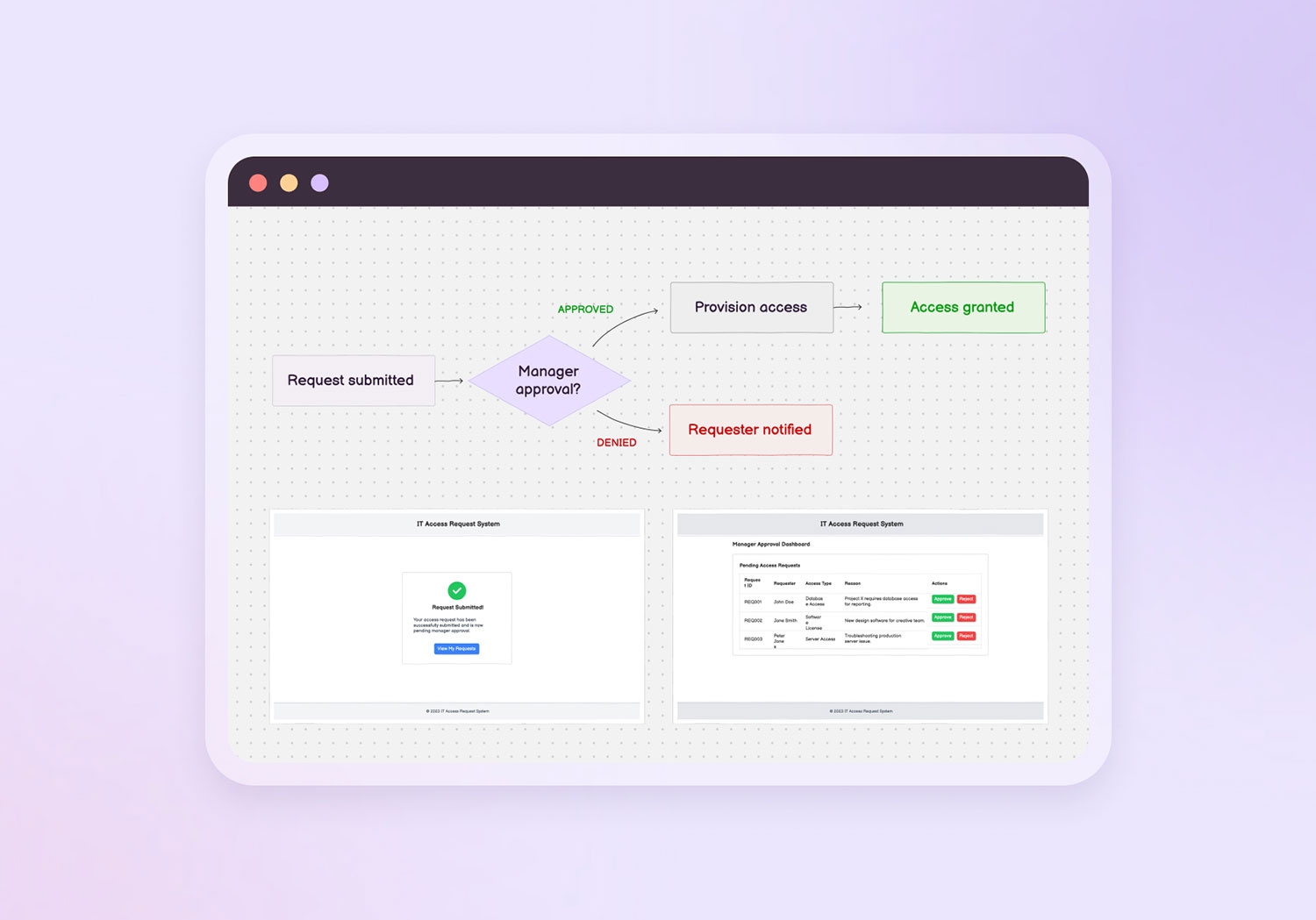
One click turns your wireframes into a clickable prototype. Walk stakeholders through the real flow and catch the "wait, that's not how approvals work" moment in a review, not after the build.
Hand off a spec devs and integrators can't misread
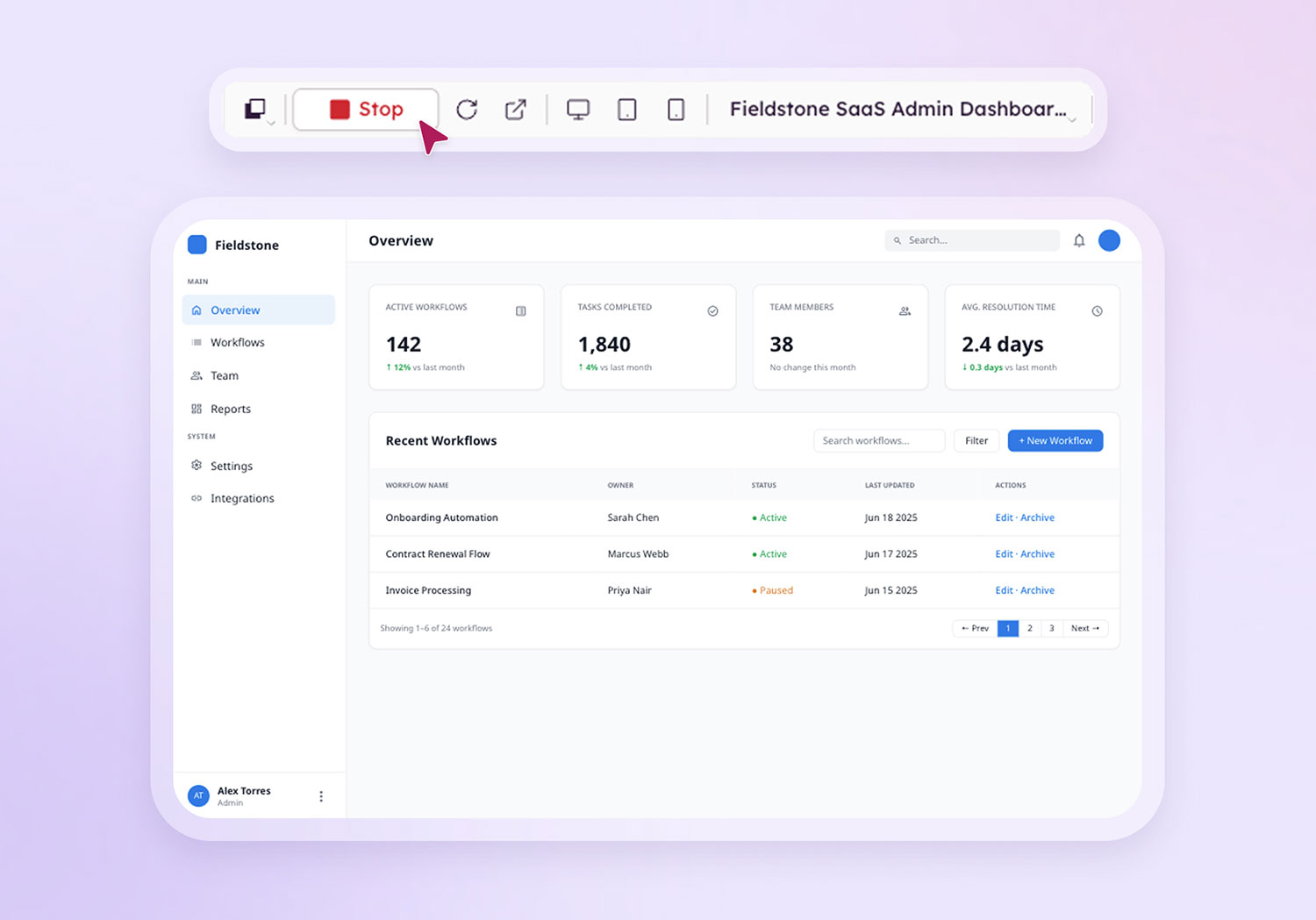
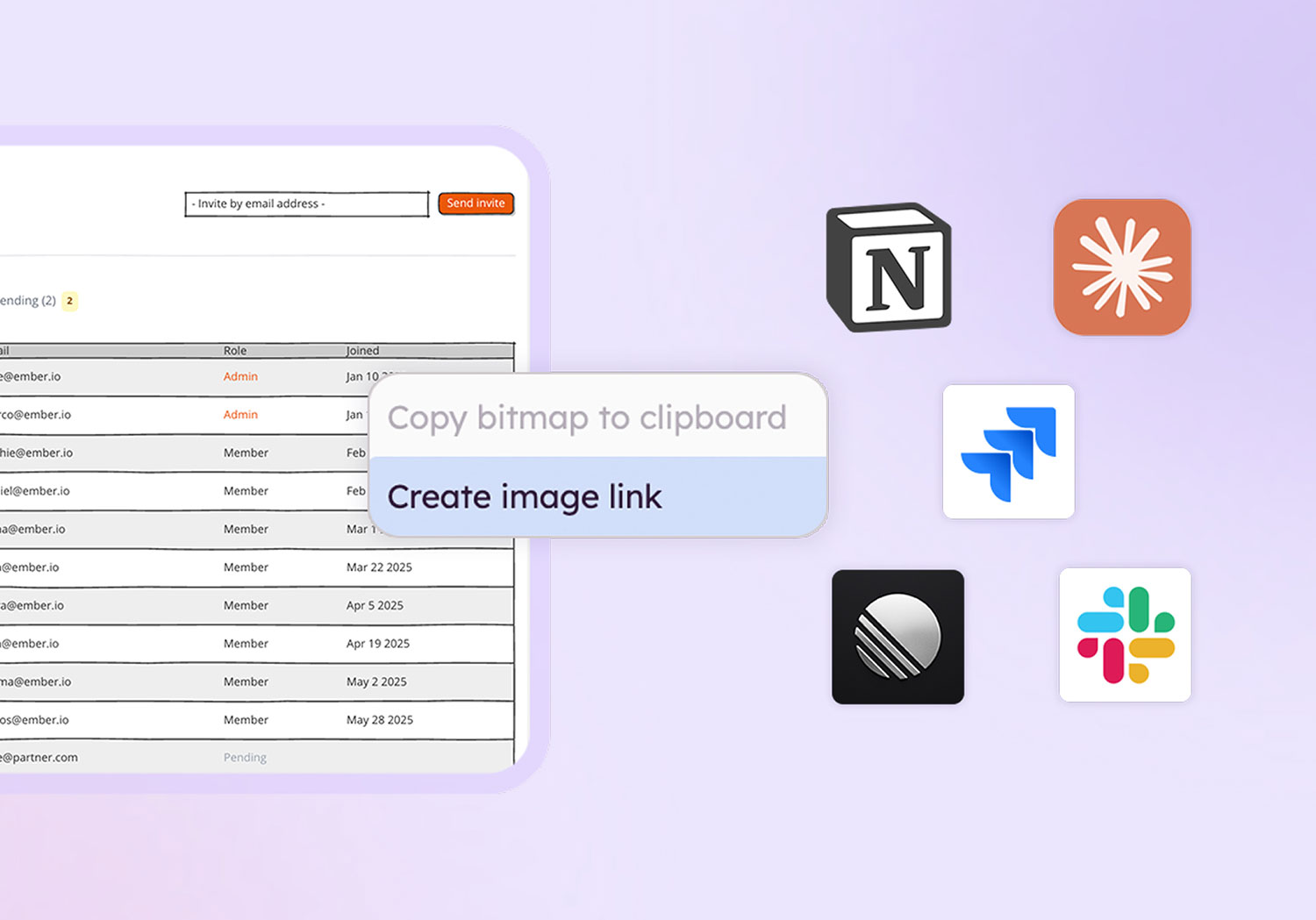
Drop the prototype into a Jira ticket, export a PDF for the SOW, or pipe it into Claude, Cursor, or Codex through the Balsamiq MCP server. In‑house or vendor, everyone builds from the same validated picture.
Where internal projects stop going sideways
Too many stakeholders, too little design help, and a backlog of internal systems that all needed clarity yesterday. Balsamiq is the fast, low‑fi layer that keeps those projects out of the rework spiral.
Less rework, fewer change requests
Surface the gaps in a review, before they become change orders after go‑live.
Requirements the business green-lights
Non‑technical stakeholders react to a picture, not a spec. Get a real approval instead of a silent nod in a meeting.
De-risk legacy modernization
Map the old system and the target state side by side, so you replace what matters and retire what doesn't.
Vendor & SI specs that hold up
Hand contractors and integrators a validated prototype, not a paragraph open to interpretation.
Lives in your tracking tool
Embed wireframes and prototypes right where your team works, in Jira, Confluence, or any tool via a share link.
Security your team will sign off on
SOC 2 Type II, GDPR, and CCPA aligned, with no AI training on your data.
Turn a request into a wireframe, then a prototype
Paste the email, describe the screen, or drop in a screenshot of the system you're replacing. Balsamiq AI drafts a structured, low‑fi wireframe in seconds, then generates a clickable prototype from it so you can walk stakeholders through the flow. You skip the blank board, and you still make every call. Your data is never used to train the models.
See how Balsamiq AI works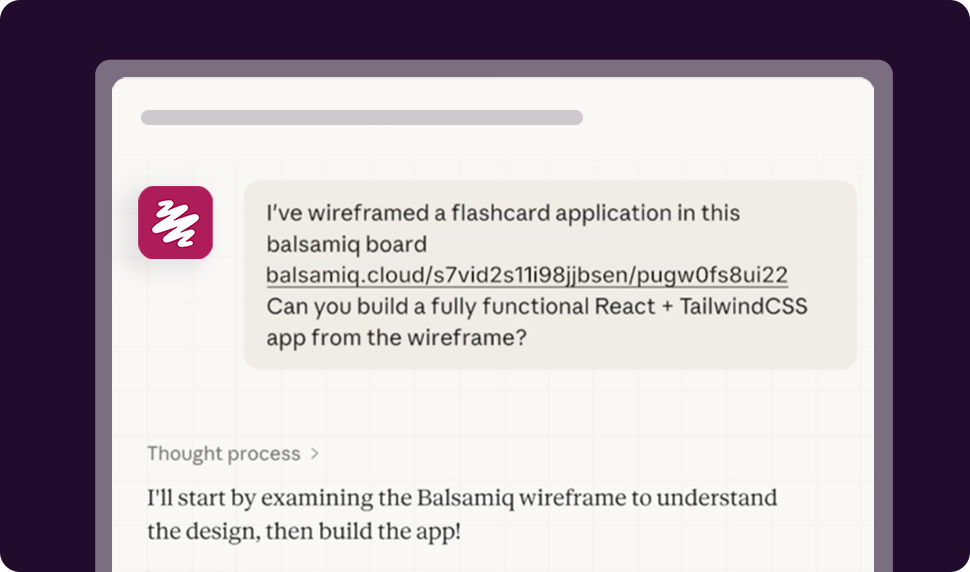
Why IT and tech teams love Balsamiq
-
I like to use Balsamiq as it's so easy to switch directions even if you're quite far into the designs. All the color and fluff can wait until we move to Figma, but for now, simplicity is my friend.
 Greg SmithChief Product Officer (CPO)
 -
For over a decade, my favorite wireframing tool has been Balsamiq. It's easy to use and allows me to create wireframes really quickly.
 Max KostinevichFull-stack Developer
 -
Balsamiq has come a long way, and the Cloud version is terrific! They kept all the functionality but added some great flexibility to keep it current with current UI elements.
 Franka BalyUX Designer
 -
I sketch my SaaS ideas with Balsamiq before prototyping. It helps me see the big picture and speeds up the process of identifying needs. It's also fun!
 Arda AkdereSoftware Engineer