Bolt AI is one of the fastest ways to turn an idea into a working app. But speed alone doesn’t guarantee you’re building the right thing.
At some point, many teams hit a wall: token costs start stacking up, iterations get messy, or you realize you’re making product decisions during execution instead of before it. Bolt is excellent at helping you build, but less so at helping you figure out what’s actually worth building in the first place.
If you’re starting to feel that friction, we’ve rounded up seven Bolt AI alternatives—each offering a different approach to planning, prototyping, or building your next product. We’ll break each one down by:
- Use case
- Key features
- Pros and cons
- Pricing
A deeper dive into Bolt AI
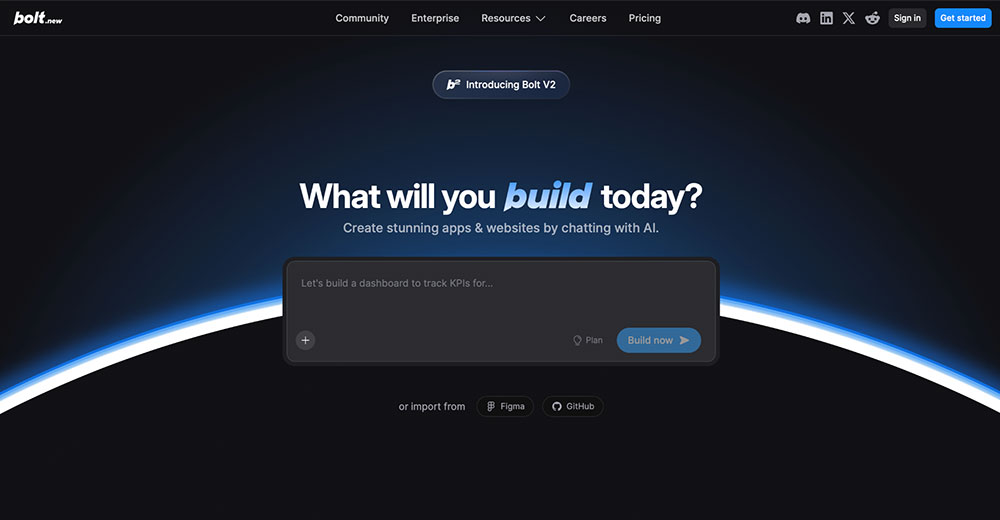
Bolt AI is an AI-powered app builder that lets you create full-stack applications and websites by chatting with an AI agent. It combines code generation, debugging, and deployment into a single workflow, so you can go from idea to a working product without getting slowed down by setup or infrastructure.
Typical Bolt AI users include product managers, founders, and builders who want to move fast—whether that’s turning insights into prototypes in hours, launching products in days, or testing ideas with a working app.
Why people love Bolt AI
What makes Bolt stand out is how aggressively it optimizes for speed. It’s designed to take you from idea to working product with as little friction as possible. That’s a big part of why it’s become a go-to tool for vibe coding—you describe what you want, and Bolt turns it into something tangible.
A few of the reasons users gravitate toward Bolt include:
- Extremely fast iteration with the ability to go from idea to a working app in hours
- Full-stack generation covering frontend, backend, and deployment in a single flow
- Built-in debugging and optimization with automatic testing and code improvements
- Accessibility across skill levels making it usable for both non-technical founders and experienced developers
Why users switch from Bolt AI
Bolt can feel almost magical at first. You type in an idea, and a working app appears almost instantly. But once you move past that first version, things often become more complex.
Here’s what typically drives users to look elsewhere:
- Difficulty moving beyond the initial build, especially when turning a prototype into a usable product
- Unpredictable token usage, especially when fixing bugs or making small changes through repeated prompts
- AI outputs that don’t fully follow instructions, leading to a lot of rework, broken features, or inconsistent results
- Gaps in control and understanding, particularly for non-technical users who need more visibility into logic, flows, and decisions
The best alternatives to Bolt AI: A quick comparison
| Tool | Best for | Standout feature |
|---|---|---|
| Balsamiq | Fast and intentionally low-fidelity to interactive, high fidelity | Generate interactive prototypes from your wireframes in Balsamiq |
| Lovable | Fast AI-generated prototypes | Prompt-to-app generation with instant preview and one-click deployment |
| Cursor | AI-assisted coding in real codebases | In-editor AI pair programming with deep context |
| v0 by Vercel | UI generation for developers | Generates production-ready frontend components |
| Replit | Collaborative AI development | Cloud IDE with built-in AI agent and deployment |
| Bubble | Developers who want control over app logic | Visual builder with logic, database, and workflows |
| Vitara.ai | Structured, full-stack apps | Production-ready full-stack code generation with built-in modern stack |
1. Balsamiq: Best Bolt AI alternative for your product thinking playground
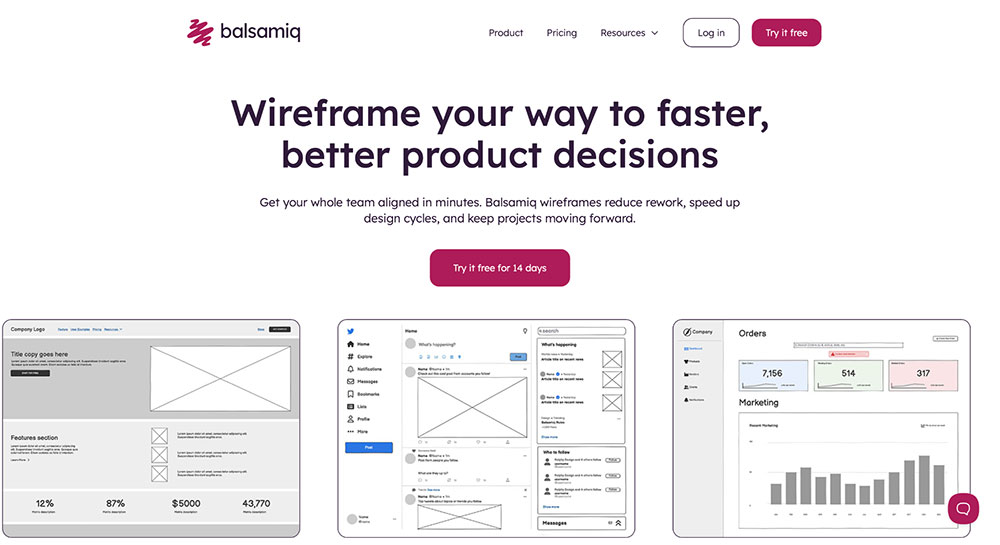
If you’re using Bolt to move fast but keep running into messy iterations, unclear user flows, or “this doesn’t feel right” moments, you most likely have a clarity problem around what to build.
Balsamiq helps you solve that earlier. It keeps you at the structural level where product decisions actually happen (structure, flows, user intent), so you can iterate on the idea, not the code. Instead of burning time (and tokens) refining half-working apps, you explore multiple directions quickly and get to alignment faster before anything gets built.
Now, with AI-powered prototyping, you can take those wireframes a step further without leaving that early thinking phase. Turn them into interactive, clickable prototypes in a click, so people can actually experience the flow, react to it, and tell you what’s missing or confusing. And when you’re ready to build, you can paste your board into tools like ChatGPT or Claude to generate user stories, QA plans, or even code.
Core features:
- Rapid low-fidelity wireframing with drag-and-drop UI components
- Balsamiq AI—a conversational wireframing assistant
- Real-time collaboration, comments, and feedback for team alignment
- AI-powered prototyping that turns wireframes into interactive experiences and connects them to ChatGPT, Claude, and other AI tools via MCP
- Pre-built libraries with reusable components
- Easy to share wireframes and prototypes for feedback gathering via links, PDFs, or exports
- Integrations with tools like Confluence, Jira, and Slack
Pros and cons:
| Pros ✅ | Cons ❌ |
|---|---|
| Helps you figure out what to build before jumping into code or AI-generated apps | Not a full-stack app builder |
| Forces the right product conversations early (flows, logic, user intent) | |
| Very easy to pick up and use, even without a technical background | |
| Unlimited reviewers, so you can gather feedback from anyone without worrying about seats or cost |
Balsamiq pricing
Pricing is per editor, with reviewers who can view and comment on projects always free. The Starter plan starts at $16/month per editor billed annually ($192/year), or $23 billed monthly for up to 10 projects and 500 AI credits per editor/month. Teams is $24/month per editor billed annually ($288/year), or $34 billed monthly for up to 100 projects and 1,000 AI credits. Enterprise is $35/month per editor ($420/year, annual billing only) for up to 400 projects and 2,500 AI credits.
A 14-day free trial is available, and registered nonprofits get 50% off the first year of an annual Starter or Teams plan.

2. Lovable: Best Bolt alternative for fast AI-generated prototypes
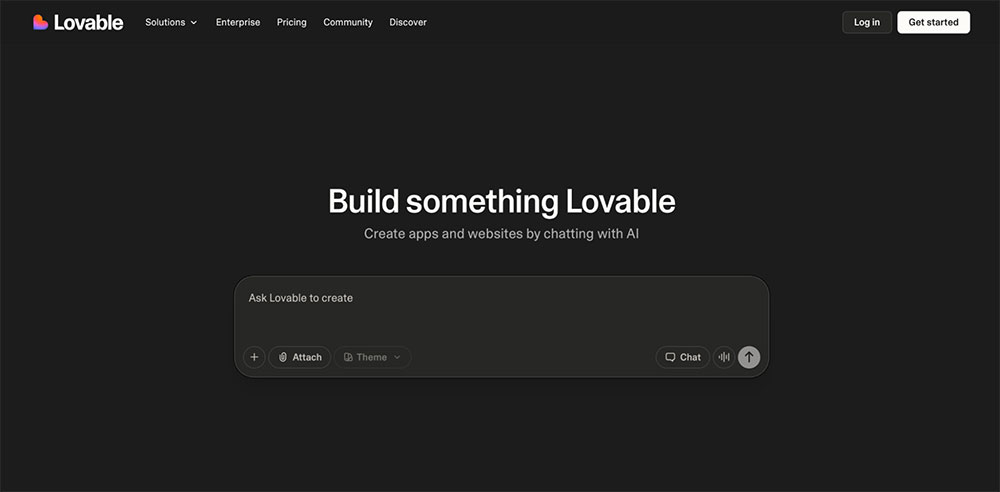
Lovable is an AI app builder designed to turn ideas into working, visually polished apps as quickly as possible. It leans heavily into vibe coding, generating full interfaces and flows from simple prompts so you can go from concept to prototype in minutes.
Core features:
- Prompt-based app generation that turns ideas into working prototypes
- Real-time visual building with interactive UI and flows
- Built-in templates to kickstart common use cases
Pros and cons:
| Pros ✅ | Cons ❌ |
|---|---|
| Extremely fast from idea to polished prototype | Credit-based pricing can get expensive with iteration |
| Produces visually impressive, shareable outputs | Less control and structure as projects grow |
| Accessible for non-technical users |
Lovable pricing
Free plan available with limited daily credits, public projects, and basic features. Paid plans include Pro ($21/month) with increased credits, custom domains, and no branding, and Business ($42/month) with team workspaces, SSO, and advanced controls.
👀 Looking for more tools like Lovable? Check out our full guide to the best Lovable alternatives.
3. Cursor: Best Bolt alternative for AI-assisted coding in real codebases
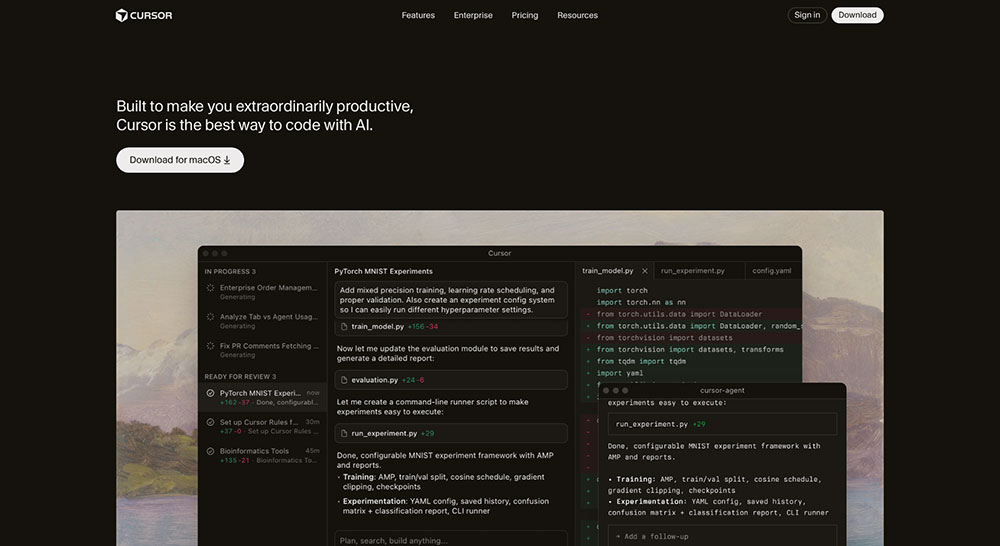
If you're a developer who wants to stay closer to the code, Cursor is an AI-powered editor designed to help you build faster without hiding the underlying code. It leans heavily into AI pair programming, combining autocomplete, agents, and multi-model support to help you write, refactor, and ship code efficiently. Compared to Bolt, Cursor gives you far more control—but also expects you to take ownership of the codebase.
Core features:
- AI agents that can generate, edit, and refactor code across your codebase
- Advanced autocomplete and in-editor commands for fast coding workflows
- Support for multiple models (OpenAI, Claude, Gemini, etc.)
Pros and cons:
| Pros ✅ | Cons ❌ |
|---|---|
| Deep understanding of large codebases with context-aware suggestions | Requires coding knowledge to use effectively |
| Flexible with multiple AI models and workflows | |
| Integrates into existing workflows (IDE, GitHub, terminal) |
Cursor pricing
Free Hobby plan available with limited usage. Paid plans start at $16/month (Pro), with higher tiers (Pro+, Ultra) offering increased usage, plus team and enterprise plans with advanced controls.
4. v0 by Vercel: Best Bolt AI alternative for UI generation with developer control
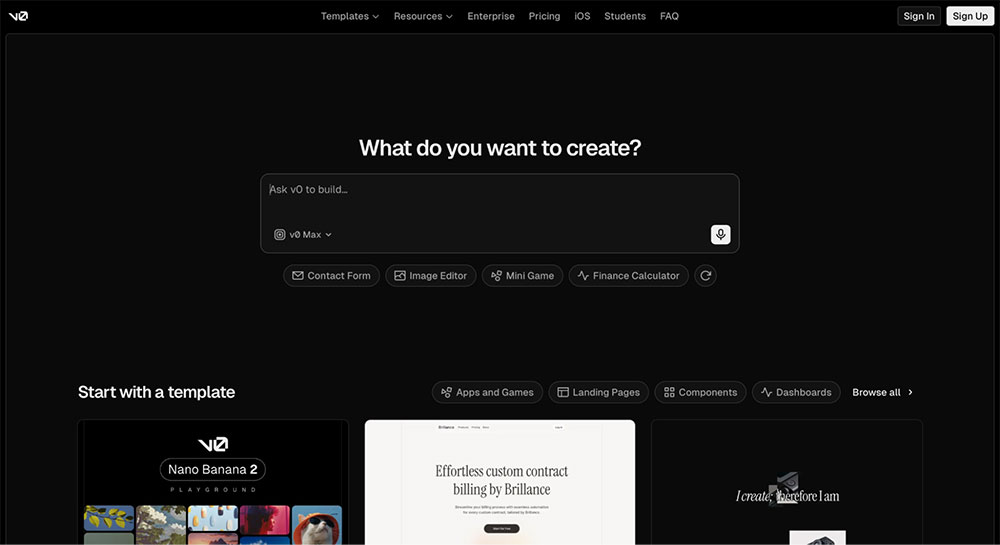
If you're looking for a Bolt alternative that focuses more on frontend generation, look no further than v0 by Vercel. It focuses on interfaces, generating clean, structured code that developers can actually use and extend. Compared to Bolt, v0 is less about full apps and more about building solid UI foundations quickly.
Core features:
- Prompt-based UI generation with production-ready React components
- Built-in design mode for visual editing and refinement
- One-click deployment via Vercel infrastructure
Pros and cons:
| Pros ✅ | Cons ❌ |
|---|---|
| Generates clean, usable frontend code | Not designed for full product thinking or validation |
| Fast way to prototype and ship interfaces | Primarily built for UI and frontend use cases |
| GitHub integration for syncing and managing code |
v0 by Vercel pricing
Free plan available. Paid plans include Team ($30/user/month) and Business ($100/user/month) with higher credit limits, plus enterprise options with advanced security and controls.
5. Replit: Best Bolt alternative for collaborative AI development
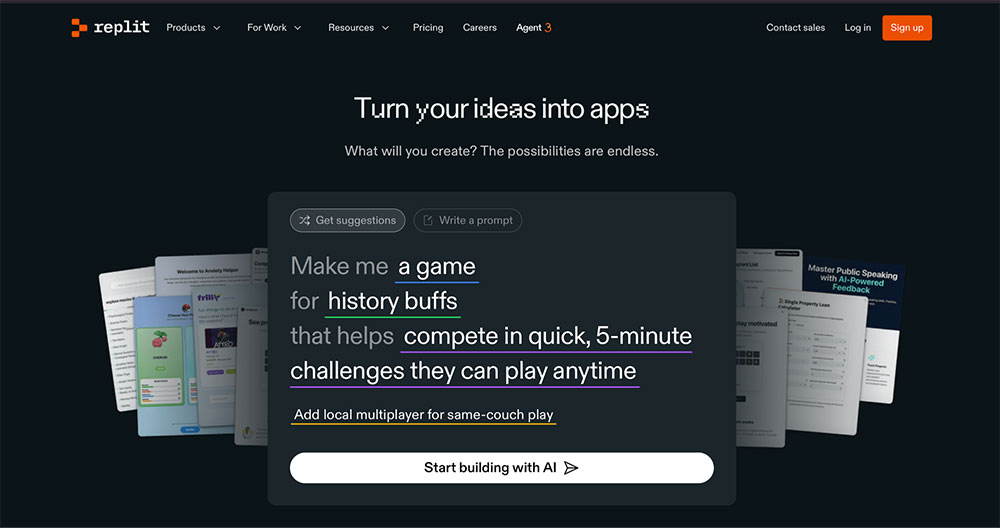
For builders who want Bolt-like speed without getting stuck at deployment, Replit offers a more complete path to production. It focuses on full-stack app creation with built-in infrastructure, so you’re not left figuring out deployment, databases, or authentication on your own.
Core features:
- Rapid app generation with AI agents that handle frontend, backend, and logic
- Built-in infrastructure, including hosting, database, authentication, and monitoring
- Parallel agents that can handle multiple tasks like design, auth, and APIs simultaneously
Pros and cons:
| Pros ✅ | Cons ❌ |
|---|---|
| Strong collaboration features for teams | Less control than coding everything from scratch |
| Handles scaling better than most other Replit alternatives | AI output still needs review for production use |
| No need to manage infrastructure or DevOps manually |
Replit pricing
A free plan available. Core plan starts at $17/month with more credits, up to 5 collaborators, and autonomous builds. Pro is $95/month with higher usage limits, private deployments, and access to more powerful models.
6. Bubble: Best Bolt alternative if you want full control over app logic
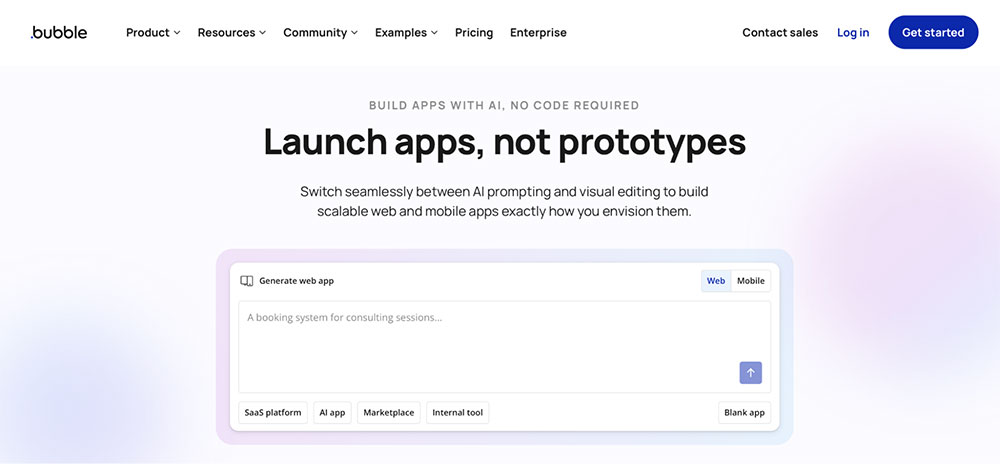
Next up, we have Bubble, a no-code app builder that lets you create full-stack applications through a visual interface, handling everything from frontend design to backend logic.
Compared to Bolt, which gets you to a working app quickly, Bubble trades some of that instant speed for control. You’re not just generating an app, you’re actively shaping how it behaves, which makes it a better fit once you move beyond quick prototypes and start thinking about long-term products.
Core features:
- Visual editor for building full-stack apps without code
- Built-in database, workflows, and backend logic
- Support for both web and native mobile apps
Pros and cons:
| Pros ✅ | Cons ❌ |
|---|---|
| Capable of building real, production-ready apps | Steeper learning curve than most no-code tools |
| Strong ecosystem and community support | Performance can degrade with complex or high-scale apps |
| Built-in backend, hosting, and infrastructure out of the box |
Bubble pricing
Free plan includes development features, basic backend, and one app in progress. Paid plans start at $59/month (Starter), with Growth ($209/month) and Team ($549/month) adding more capacity, collaboration, and scaling features.
7. Vitara.ai: Best Bolt AI alternative for structured full-stack apps
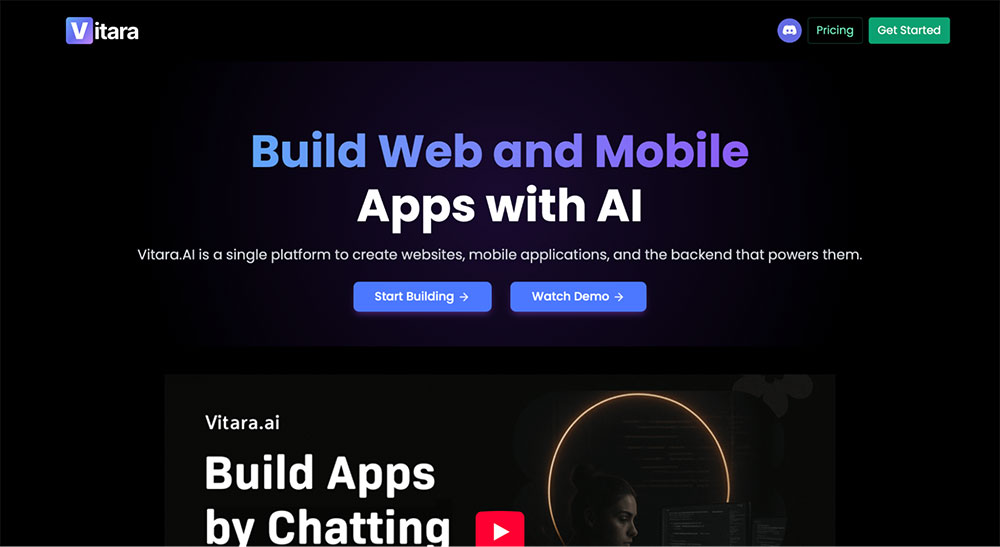
To round out the list, we have Vitara AI. Vitara AI is a vibe coding platform that generates full-stack web and mobile apps from prompts, while grounding everything in a structured, developer-ready stack.
Compared to Bolt, Vitara leans more toward production. It sets you up with tools like React and Supabase from the start, so you’re not just generating an app, you’re building something that can actually be extended, maintained, and scaled.
Core features:
- Prompt-based development with editable, production-ready code
- End-to-end workflow from idea to deployment in one platform
- Built-in backend, auth, and APIs via Supabase
Pros and cons:
| Pros ✅ | Cons ❌ |
|---|---|
| Generates structured, scalable codebases from the start | No free plan |
| Zero-config environment, so you can start building instantly in the browser | Smaller ecosystem compared to more established tools |
| GitHub integration makes it easier to continue development outside the tool |
Vitara.ai pricing
Vitara offers a free trial with 20 credits to test things out. The Build plan starts at $20/month with expanded usage and faster generation, while the $50/month Scale plan is designed for more intensive builds.
What’s your pick?
Building software has never been easier. Building the right software has never been harder.
Lovable is great for quickly turning ideas into working apps. Cursor is ideal if you want to stay close to the code and move faster as a developer. v0 shines when you want structured, production-ready frontends with minimal setup. But all of them assume you already know what to build.
If you don’t, you should start with Balsamiq. It helps you map ideas, align your team, and validate product direction early. And now, with AI-powered prototyping in beta, you can turn those ideas into clickable flows before committing to code.
FAQs
What is better than Bolt?
There are several Bolt alternatives on the market, each optimized for a different use case:
- Balsamiq – best for early-stage product thinking, helping you map ideas, align stakeholders, and validate what to build before writing code
- Lovable – best for quickly turning prompts into polished, interactive prototypes you can share and iterate on
- Cursor – best for developers who want to stay close to the code while using AI to speed up writing, editing, and refactoring
- v0 by Vercel – best for generating structured, production-ready frontend components with strong developer control
- Replit – best for collaborative, full-stack AI development with built-in infrastructure, deployment, and team workflows
What are the limitations of Bolt for early-stage product development?
Bolt is powerful, but it's optimized for execution rather than exploration. It pushes you quickly into building, which can lead to debating implementation details before the core idea is fully thought through. For early-stage teams, that often means shipping something fast that solves the wrong problem.
That’s where Balsamiq is a better fit. It helps you map ideas, test flows, and align on what to build before you commit to code—so you avoid costly rework and build with confidence.
What's the difference between vibe coding and using Balsamiq?
The idea behind vibe coding is simple: you describe an idea in a chat box, and seconds later, you have something that looks like a real app. The drawback is that it skips an important step—asking whether the idea actually makes sense in the real world.
Balsamiq sits earlier in the process. It helps you explore ideas, map user flows, and align with your team before building. And now, with AI-powered prototyping, you can turn wireframes into clickable prototypes and even connect them to tools like ChatGPT or Claude, essentially turning your prototype into a prompt.