v0 by Vercel does one thing exceptionally well: it generates a clean, production-ready UI from a text prompt, fast. For front-end developers who already know exactly what they want to build, it's a genuinely useful tool.
The wall most users hit is the combination of credit costs and direction uncertainty. You pay to iterate, including when the AI gets it wrong. You also pay to refine an interface, only to find out it's solving the wrong problem. And none of that iteration is getting you closer to something users actually want.
If any of that sounds familiar, it's time to see what v0 alternatives are out there. Here's a roundup of the seven best tools, covering features, pros and cons, and pricing of each.
A deeper dive into v0 by Vercel
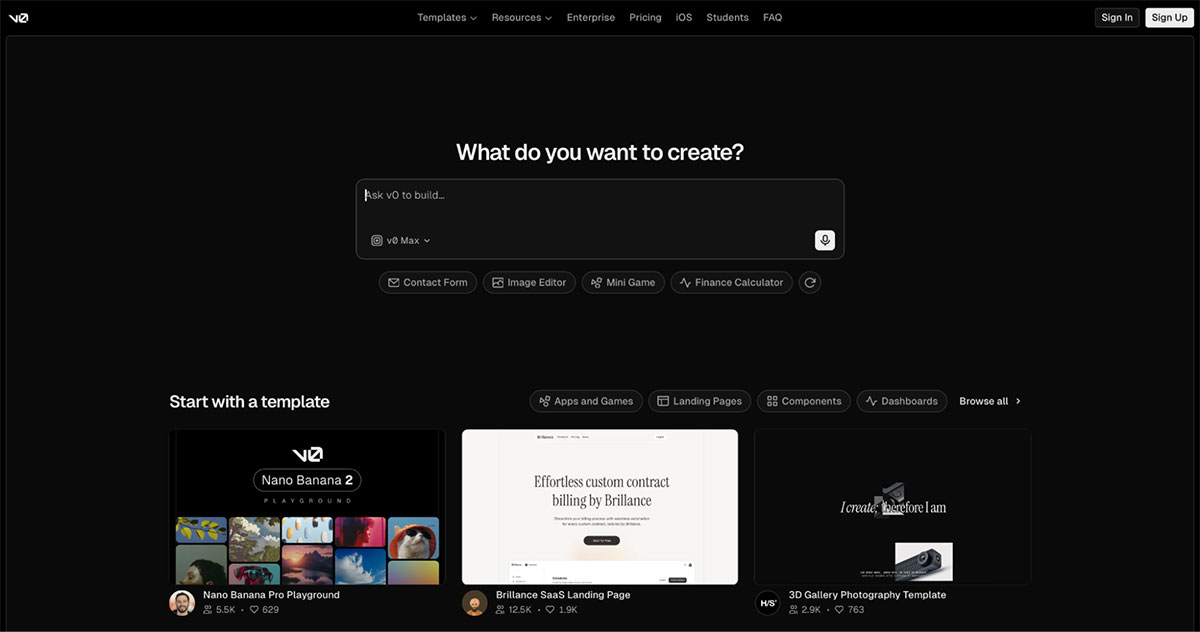
v0 by Vercel is an AI tool that turns plain text prompts into ready-to-use React UI components, typically styled with Tailwind CSS and shadcn/ui. It’s designed to help developers quickly generate and iterate on frontend layouts and components without starting from scratch.
Typical v0 users include:
- Frontend developers
- Product builders who want to prototype or scaffold
- Full-stack engineers who want a fast UI starting point
- Technical founders who want to prototype interfaces quickly
Why people love v0
What makes v0 stand out is the quality and speed of its UI output. It helps you produce clean, structured, and actually usable code. Users who stick with it tend to describe it as feeling like a genuine collaboration: v0 explains what it's doing and why, which makes it easier to work with and learn from.
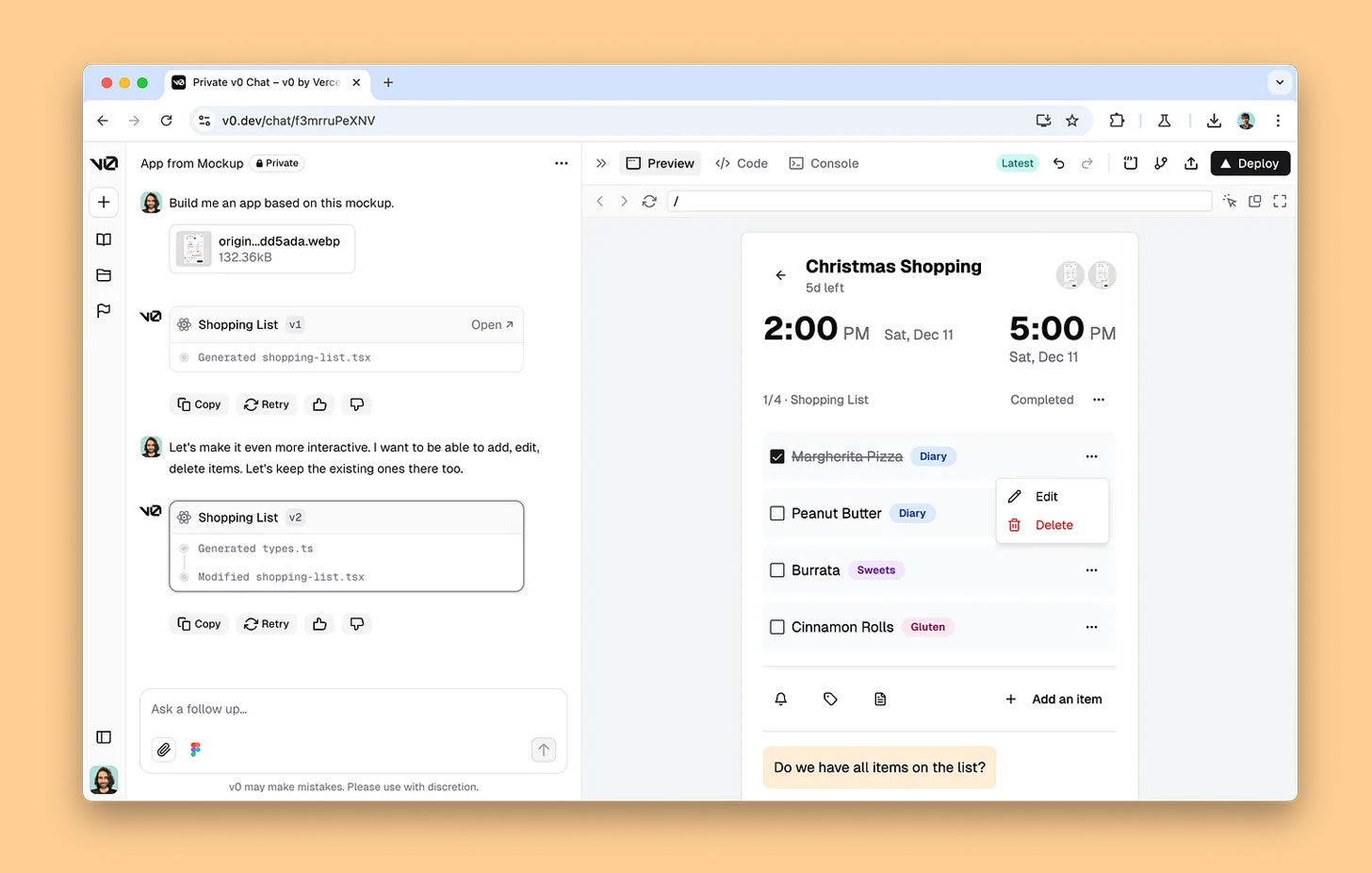
Other reasons users love using V0 include:
- Production-ready React and Next.js components that don't need to be completely rewritten before use
- Tight Vercel integration for one-click deployment straight from the interface (makes sense, they’re owned by Vercel!)
- GitHub sync for managing and extending generated code in your own workflow
- A huge template library to kick start any kind of project
Why people switch from v0
v0 used to have a much more enthusiastic user base. Much of the recent frustration traces back to a pricing model change that dramatically shifted costs for many users, now charging users per iteration. Developers active on Reddit had some choice words about the pricing change, saying that the v0's pricing change was a masterclass in how to NOT handle developer communities.
A tool that once felt worth it at one price point feels very different at another, because it’s charging users for a core part of product development: iteration. Users even get penalized if v0 produces broken outputs or fails to complete a task.
Here are some other reasons users start looking elsewhere:
- Agent mode added cost without always adding value. It often reads entire projects just to make small edits, using far more credits than the task requires.
- Inconsistent output quality. The tool struggles with multi-step flows, state management, and data wiring, meaning you’ll often need to refactor and rewrite before anything is truly usable.
- Doesn’t help with what to build. v0 assumes you've already figured out the right user flow. If you're still working that out, every iteration is just refining the wrong direction—and paying for the privilege.
The best v0 by Vercel alternatives: At a glance
| Tool | Best for | Standout feature |
|---|---|---|
| Balsamiq | Product thinking before you build | Wireframe to interactive prototype, no code required |
| Lovable | Fast AI-generated apps | Prompt-to-app with instant deploy |
| Bolt | Full-stack AI app generation | Frontend, backend, and deployment in one flow |
| Replit | Collaborative AI development | Cloud IDE with built-in AI agent and infrastructure |
| Base44 | Building business apps fast | No-code AI app builder with ready-to-use components |
| Firebase Studio | Full-stack apps with Google's backend | Gemini AI + Firebase infrastructure in one workspace |
| Famous.ai | Production-grade, polished apps | Fast prompt-to-app with strong visual output |
1. Balsamiq: Best v0 alternative for product thinking before you build
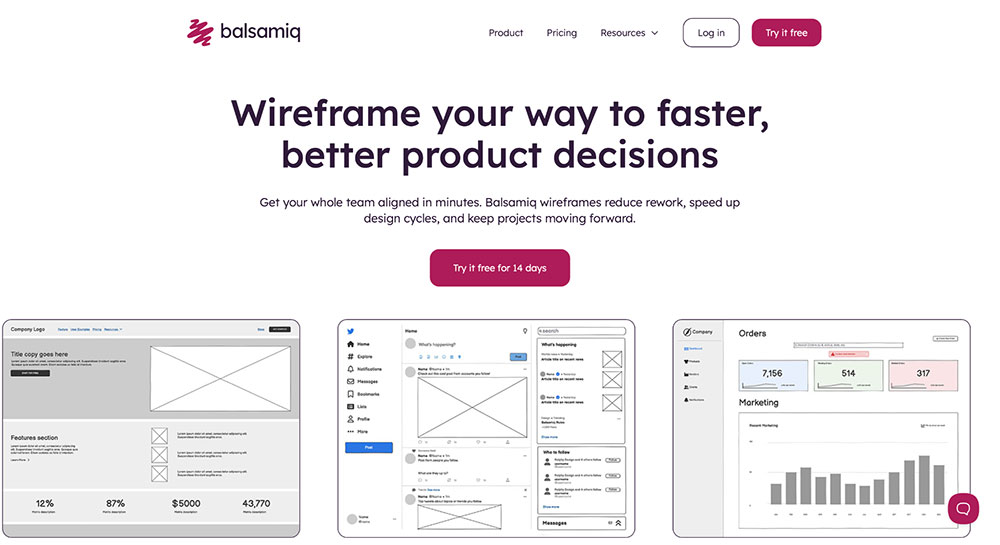
There's a scenario a lot of v0 users will recognize. You generate a clean interface, share it with your team, and someone says, "Wait, is this actually how a user would approach this?" Three prompts later, you're still circling the same question. The issue wasn't the generated code. It was starting to build before the thinking was done.
We built Balsamiq to be that earlier conversation. It's an AI-powered wireframing and prototyping tool for product builders: prompt it with a rough idea, and within minutes, you have an interactive, clickable prototype your team can work through together. It acts as the thinking layer for product development—the place where ideas are shaped, challenged, and aligned before they turn into code.
When you're ready to build, connect Balsamiq to your AI coding tools via the MCP server and hand off a prototype that's already been tested by real people.
Core features:
- Rapid low-fidelity wireframing with drag-and-drop UI components
- Balsamiq AI—a conversational wireframing assistant that generates screens from a prompt or image
- AI-powered prototyping that helps teams rapidly explore ideas, align on product logic, and validate decisions before investing in detailed design
- MCP server that connects Balsamiq projects to AI tools, enabling them to directly read, analyze, and generate outputs from your wireframes without manual context switching
- Real-time collaboration, comments, and feedback
- Integrations with Confluence, Jira, and Slack
- Easy sharing via links, PDFs, or exports
Pros and cons:
| Pros ✅ | Cons ❌ |
|---|---|
| Keeps teams focused on product logic, not pixels or code | Not a full-stack app builder |
| Dramatically reduces rework by validating ideas early and uncovering edge cases | |
| Fast and easy to use (no design or prompt expertise needed) | |
| Unlimited reviewers on all plans, so anyone can give feedback without seat costs |
Balsamiq pricing
Balsamiq is priced per editor, and reviewers who view and comment on projects are always free, so your whole team can give feedback at no extra cost.
The Starter plan is $16/month per editor billed annually ($192/year), or $23 billed monthly for up to 10 projects and 500 AI credits per editor per month. Teams is $24/month per editor billed annually ($288/year), or $34 billed monthly for up to 100 projects and 1,000 AI credits. Enterprise is $35/month per editor ($420/year, annual billing only) for up to 400 projects and 2,500 AI credits, plus features like SSO. A 14-day free trial is available, and registered nonprofits get 50% off the first year of an annual Starter or Teams plan.

2. Lovable: Best v0 alternative for fast AI-generated apps
If v0's developer-centric approach feels limiting, Lovable is worth a look. It's an AI app builder built around a simple three-step flow:
- Start with an idea
- Watch it come to life
- Refine and ship
Millions of builders have used it, and it's become one of the most popular options in the AI-first app building space—particularly for non-developers who want a real, shareable result without writing code.
Core features:
- Prompt-based app generation that turns ideas into working, deployable apps
- Built-in templates to kickstart common app types
- Real-time visual building with interactive UI and flows
Pros and cons:
| Pros ✅ | Cons ❌ |
|---|---|
| Relatively accessible for non-technical users | Can struggle with more complex workflows |
| Extremely fast from idea to polished, shareable app | |
| Large and active user base with strong community support |
Lovable pricing
Free plan available with limited daily credits, public projects, and basic features. Paid plans start at $21/month (billed annually) with more credits, custom domains, and advanced collaboration features, scaling up to $42/month for additional controls and team functionality.
👀 Curious about tools similar to Lovable? Dive into our full list of the top Lovable alternatives available.
3. Bolt AI: Best v0 alternative for full-stack AI app generation
Bolt bills itself as the #1 professional vibe coding tool, and for full-stack generation, it has a strong case: it covers frontend, backend, and deployment in a single flow, with enterprise-grade infrastructure via Bolt Cloud and design systems support for Material UI, Shadcn, Porsche, and more.
Core features:
- Full-stack generation covering frontend, backend, and deployment in one flow
- Bolt Cloud: enterprise-grade backend with hosting, databases, authentication, and SEO
- Wide design systems support
Pros and cons:
| Pros ✅ | Cons ❌ |
|---|---|
| Generates complete, working apps | Token costs can be unpredictable with complex iterations |
| Built-in debugging and optimization with automatic testing | Difficult to extend cleanly once the app grows significantly |
| Accessible to both non-technical and experienced builders |
Bolt pricing
Free plan available with limited monthly tokens. Paid plans start at $18/month (billed annually) with higher token limits, no branding, and additional features, scaling up to $27/month per user for team functionality and advanced controls.
👀 Want to compare Bolt AI with other tools? See the best Bolt alternatives side by side.
4. Replit: Best v0 alternative for collaborative AI development
Replit's pitch is "ship anything," and it backs that up with one of the most complete AI development environments in this space—powered by Replit Agent 4, handling the full stack from frontend to backend, databases, authentication, hosting, and monitoring. Unlike other Replit alternatives, it’s less of a prompt-to-app tool and more of a full development environment where AI does the heavy lifting, which means greater capability but also more to get your head around.
Core features:
- Parallel Agents: run multiple agents simultaneously on different parts of a project
- Multiple Artifacts: manage and iterate on several components in one workspace
- Built-in infrastructure: hosting, database, authentication, and monitoring
Pros and cons:
| Pros ✅ | Cons ❌ |
|---|---|
| Handles the full stack, including infrastructure | Steeper learning curve than purely prompt-based tools |
| No need to manage DevOps or deployment manually | |
| Strong collaboration features for teams |
Replit pricing
Free plan available. Paid plans start at $18/month (billed annually), scaling up to $90/month for advanced tools and higher usage limits.
5. Base44: Best v0 alternative for building business apps fast
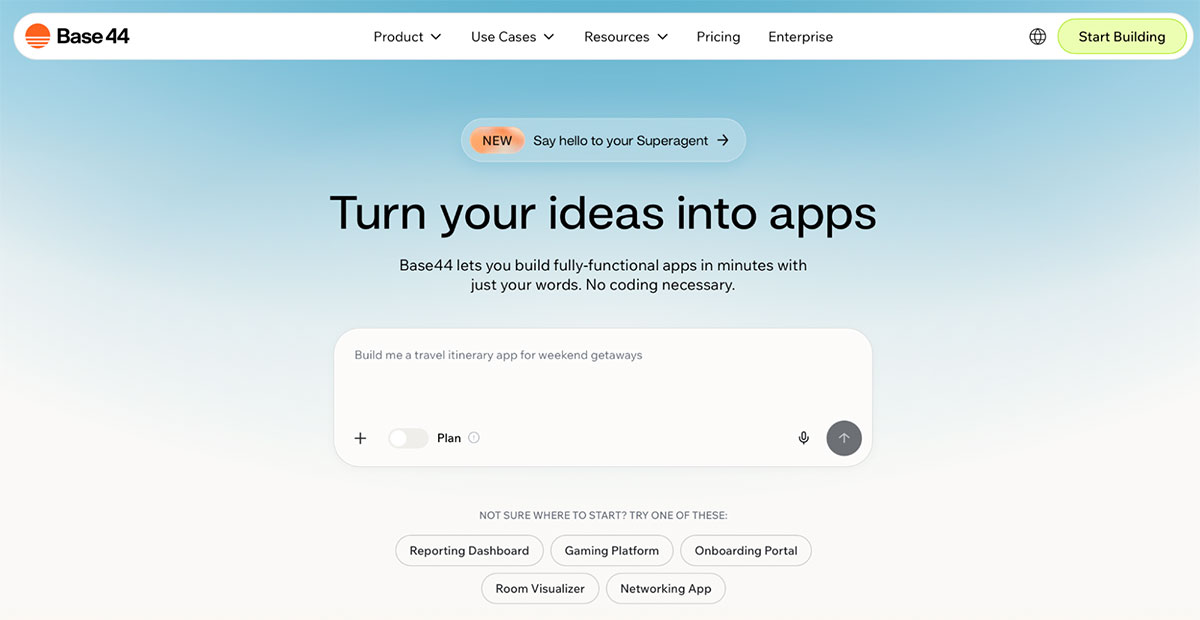
Base44 is an AI app builder focused on turning plain-language prompts into working internal tools, dashboards, and CRUD-style business apps with minimal setup. It emphasizes speed and accessibility for non-technical users, offering a more guided, operational app-building experience. It stands out as a strong option for teams that care more about shipping functional business software quickly than handcrafting frontend code.
Core features:
- Ready-to-use component library for common business use cases
- Automatic backend setup: user auth, data storage, and role-based permissions generated behind the scenes
- Built-in hosting, analytics, and custom domain support
Pros and cons:
| Pros ✅ | Cons ❌ |
|---|---|
| Visual editor for customizing layout and logic without code | Not as flexible if you want control over the codebase |
| Auto-handles auth, data storage, and permissions | Smaller ecosystem and community than more established tools |
| Extremely fast from idea to functional app |
Base44 pricing
Base44 offers tiered subscription pricing starting at $16/month (Starter), $40 (Builder), $80 (Pro), and $160/month (Elite), with increasing message and integration credits, while all plans include core features like app building, backend, and hosting; there’s also a free plan with limited credits.
6. Firebase Studio: Best v0 alternative for full-stack apps with Google backend
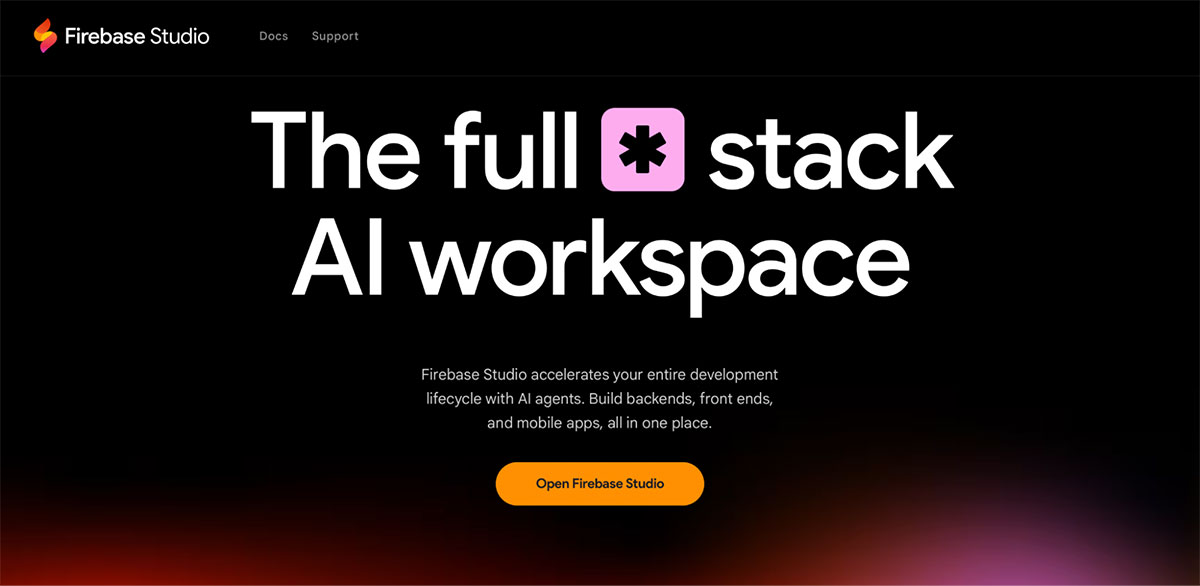
Firebase Studio is an AI-assisted development environment built around the Google ecosystem, designed to help developers quickly prototype, build, and deploy full-stack applications with tight backend integration.
Core features:
- Gemini AI-assisted development across frontend and backend
- Built-in Firebase backend: Firestore database, authentication, hosting, and Cloud Functions
- Integrated deployment directly to Google's infrastructure
Pros and cons:
| Pros ✅ | Cons ❌ |
|---|---|
| Strong backend infrastructure out of the box | Most powerful for teams already in the Google/Firebase ecosystem |
| Reliable, scalable infrastructure from Google | Can feel like vendor lock-in for teams wanting more flexibility |
| Support for web, mobile (iOS and Android), and API development |
Firebase Studio pricing
Firebase offers two main pricing models: a free Spark plan with generous no-cost limits (e.g., hosting, database reads/writes, and up to 2M function invocations/month), and a Blaze pay-as-you-go plan where you keep those free quotas but pay for additional usage based on Google Cloud rates.
7. Famous.ai: Best v0 alternative for production-grade, polished apps
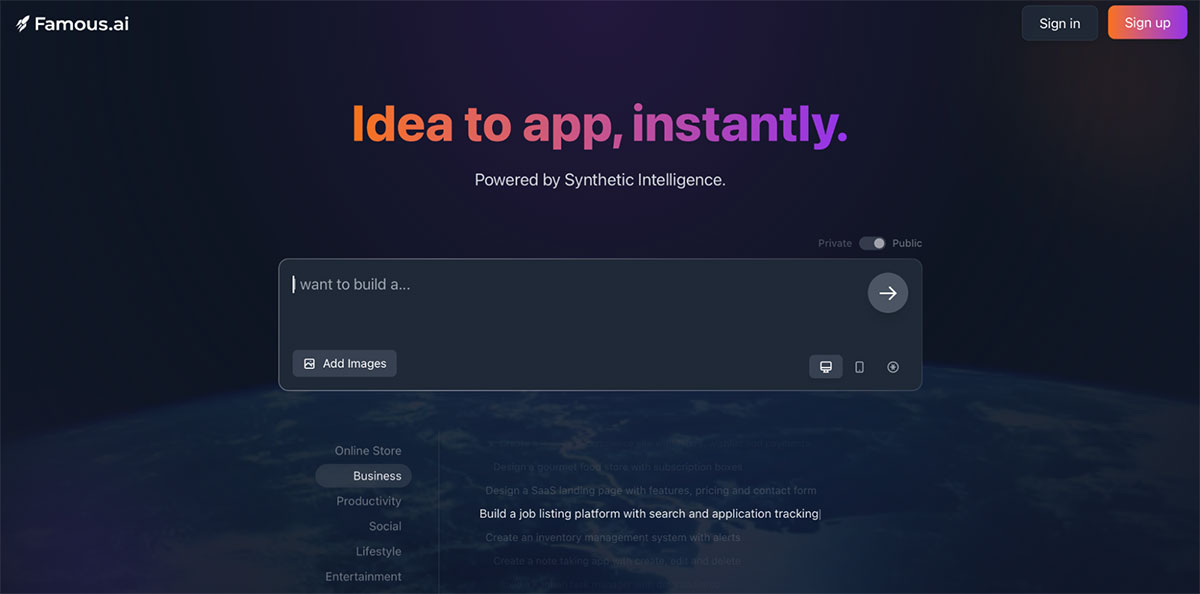
Famous.ai covers three distinct categories:
- Web applications
- Mobile apps (with publishing to the App Store and Google Play)
- Crypto/Web3 projects, including smart contract generation
This sets it apart from most tools in this list that focus squarely on web applications. Powered by what Famous Labs calls “Synthetic Intelligence”, it generates visually polished, functional apps from prompts without any coding required.
Core features:
- Prompt-to-app generation across web, mobile, and Web3 projects
- Mobile app publishing to App Store and Google Play
- Smart contract generation for crypto and decentralized applications
Pros and cons:
| Pros ✅ | Cons ❌ |
|---|---|
| No coding skills required | Not ideal for complex or enterprise logic |
| One-click publishing | Smaller ecosystem and community than other tools on the market |
| AI-assisted debugging |
Famous.ai pricing
Famous.ai uses usage-based, tiered pricing: the first 40 hours each month are free, then projects cost about $0.40/hour (~$297/month) for the first 3, drop to ~$47/month for the next 3, and go as low as ~$5/month per project at a larger scale.
What’s your pick?
Here you have it—seven v0 alternatives for different use cases.
- Lovable and Bolt for getting to a working app fast
- Replit for full-stack complexity with infrastructure included
- Base44 for business tools without the backend setup headache
- Famous.ai if you're building for mobile or Web3
But all of them assume that you already know what to build. If that’s true, pick one and go. If it’s not, that ambiguity doesn’t disappear when you open a code editor—it shows up later, after you’ve shipped something that doesn’t really work.
Balsamiq is designed to solve that before you get there. Get the idea into a rough, clickable prototype. Get your team to say, “Yes, build exactly this.” Then hand it to your AI tool of choice or your developers.
Try Balsamiq free for 14 days.
FAQs
What is v0 by Vercel best used for?
v0 is built for developers who want to generate clean, production-ready frontend components fast. It's especially useful if you're already working within the Vercel ecosystem and want an AI-generated UI that you can drop straight into your codebase. It's less suited for early product thinking or cross-functional team alignment.
What's the best v0 alternative for early-stage product planning?
If you're still figuring out what to build, before any code is written, Balsamiq is the better starting point. v0 by Vercel helps you generate UI. It does not help you answer the harder question first: is this the right thing to build?
Balsamiq is your thinking layer of product development, where product decisions actually get made. It helps you iterate on the idea, explore multiple directions, get everyone aligned, and avoid the common trap of shipping something that looks right but solves the wrong problem.
What's the best v0 alternative for shipping a full app?
If your goal is to go from idea to a working product quickly, tools like Lovable and Bolt are strong options. They handle more of the process, including backend and deployment, so you can get something live faster. For more advanced or team-based workflows, Replit gives you a full development environment with infrastructure built in.