Quick start guide
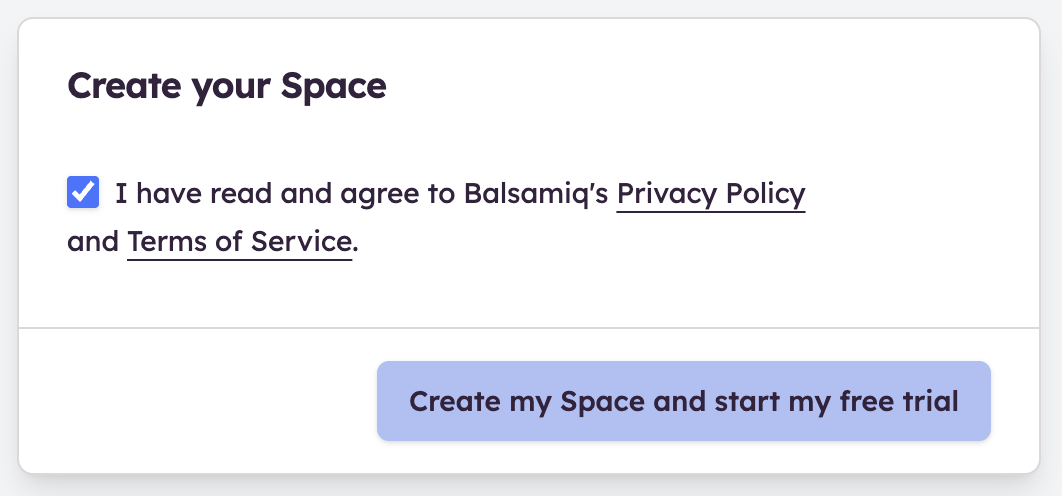
- To get started, you first need to sign up at balsamiq.cloud and create a new Space (or join an existing one by invitation).
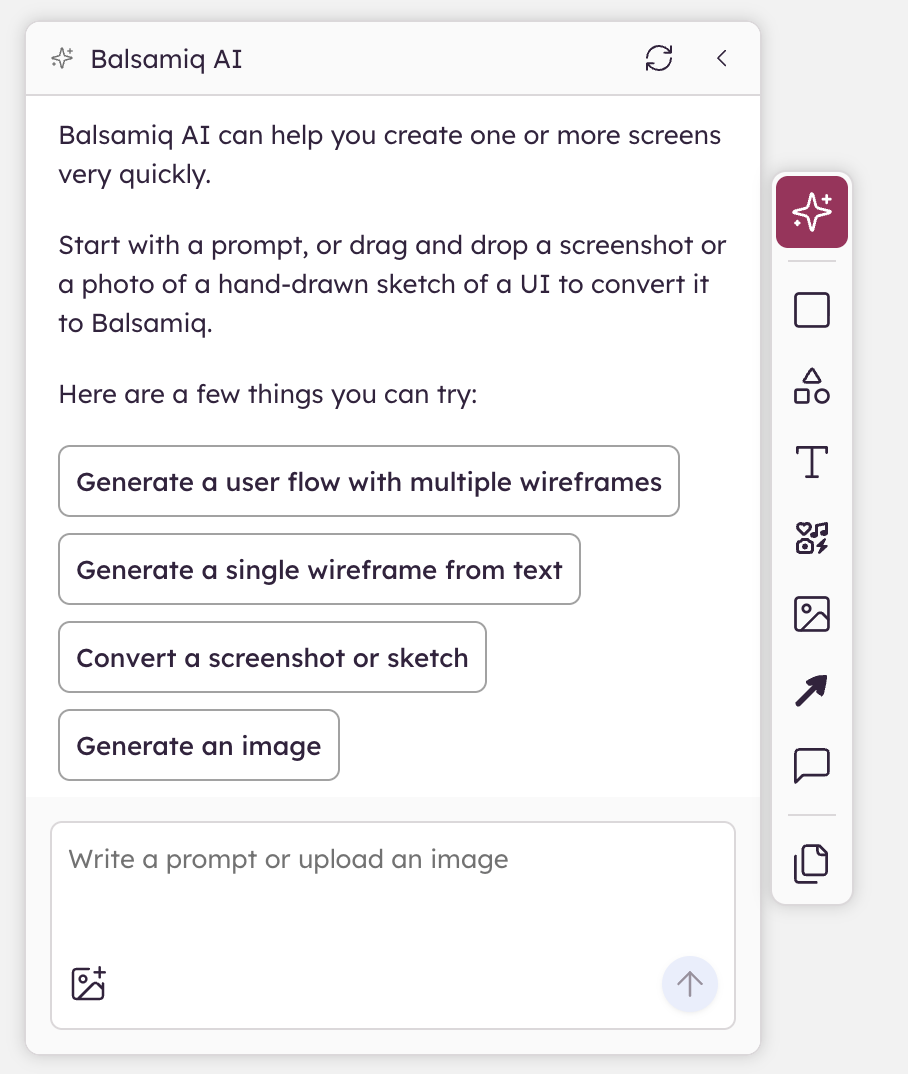
- Logging in will let you create your first project. You can start by generating a wireframe with Balsamiq AI ✨.
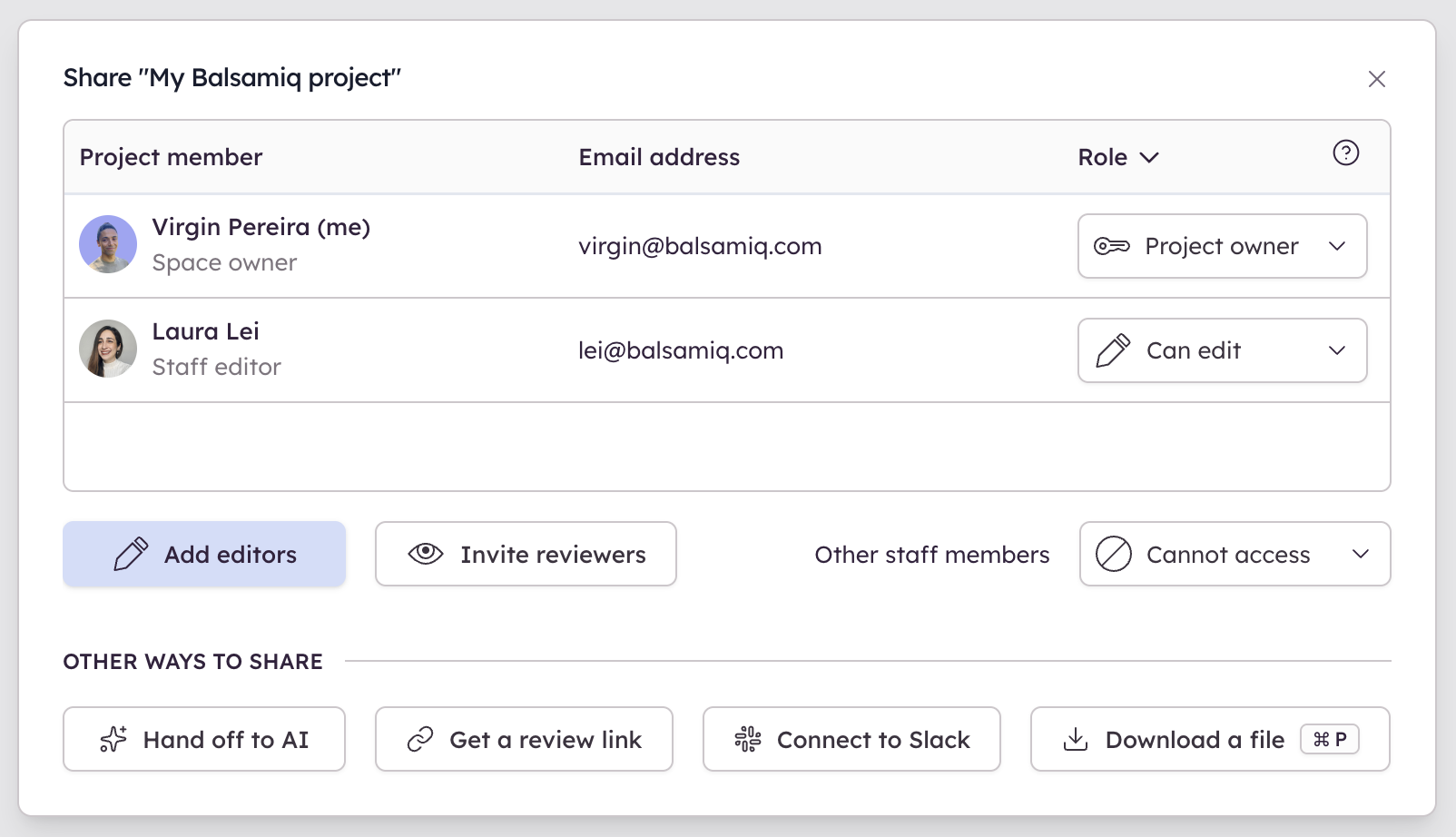
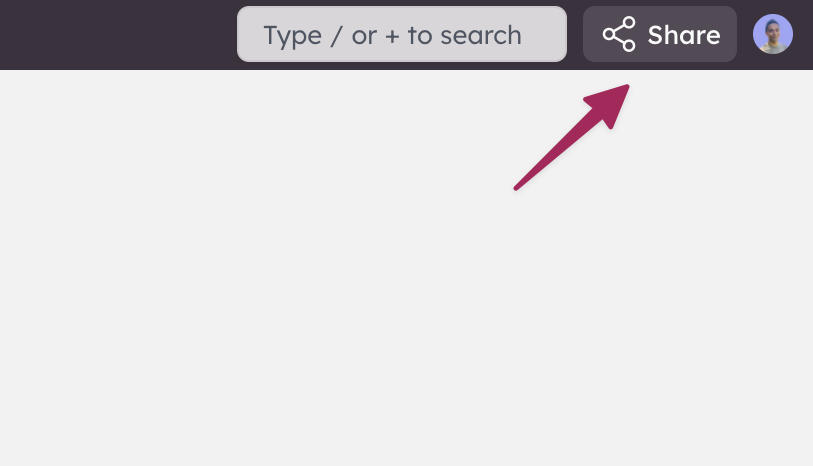
- Depending on how you work (or your role on the project), you can also invite collaborators to edit or review the wireframes as you build them. Balsamiq Cloud supports real-time collaboration and comments, so that multiple people can work on the same project together. Click on Share in the upper-right corner to add collaborators or get a public link to share.
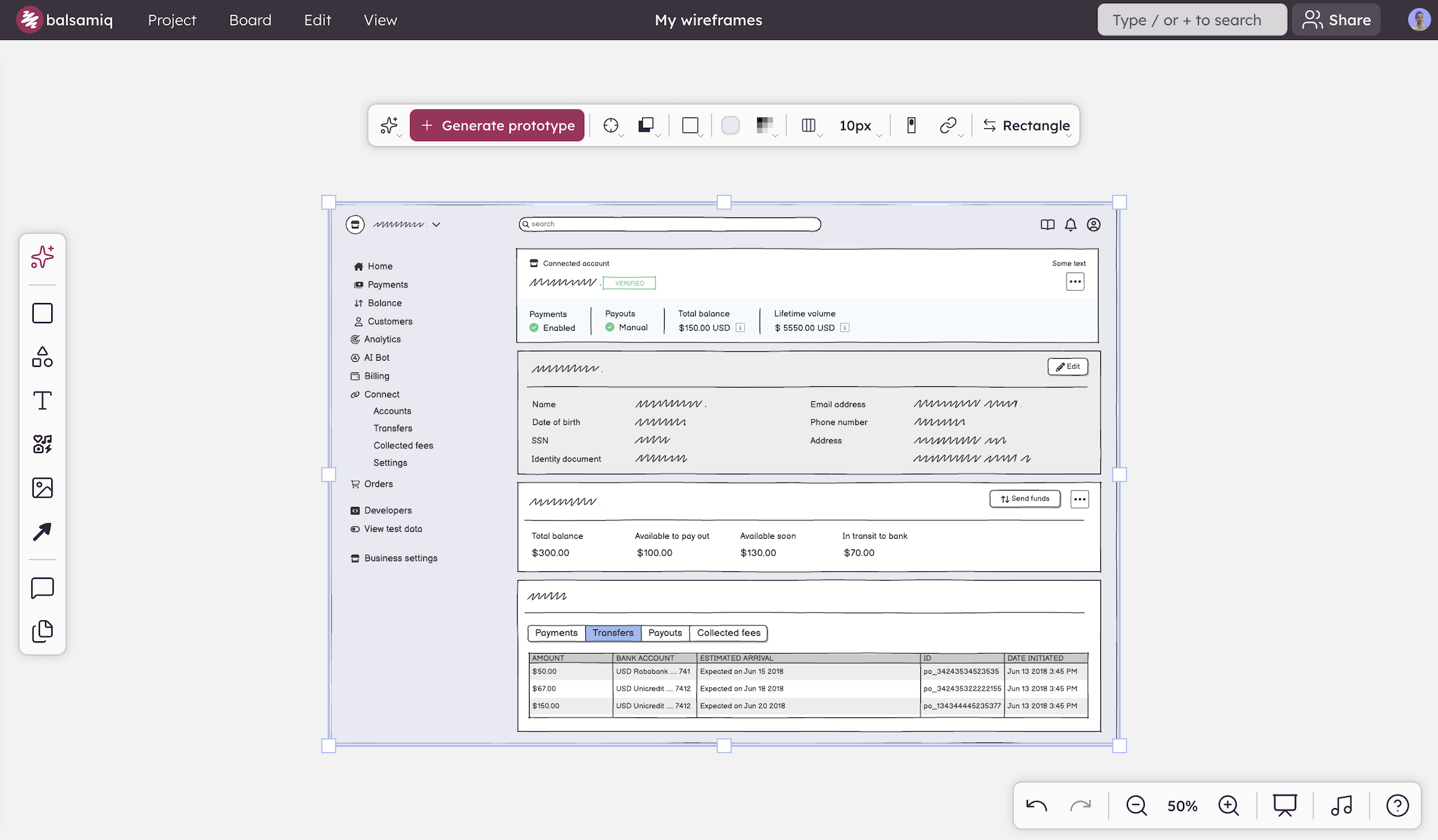
- Now is the time to create your wireframes and prototypes! Drag and drop, edit, and arrange hundreds of built-in UI elements, icons, and templates to create anything you can imagine.
- Once you are ready to share your work, you can invite your team to the project. You can also share your project in Slack, share a public link, export it to a PDF or images, or connect Balsamiq to your AI coding tool with our MCP server.