Importing a project to Balsamiq
If you have a project created in another Balsamiq product (that uses the .bmpr extension), you can use the Project > Import > Import from BMPR... option (File menu in Balsamiq for Desktop) to import it in a new or existing project. You can also drag a BMPR file on the board to import it.
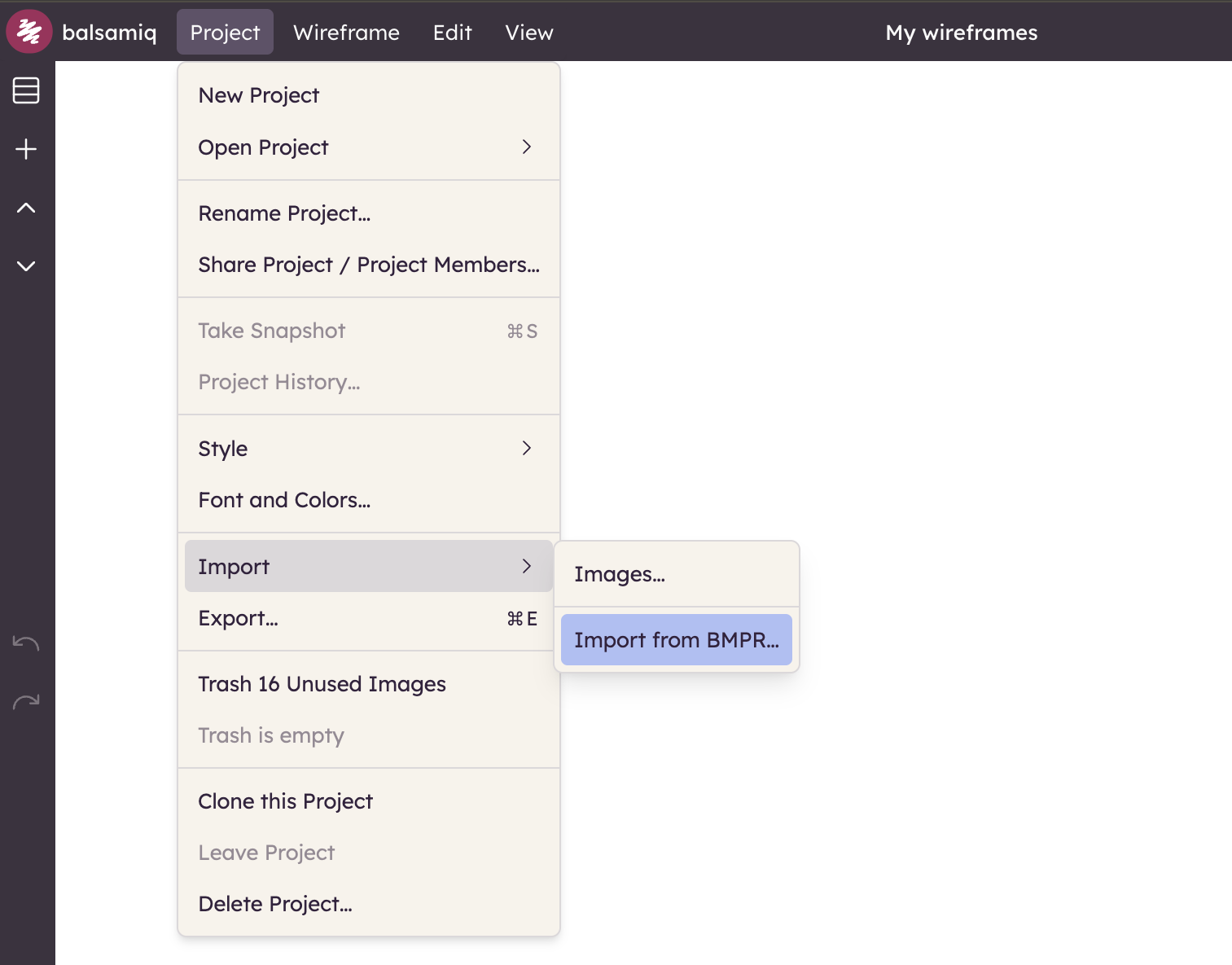
In Balsamiq Cloud, you can also open the project list dialog via Project > All Projects... and upload your projects there. You can browse files or drag them directly onto the table to upload them.
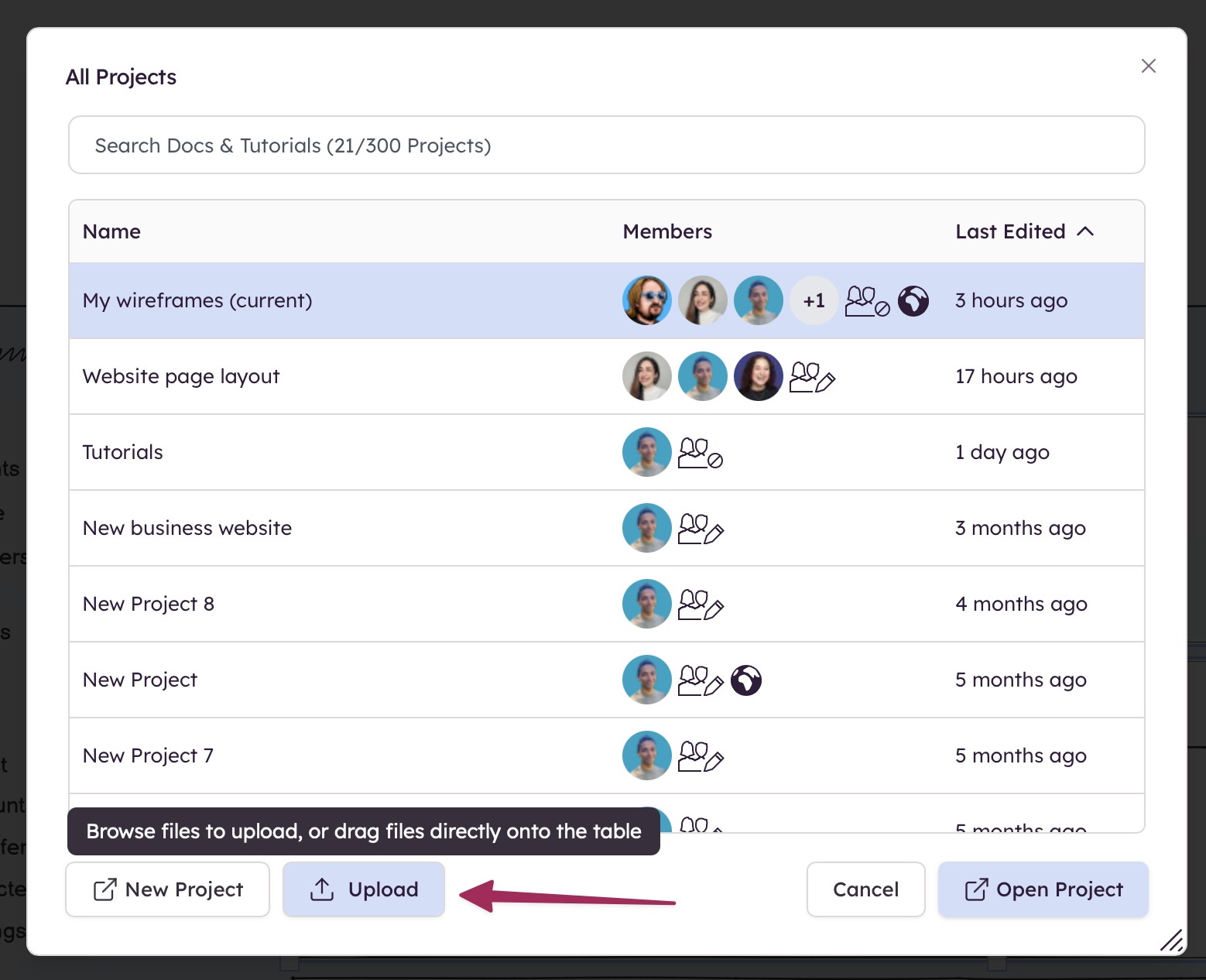
Note: You cannot upload more projects than your current subscription allows. More information about changing your plan can be found here.