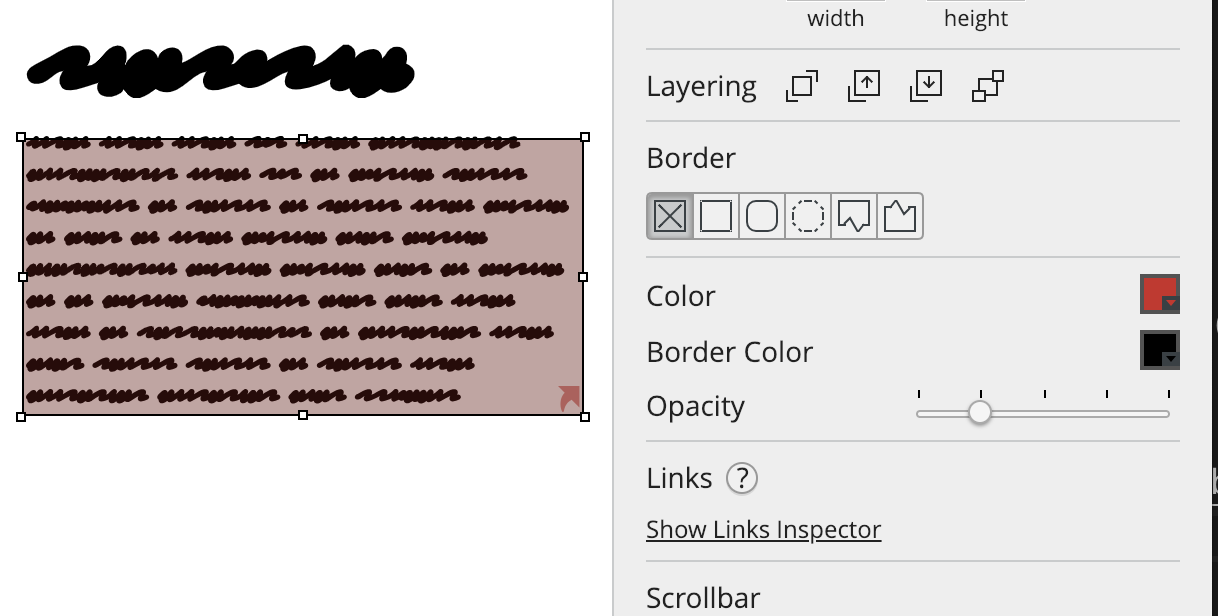
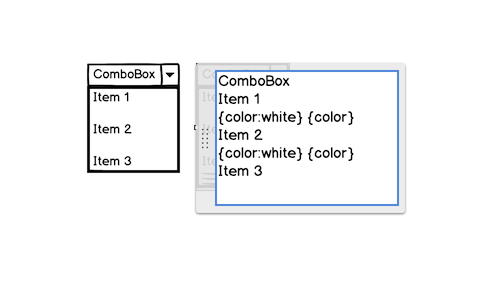
This is one that several people discover with delight. If you need to enter 'lorem ipsum' text, just type lorem in a text element and we'll do the rest! We'll add a bunch of text you can use.
Also notice that we have a little character counter in the corner, should you need it.
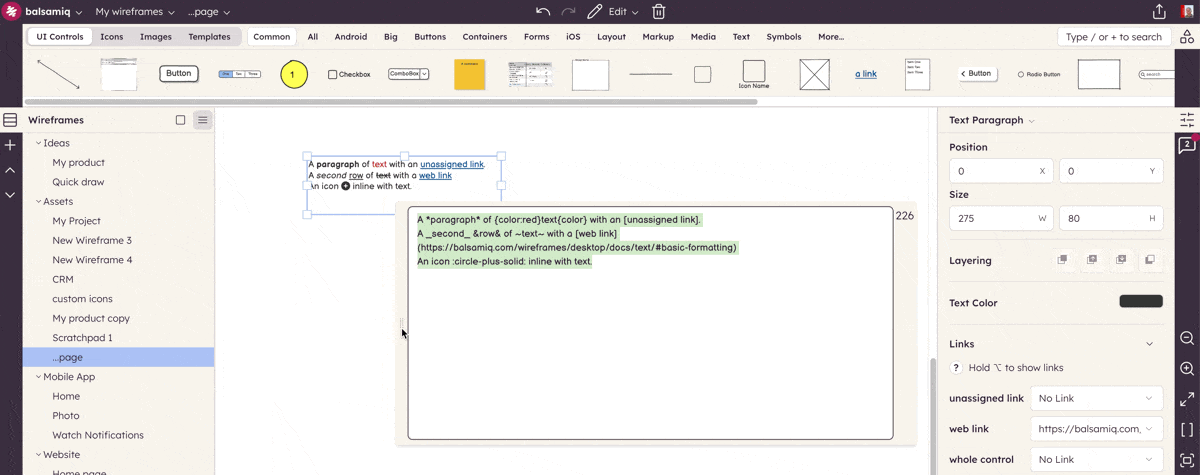
Note: This feature is available in most text-specific elements (e.g. 'Text' and 'Text Area') but not some other elements which support text entry (e.g. 'Shape')
Author