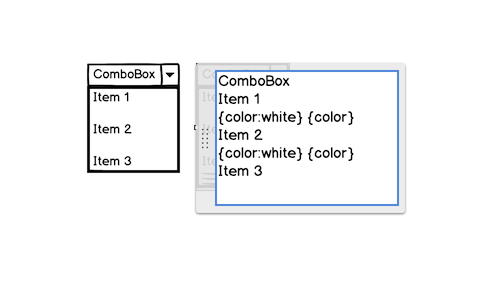
Adding a blank row can be tricky in those UI elements because leaving a blank line of text will trigger a separator line. Here's a quick workaround: you can use {color:fff}Blank{color} for your blank row.
Author

Adding a blank row can be tricky in those UI elements because leaving a blank line of text will trigger a separator line. Here's a quick workaround: you can use {color:fff}Blank{color} for your blank row.
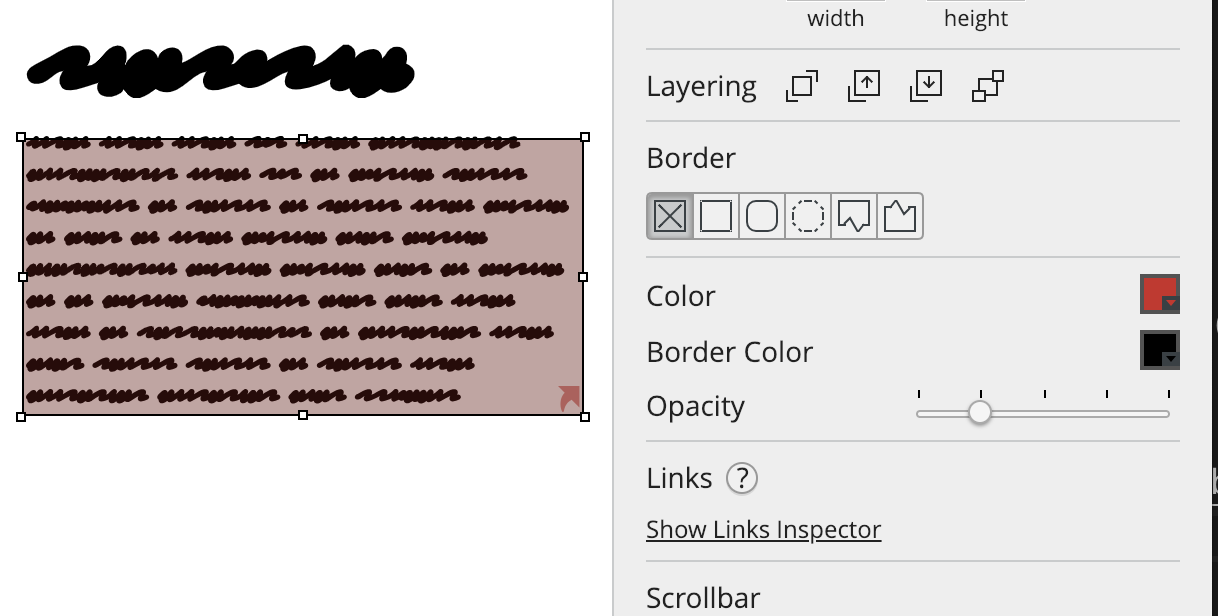
A trick to add backgrounds to any UI element in Balsamiq.

A neat trick to keep labels in Balsamiq wireframes aligned even after editing them.

Speed up your Balsamiq selection skills with this neat trick.