Hold ALT to select layered UI elements

<1 min. read

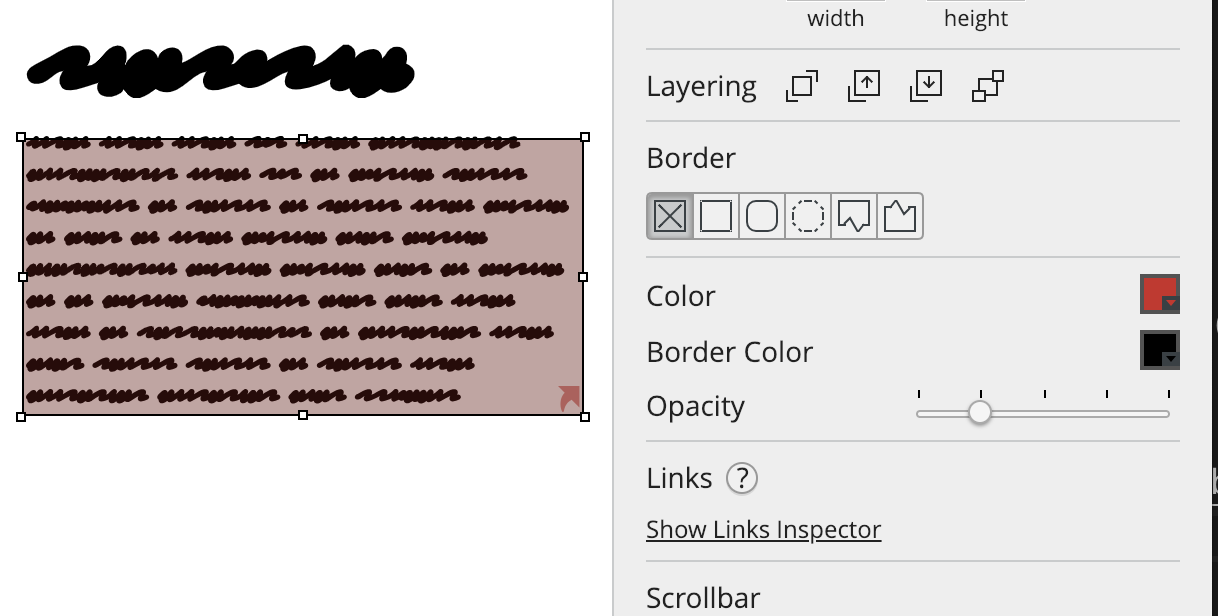
Sometimes you might need to select only a few UI elements from your wireframe, but there's a UI element behind them as a background. If you just click and drag, you'll end up moving the background element instead of starting a lasso selection.

One trick to get around this is to start dragging the selection rectangle from an empty area of the board. There's also another way: hold the ALT key when you start dragging, and Balsamiq will ignore items behind the mouse, as shown below.
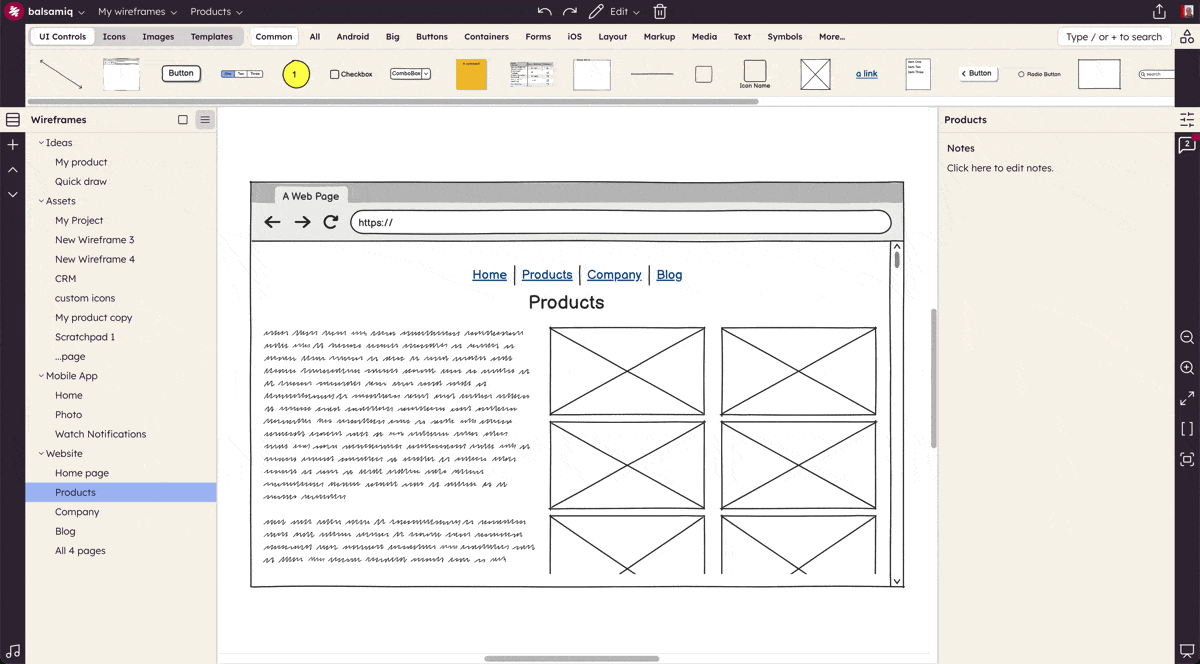
gif

Author

Peldi Guilizzoni
Peldi Guilizzoni

Founder and Product Designer @ Balsamiq

Questions or feedback? Email peldi@balsamiq.com.

Related articles


How to add a background color to any UI element

A trick to add backgrounds to any UI element in Balsamiq.

How to add a blank row to a combobox or menu element

A neat trick to add a blank row to two common Balsamiq UI elements.

How to keep form labels aligned

A neat trick to keep labels in Balsamiq wireframes aligned even after editing them.


Other topics you might be interested in