Exporting
The Balsamiq editor offers different export options, available from Project > Share/Export (File menu in Balsamiq for Desktop) or the sharing settings.
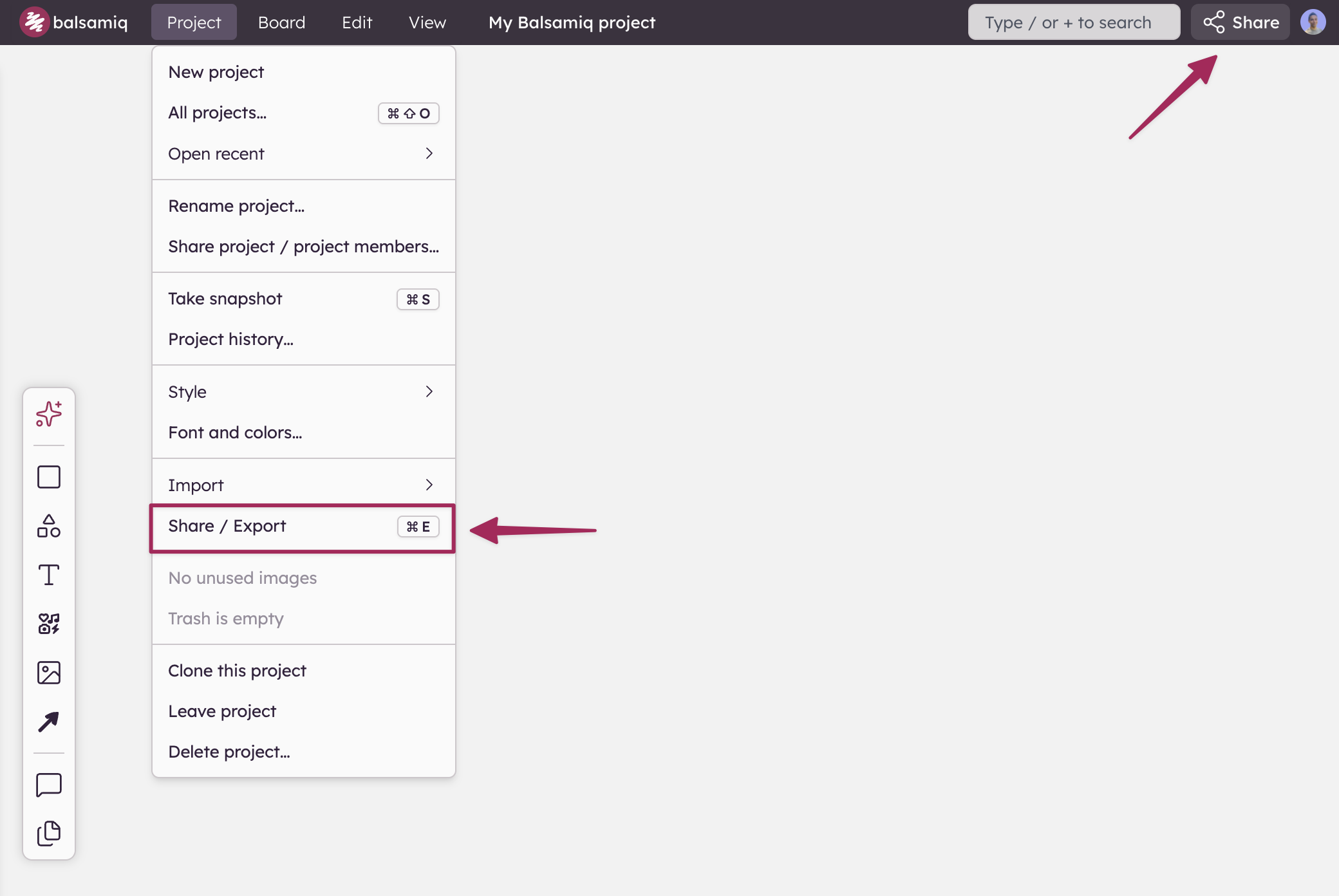
From the Share/Export dialog (CTRL/⌘+E), select Download a file and pick the desired option: PDF, PNG or a BMPR file.
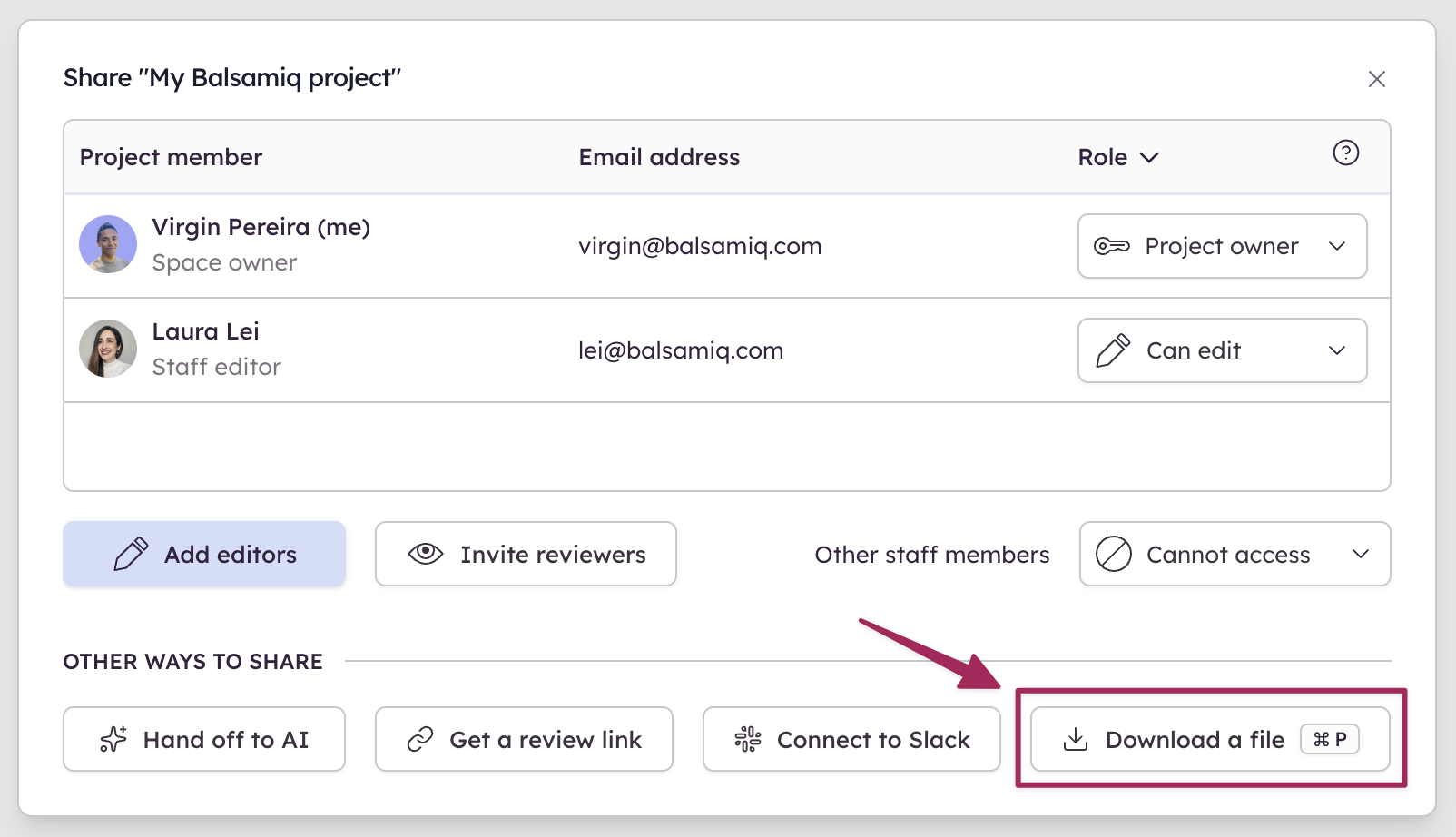
The following sections describe these different options.