Exporting a project file
You can export a project to another Balsamiq product by using the Project menu > Share/Export > Download a file > BMPR backup option, or the keyboard shortcut CTRL/⌘+P, and then the BMPR backup tab from the dialog.
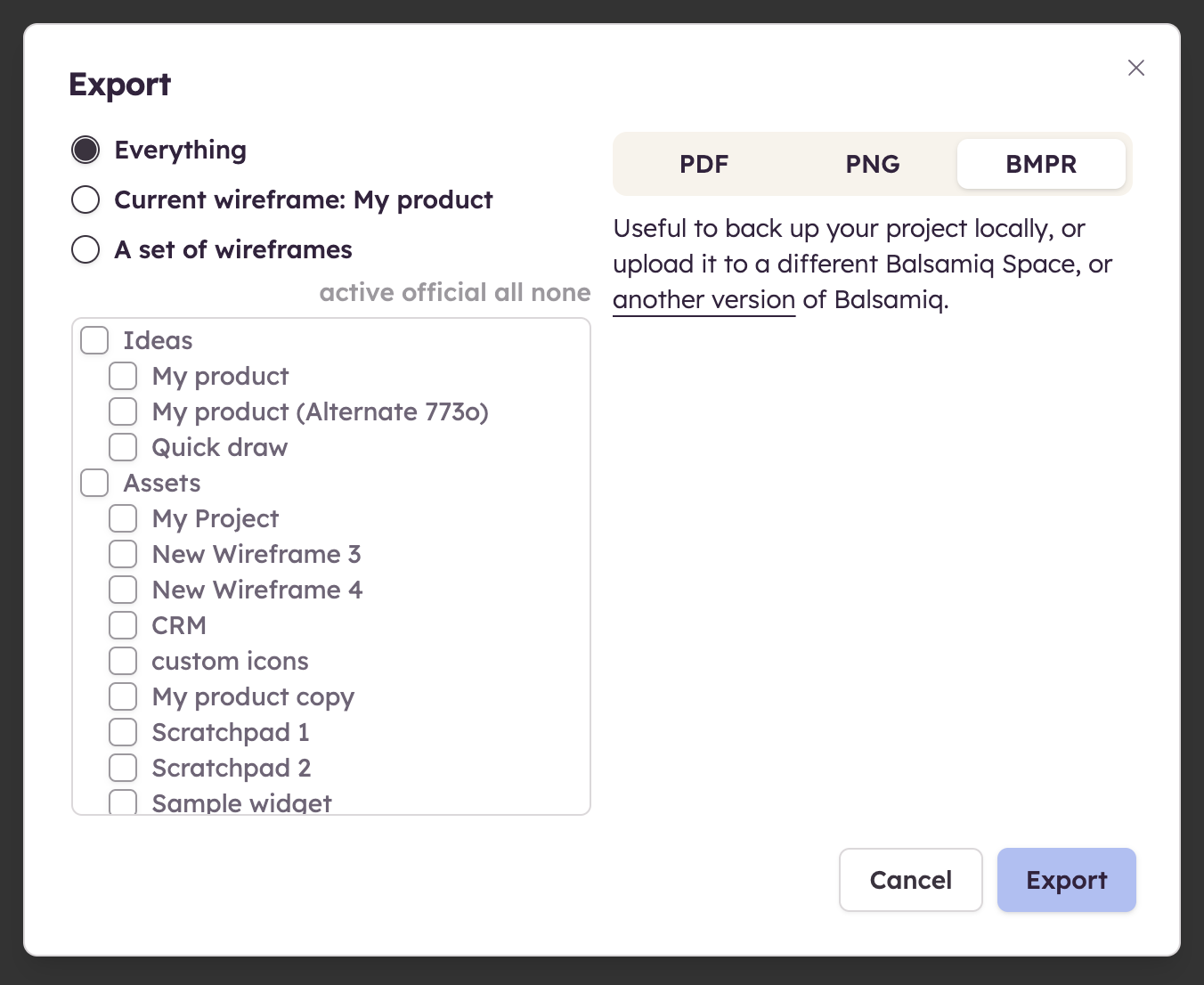
Selecting Everything will make an exact copy of your project and its resources.
Selecting Only this board will create a BMPR file with only one board.
Selecting Pick boards... can be used for a few different reasons:
- To clean up a project by removing all the unused resources (no extra assets, components, or unwanted resources in the trash)
- To get feedback about specific boards, without sending the whole project which might be distracting
- To split a project into smaller ones that will be easier to manage
Note: When exporting A set of boards the active and official options allow you to select the Alternates versions of the boards.