The team behind Balsamiq didn’t just build the tool. We use it every day on real projects, with real deadlines. And not all of us are designers or product managers. That’s kind of the whole point of Balsamiq: making wireframing accessible to everyone, regardless of experience level.
We asked five people across the team to share their favorite Balsamiq feature and the shortcuts they rely on in their day-to-day work. What came back was a mix of practical tips on wireframing, prototyping, AI, UI components, and navigation that can genuinely save you hours and help you produce better output.
Here’s what they had to say. 👇
1. Build multiple prototypes when the logic gets complex
The first tip comes from Arielle Johncox, CEO of Balsamiq, and it tackles a challenge product teams run into all the time: building complex features that span multiple flows, systems, and edge cases.
Arielle ran into this firsthand while introducing AI credits into Balsamiq’s pricing model. One feature touched customer billing, the in-product AI experience, support tooling, and Stripe integrations all at once.
In situations like these, trying to solve everything in a single prototype can create more confusion than clarity. Instead, Arielle recommends creating multiple focused prototypes to make complex logic easier to reason through.
"If you’re working through complex business logic, try creating multiple prototypes for the same problem instead of forcing everything into one board. We did this when introducing AI credit pricing. The feature touched customer billing, the Balsamiq AI chat experience, internal support tools, and Stripe integrations. Breaking those flows into separate prototypes made it much easier to surface the right information, collaborate across teams, and work through technical and business requirements that don’t always align."
 Arielle Johncox,CEO @ Balsamiq

2. Use components to save yourself from repetitive updates
Nothing drains the joy out of wireframing faster than making the same edit 14 times.
Florian Brauer, QA Engineer at Balsamiq, is a big fan of anything that prevents “tiny annoying tasks” from multiplying. His go-to combo:
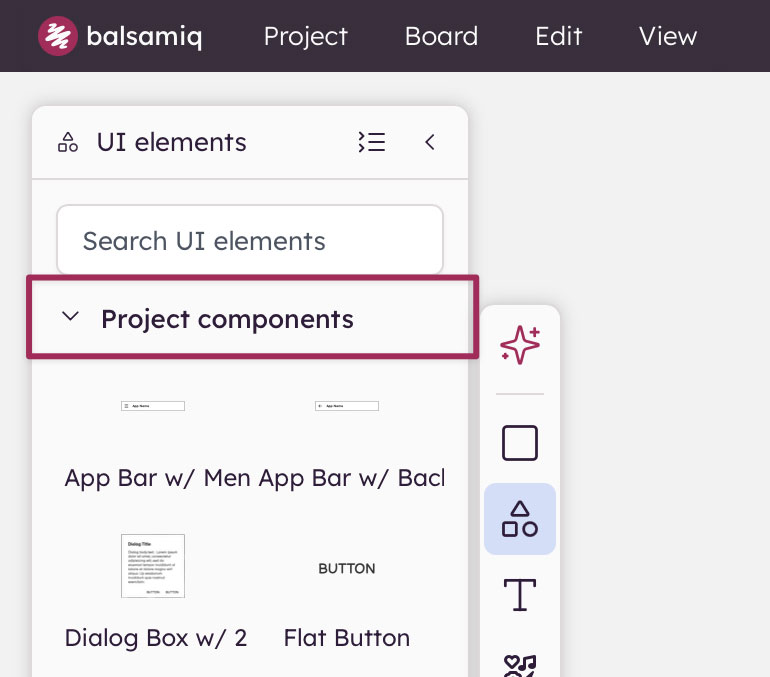
- Components for shared UI elements
- Image-to-Wireframe for starting from existing screens
- Transform-to-Element for converting one element type to another
"I use components a lot for menus that appear across multiple screens. As the scope grows, the menu often has to be updated everywhere, and components save me hours. Meanwhile, converting an image to a board is great when you want to start from an existing state in your app, then add new parts or restructure a section. It’s the best starting point because from there it’s easy to make adjustments.
Transform-to-Element is another funky, powerful tool. You have an image that should be an icon? It’s two clicks away. Converting a list into a table, or a menu into another design element without retyping the text, saves a ton of time."Florian Brauer,QA Engineer @ Balsamiq

3. Use the zoom shortcut to focus on granular details of your prototypes
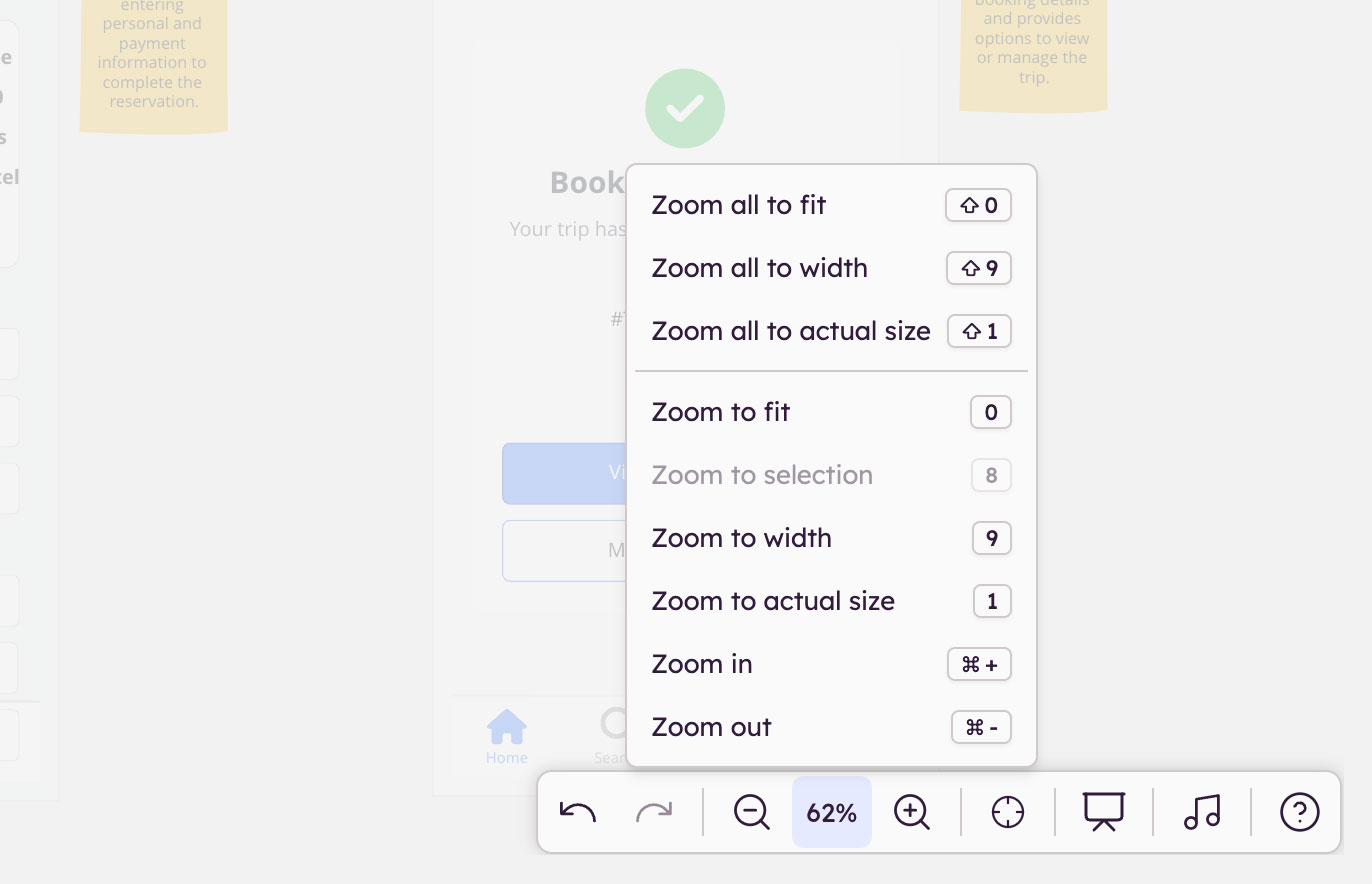
Large boards accumulate fast. Panels, user flows, edge cases, alternate state—before long, finding the exact section you need can interrupt your flow. One of the fastest ways to stay oriented is to combine prototype generation with Balsamiq’s keyboard shortcuts.
Virgin Pereira, Head of Customer Success at Balsamiq, relies on a simple workflow: generate a prototype, then instantly zoom into the relevant area using the “Zoom to Selection” shortcut. It turns sprawling boards into something much easier to navigate and review.
"I heavily use our Zoom options, and 'Zoom to Selection' has quickly become one of my favorite features. My go-to workflow lately is: generate a prototype, then press 8 to jump straight to the section I want to focus on. It’s also incredibly useful when you’re working on a large board and need to move between sections quickly."
Virgin Pereira,Head of Customer Success @ Balsamiq

💡Virgin’s top tip: Use the same shortcut during design reviews, stakeholder walkthroughs, and iteration sessions where you need to quickly toggle between related parts of your prototype.
4. Turn any screenshot into an editable wireframe
If you’re redesigning an existing screen, Laura Lei, Visual Designer at Balsamiq, swears by Balsamiq AI. She uses Image-to-Wireframe as her shortcut into the actual design work.
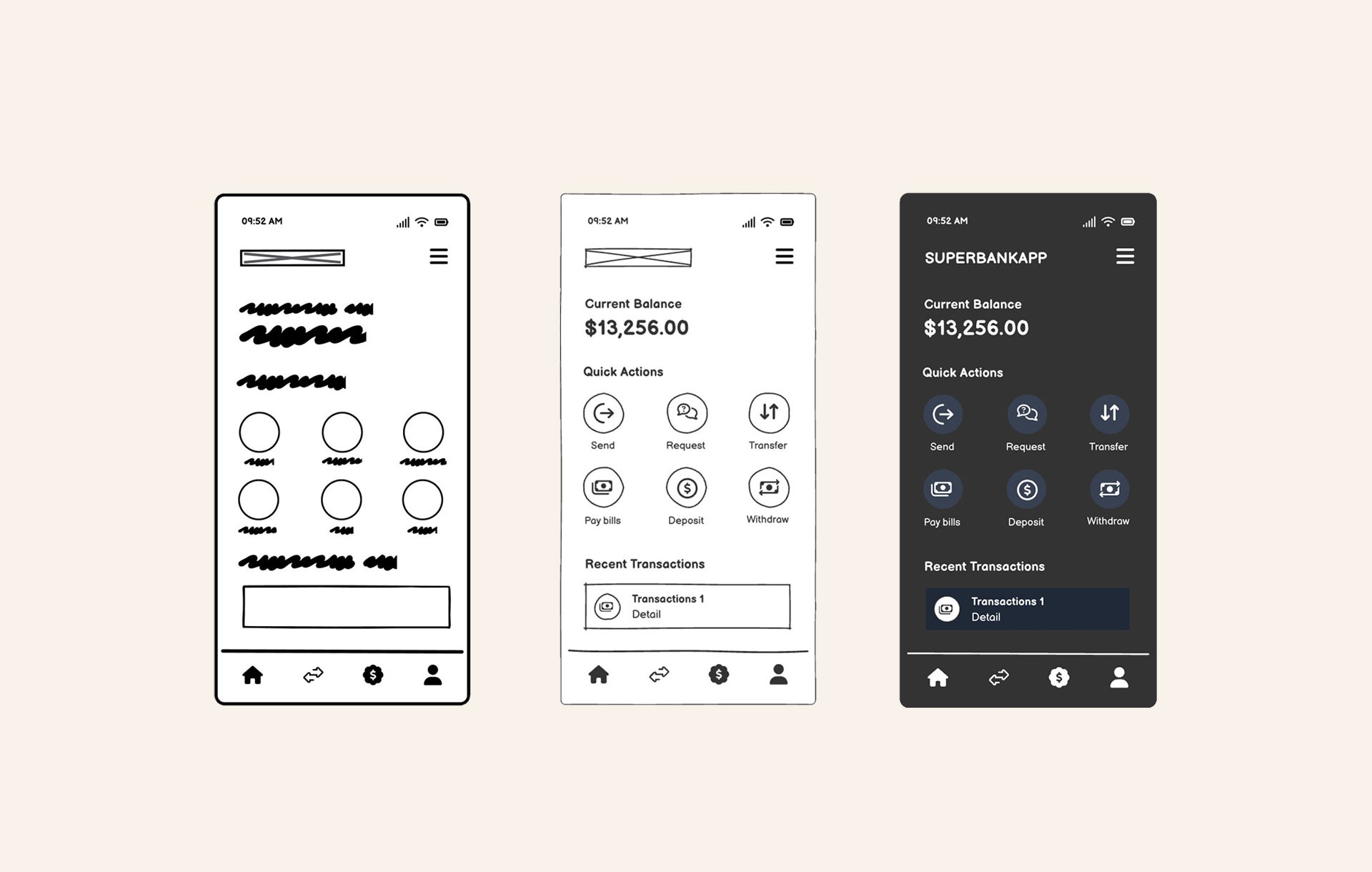
You simply need to drop in a screenshot of an existing UI and let Balsamiq turn it into editable wireframe components you can immediately tweak, rearrange, and experiment with.
"Image-to-Wireframe completely changed my workflow. I use it every day now. Drop in any screenshot of an existing UI and Balsamiq instantly turns it into an editable wireframe. No redrawing from scratch, no manual component placement. It’s the fastest way to start iterating on something that already exists. Perfect when you need to redesign a section or build on your app’s current state without starting from zero."
Laura Lei,Visual Designer @ Balsamiq

5. Let Balsamiq AI handle the repetitive stuff
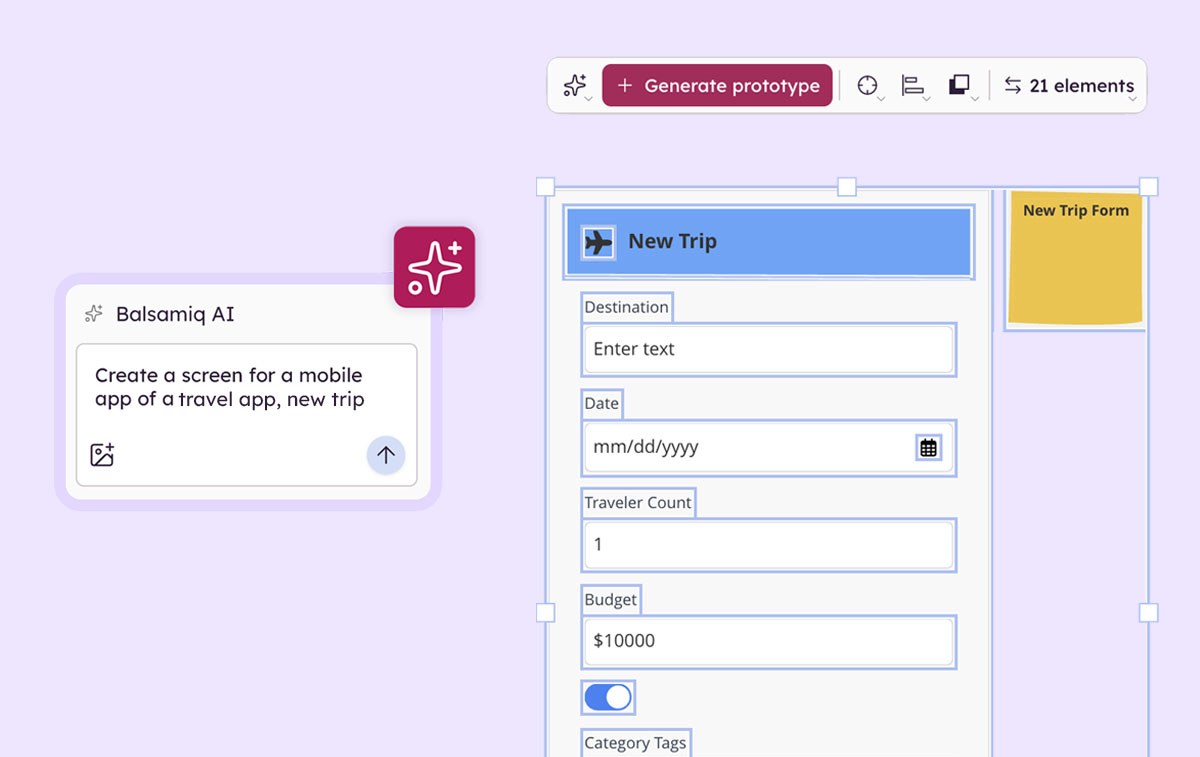
Not everyone who uses Balsamiq is a designer by training. And that’s kind of the point. Balsamiq is built to help anyone get product ideas out quickly, and Balsamiq AI makes that even easier by taking care of the small, repetitive tasks that can slow your wireframing session down.
Brendan Saricks, Customer Success Lead at Balsamiq, uses it for exactly that: generating placeholder images, adding missing elements across multiple wireframes, and making broad visual updates without hunting through every screen.
"My number one tip is to let Balsamiq AI do the heavy lifting wherever you can. It can generate images, add a missing navigation element across multiple wireframes, or change a color without you hunting through every screen. Offloading the repetitive, or dare I say mundane, design tasks to Balsamiq AI lets me, someone who is not a designer, focus on the fun stuff with design."
Brendan Saricks,Customer Success Lead @ Balsamiq

AI won’t replace product thinking, and it shouldn’t. But it can take a lot of the busywork off your plate.
Put these tips into practice
There you have it! Five tips from the real team behind Balsamiq on how they actually use it day to day. If you're already a Balsamiq user, hopefully something here clicked. And if you aren’t yet, now it’s the perfect time to become one!