How to convert a label into a text element with CTRL+ENTER

<1 min. read

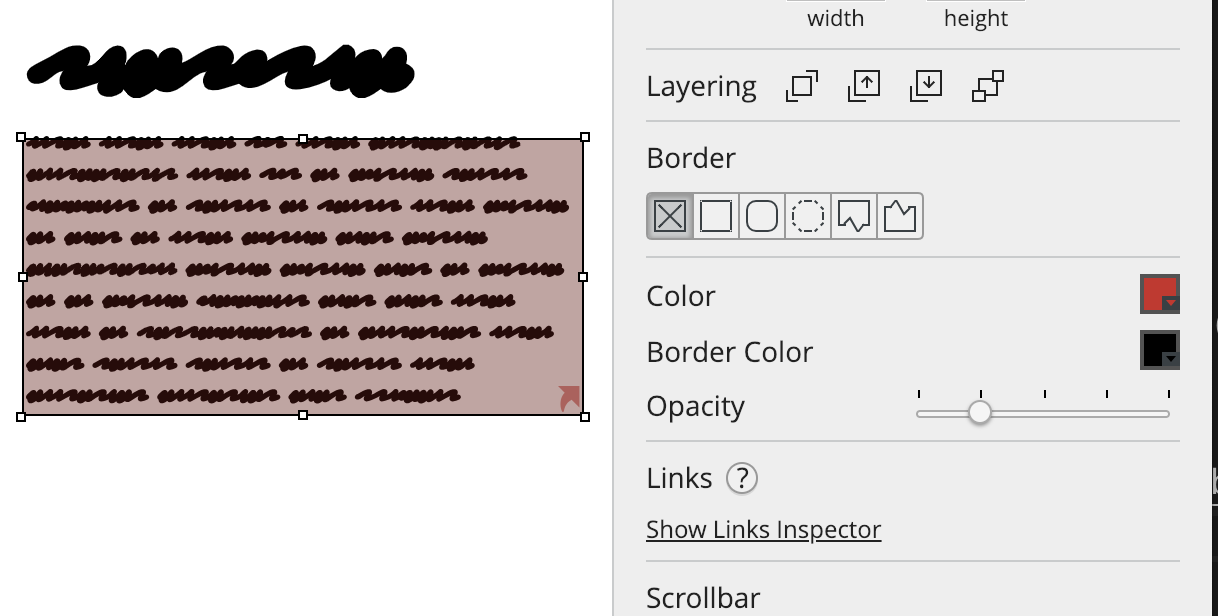
Did you ever add a Label element, started typing, and realized that you need more than one line? Just hit CTRL+ENTER and keep typing away!

Balsamiq will automatically transform your label into a Text element. Boom!

gif

Notice that this also works if you select a Block of Text or Line of Text element and just hit ENTER: they'll get transformed into a Text or Label elements automagically!

Author

Peldi Guilizzoni
Peldi Guilizzoni

Founder and Product Designer @ Balsamiq

Questions or feedback? Email peldi@balsamiq.com.

Related articles


How to add a background color to any UI element

A trick to add backgrounds to any UI element in Balsamiq.

How to add a blank row to a combobox or menu element

A neat trick to add a blank row to two common Balsamiq UI elements.

How to keep form labels aligned

A neat trick to keep labels in Balsamiq wireframes aligned even after editing them.


Other topics you might be interested in