Do you ever need to make a series of Buttons the same size? Look no further than the "Resize To" menu in the Edit menu.

This is SUCH a time saver.
Author
Do you ever need to make a series of Buttons the same size? Look no further than the "Resize To" menu in the Edit menu.
This is SUCH a time saver.
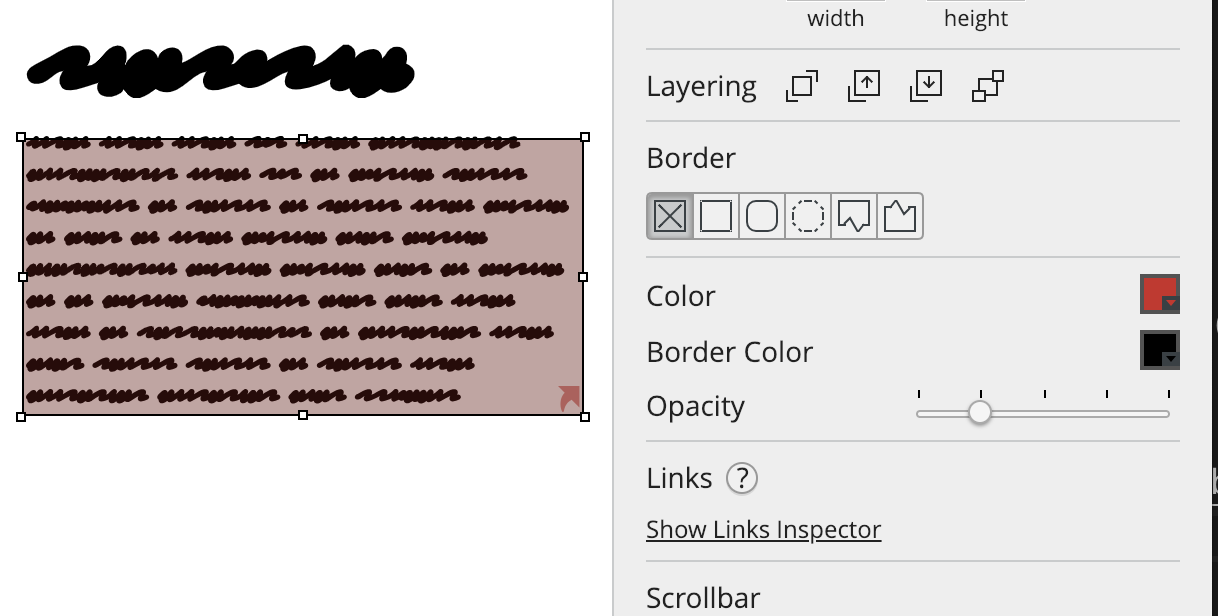
A trick to add backgrounds to any UI element in Balsamiq.
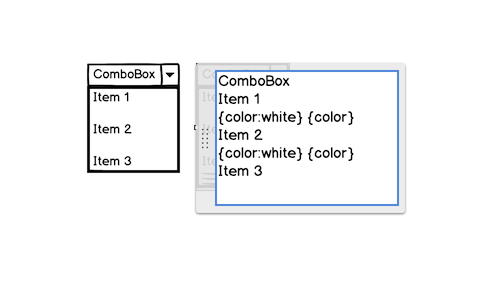
A neat trick to add a blank row to two common Balsamiq UI elements.

A neat trick to keep labels in Balsamiq wireframes aligned even after editing them.