Saving the project
All the changes made on your project in the editor are always autosaved and visible by the collaborators that are editing the same project in real time.
However, the changes made in editing mode (i.e. inside the Balsamiq editor) will not be flushed to the official version that is attached to the Confluence page until the project is expressly saved.
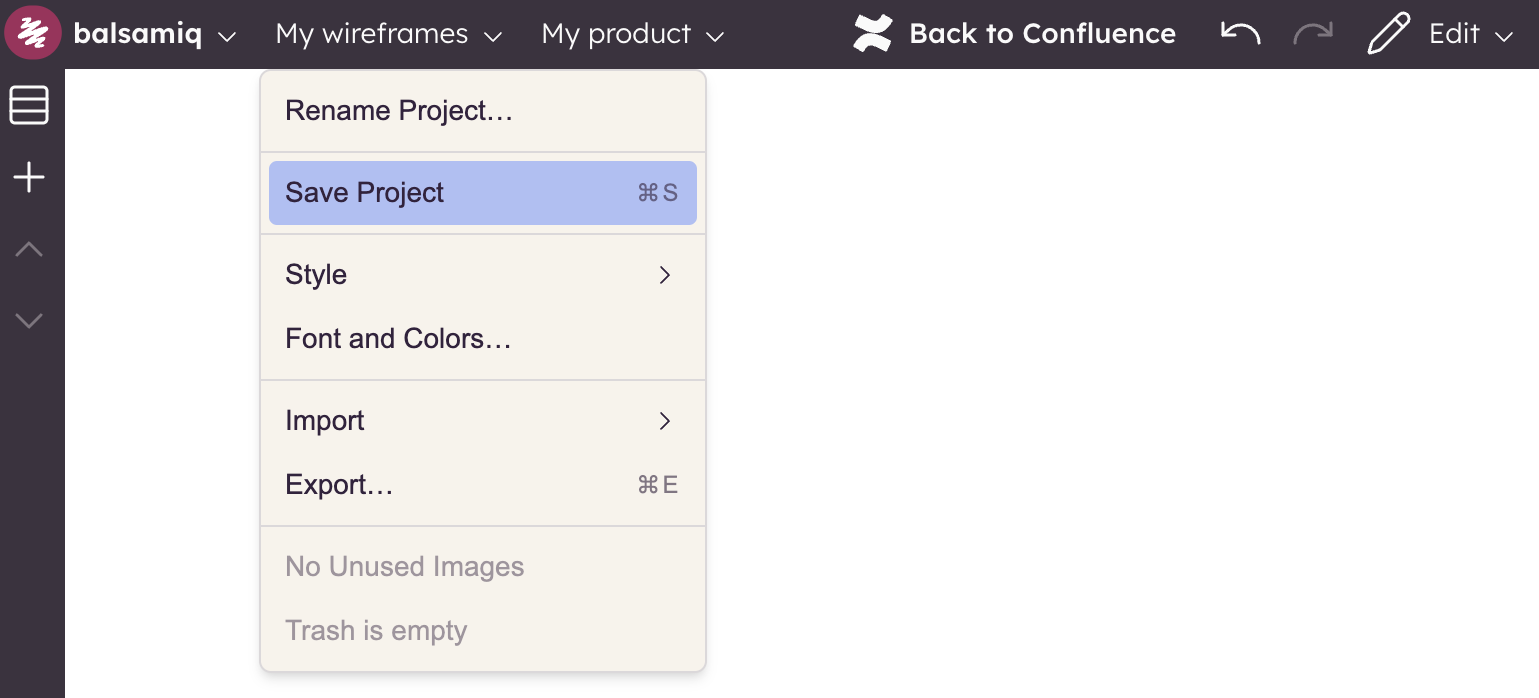
This can be done by selecting the Project > Save Project option or by closing the editor.