Reseller guide
On this page
Can I resell Balsamiq to my customers?
Yes. We don't run a formal reseller program and we don't offer reseller discounts, so there's no application or agreement to sign. You're welcome to purchase on your customer's behalf. Our standard agreements apply.
The one exception is the Atlassian Marketplace: Balsamiq for Confluence Cloud and Balsamiq for Jira Cloud are sold by Atlassian, not us. For those, see Atlassian's reseller FAQ.
Reseller pricing and payment
Quotes, price lists, and SKUs
Current pricing is always on our pricing page. We don’t offer price lists or SKUs.
If your system requires a quote or estimate, you can create one yourself. We don’t create quotes for you.
Payment
We only accept credit card payments. We don't take purchase orders, wire transfers, or checks, and we don't offer terms or invoicing.
How to buy Balsamiq Cloud for a customer
Reseller purchasing works through the Billing Admin role. Only Balsamiq Cloud Teams and Enterprise plans support this: Starter has no Billing Admin role, so a reseller can't buy Starter for a customer. It's a three-step setup:
1. Ask your customer to start their free trial of Balsamiq Cloud
If they are already using Cloud, great! Go straight to step #2.
Otherwise, your customer starts by signing up for a free trial of Balsamiq Cloud. They head to Balsamiq Cloud and click the Start your free trial button: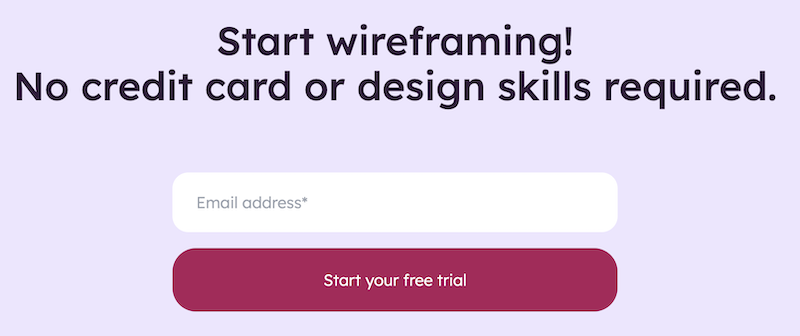
2. Ask your customer to designate you as their Billing Admin
Only your customer can do this and they do it in their Billing Settings: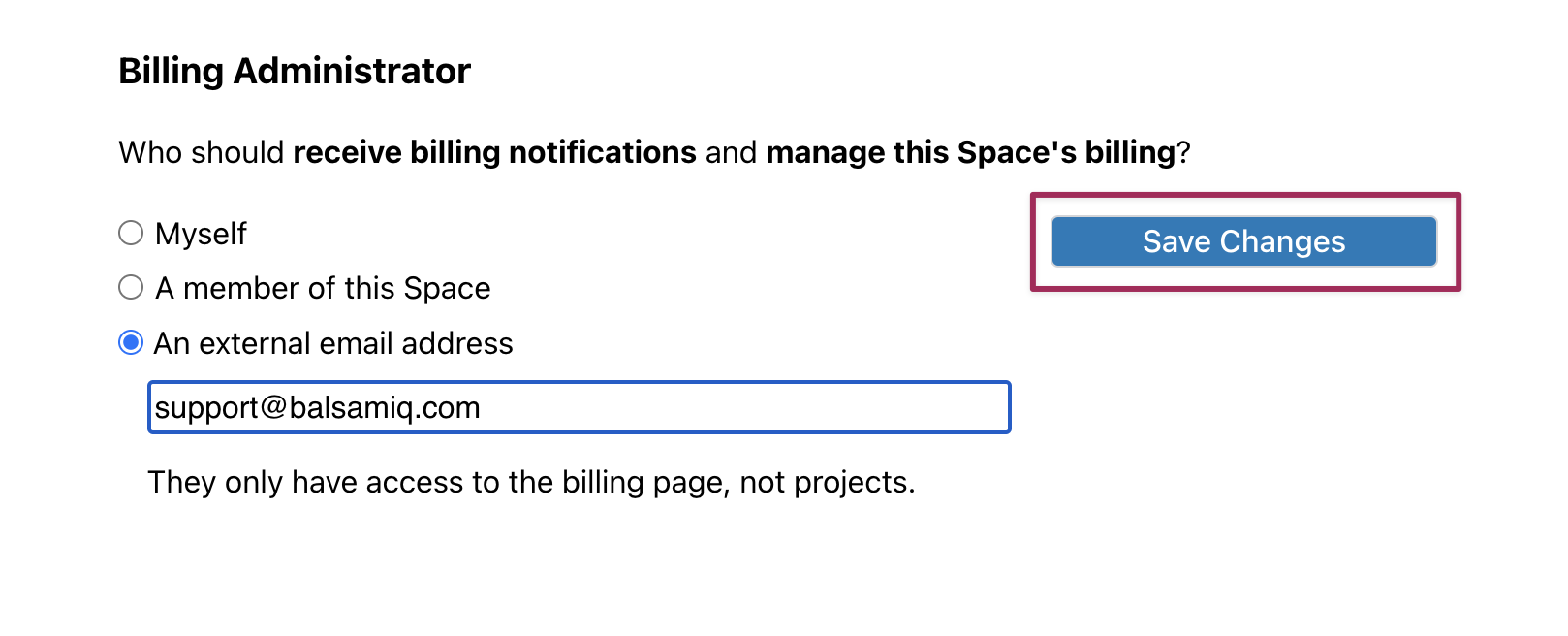 Once saved, they'll have the option to send you an email with your dedicated Billing link.
3. You pay for their subscription
Using the link your customer emailed you, select the plan, billing frequency, and number of editor seats your customer needs. Annual subscriptions include a discount compared with monthly billing.
Important: Resellers can purchase Teams and Enterprise subscriptions for customers. Starter subscriptions are customer-managed only because Starter does not support external Billing Admin management after purchase.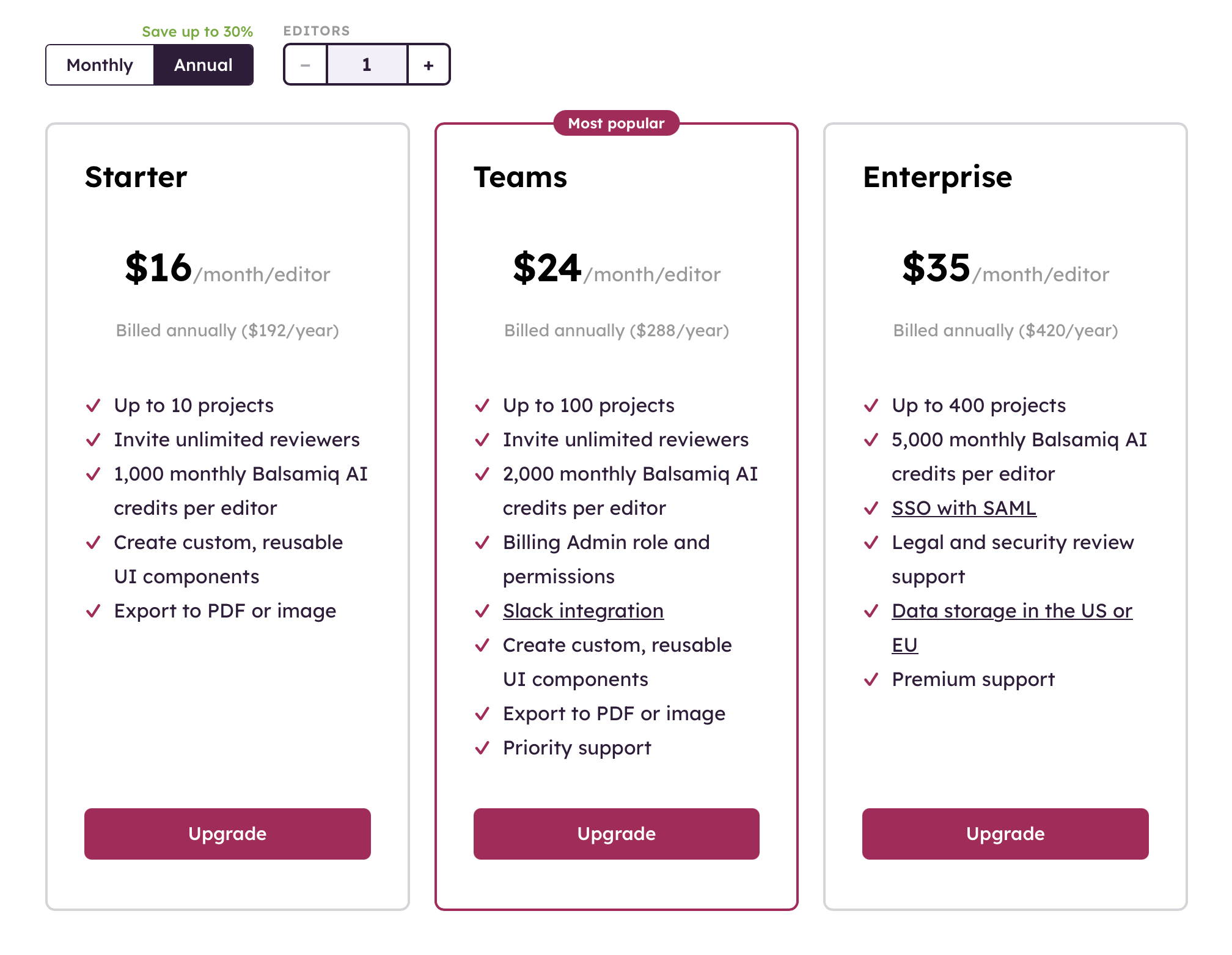 Make sure to bookmark the link in case you need to make changes.
Bookmark the link, you'll need it to make any changes later.
As Billing Admin, you can manage the plan and editor seats going forward, but you won't have access to the customer's projects, wireframes, or other settings. If you lose the link, ask the Space Owner or contact Support.
A few reminders:
Subscription renewal: Subscriptions auto-renew on the frequency you chose. You can turn that off in Billing Settings once active. If you disable auto-renewal and your customer later wants to continue, you'll need to restart the subscription manually before the renewal date.
Note: Spaces with per-project pricing are on a legacy plan. There is no way to re-subscribe to a legacy plan if your payment fails or your subscription gets canceled.
Invoices and receipts: Paid invoices are emailed to the Billing Admin each cycle, and are also available in your billing settings under Invoice History.
How to buy Balsamiq for Desktop for a customer
Balsamiq for Desktop can be purchased directly on our website. When you do, enter your customer's name in the "Name for License" field so the license is issued correctly, and use your own email for the contact info.
The receipt and License Information go to that email immediately after purchase. You'll then forward the License Information and registration instructions to your end user. We don't send anything to your customer directly, that part is on you.
Upgrades and updates for a customer
To add users to a customer's existing license, you'll need their current license key to purchase the upgrade. An upgrade adds users to a license; an update moves it to a new major version, which is a paid update.
Note: Every desktop license must be purchased in the end user's name. Licenses can't be transferred or sub-licensed, so you can't buy in bulk to resell later, and you can't purchase in another reseller's name. Always buy in the name of the person or company who will actually use it. See our EULA for details.