Balsamiq Cloud reseller guide
Welcome! If you’re a software reseller, this quick, 3-step guide will show you exactly how to purchase and manage a Balsamiq Cloud subscription for your customer.
Please Note: Only Teams and Enterprise plans are available for reseller purchase. Starter plans don't support the Billing Admin feature and therefore must be purchased by the customer directly.
3-step guide
1. Ask your customer to start their free trial of Balsamiq Cloud
If they are already using Cloud, great! Go straight to step #2.
Otherwise, your customer starts by signing up for a free trial of Balsamiq Cloud. They head to Balsamiq Cloud and click the Start your free trial button: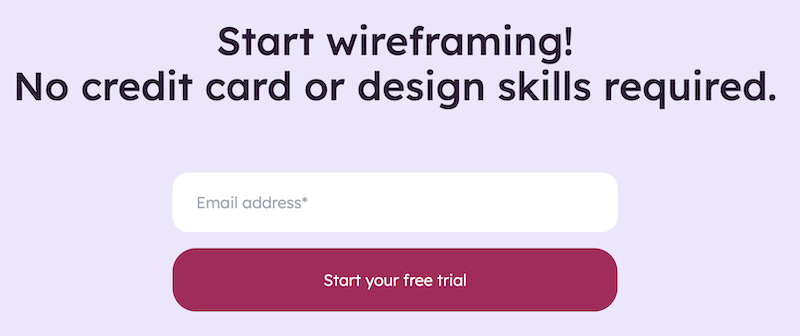
2. Ask your customer to designate you as their Billing Admin
Only your customer can do this and they do it in their Billing Settings: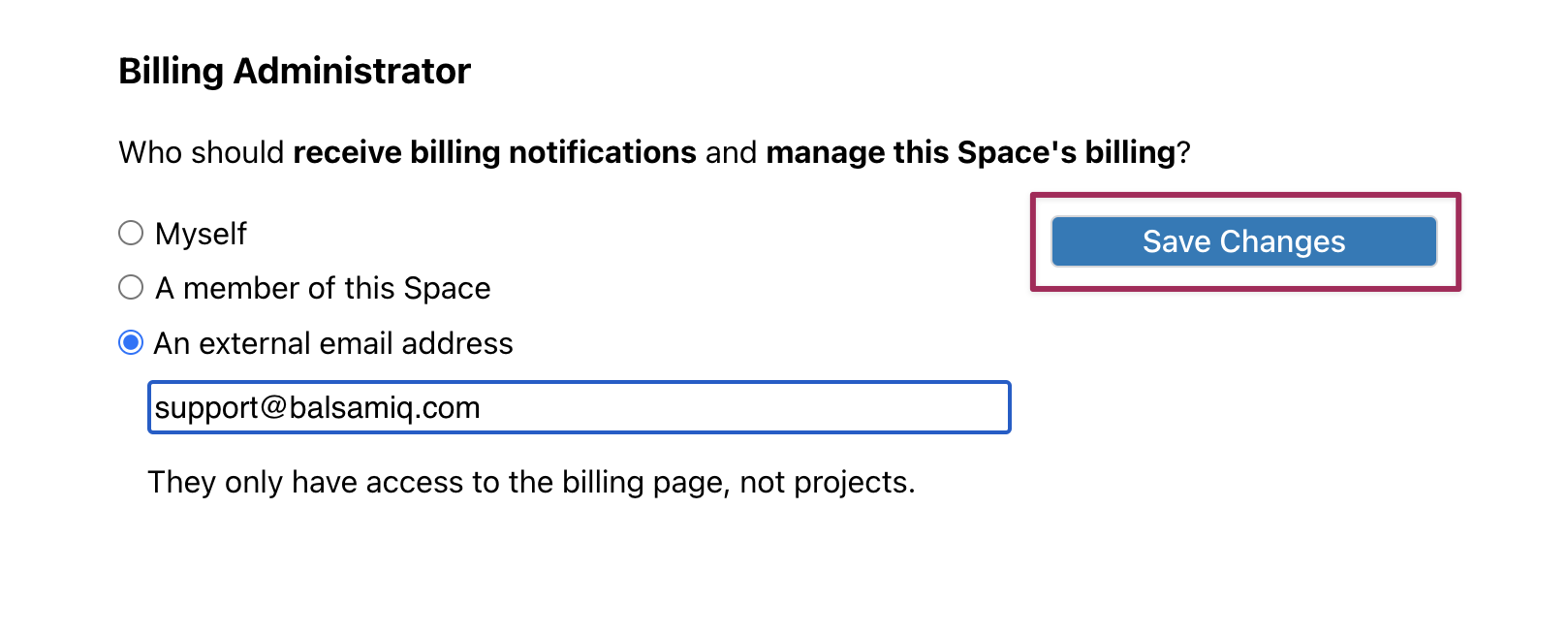 Once saved, they'll have the option to send you an email with your dedicated Billing link.
3. You pay for their subscription
Using the link your customer emailed you, select the plan, billing frequency, and number of editor seats your customer needs. Annual subscriptions include a discount compared with monthly billing.
Important: Resellers can purchase Teams and Enterprise subscriptions for customers. Starter subscriptions are customer-managed only because Starter does not support external Billing Admin management after purchase.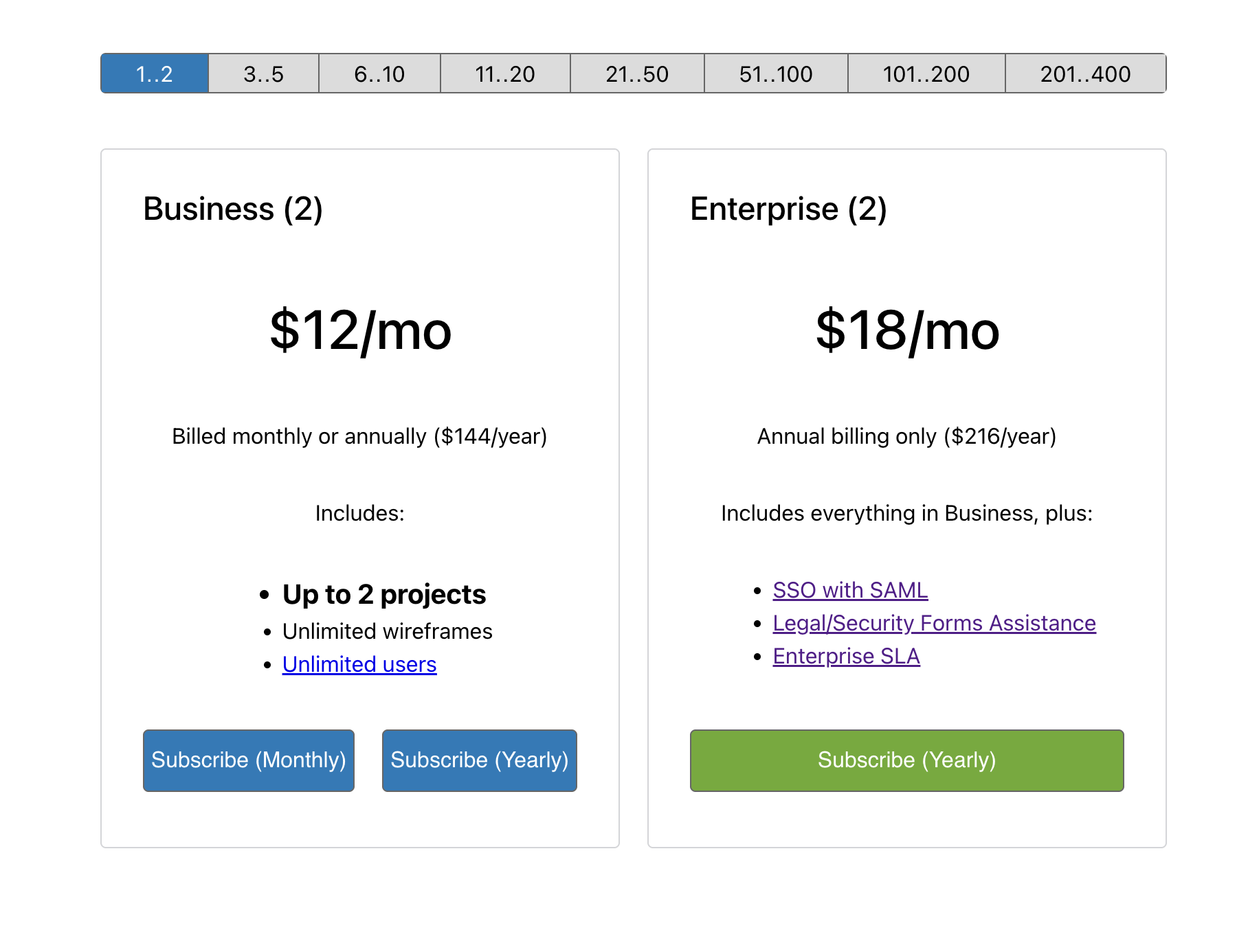 Make sure to bookmark the link in case you need to make changes.
Notes
Legacy plans
Existing customers on legacy per-project pricing are not moved automatically. They can keep their current plan unless they choose to switch to per-editor pricing.
If a legacy customer switches to per-editor pricing, the change is permanent and they cannot return to legacy pricing.
Payment methods
We do not accept purchase orders, nor do we offer terms and invoicing. We do not accept wire transfers or checks as payment. Only automatic credit card payments are allowed.
Quotes
As a recurring subscription that can change any time, we do not provide official quotes. You can view our current pricing on our pricing page. If you would like us to confirm pricing in an email or PDF document, just ask.
Renewals
By default, our subscriptions are set to automatically renew on the frequency selected (monthly or yearly). You can disable auto-renewal in the Billing Settings for the subscription once the subscription is active. If you disable automatic renewal, and your customer wishes to renew, you will need to restart the subscription manually for your customer any time before the scheduled date.
Making changes
Once you pay and subscribe to the customer's desired plan, you will then have completed the process. As the Billing Admin, you will be able to make billing changes for eligible reseller-managed subscriptions, including changing the plan and managing editor seats.
To manage the billing, use the dedicated link emailed to you during the 3-step setup. If you lose the link, contact your Space Owner or contact Balsamiq Support.
Receipts
The paid invoices will be generated and emailed to the Billing Admin every month or year, depending on the selected frequency. The Billing Admin can also find them in the Space, under Invoice History.
Questions? Please contact us!