iPad FAQs
On this page
This page addresses some of the frequently asked questions about iPad and iOS apps and UI elements.
Can I use Balsamiq on my iPad?
Yes! We have been working on improving the overall mobile experience when using our web-based product, Balsamiq Cloud, so it should feel pretty smooth. Give it a try!
How do I move around the board on an iPad?
Drag with two fingers to move around the board, and pinch to zoom in or out. A one-finger drag acts on elements: it moves or selects them. To see the whole board again, tap the zoom percentage in the bottom-right bar and choose "Zoom to fit".
Is there an iPad version in the works?
Now that our web-based product is optimized for mobile users, we have decided that we will not build dedicated product versions for Android and iOS.
That being said, we would love to hear if these optimizations don't live up to your hopes and we'll do our best to improve it.
Does Balsamiq come with iPad elements included?
Yes! Balsamiq ships with an iPad element and other iOS elements, shown below.
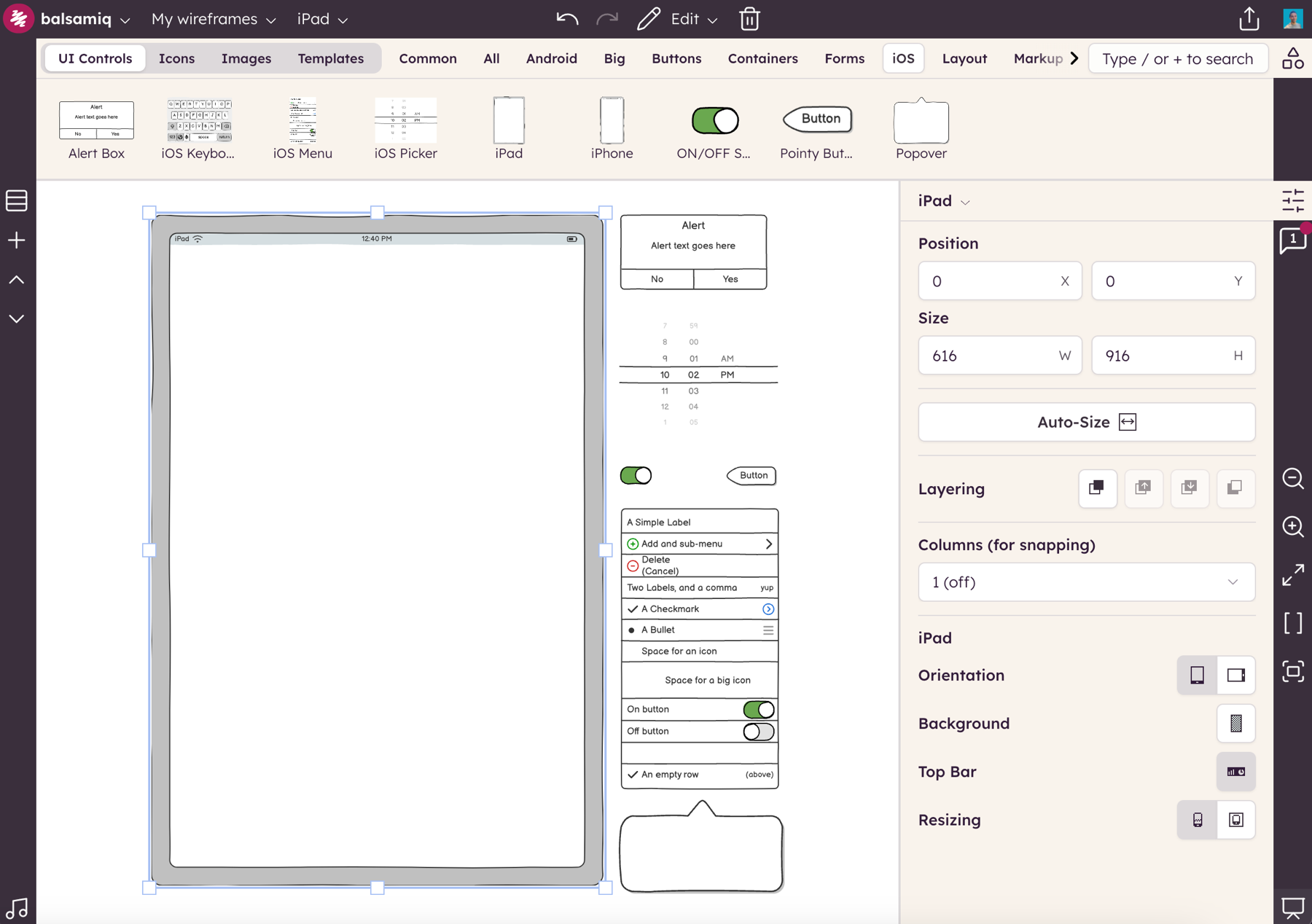
You can also find ready-made community controls in the UI elements panel: search for them there. To start a mobile screen quickly, describe it to Balsamiq AI.
Do you have any resources to help me design or test my mobile application?
You can find some dedicated articles on our Balsamiq Academy, including Wireframing Mobile Applications and Creating Mobile App Wireframes.
For testing, this dedicated tutorial on user-testing your iPad wireframes should help.